


HDC2010 Humidity Sensor: 7 Checks for Low-Power Alerts

HDC2010 Humidity Sensor: 7 Checks for Low-Power Alerts
Plan HDC2010 environmental monitoring with bottom-side sensing access, resolution and interval choices, fresh data, threshold alerts and heater recovery. This is a documentation-based planning guide, not a report of independent hands-on testing.
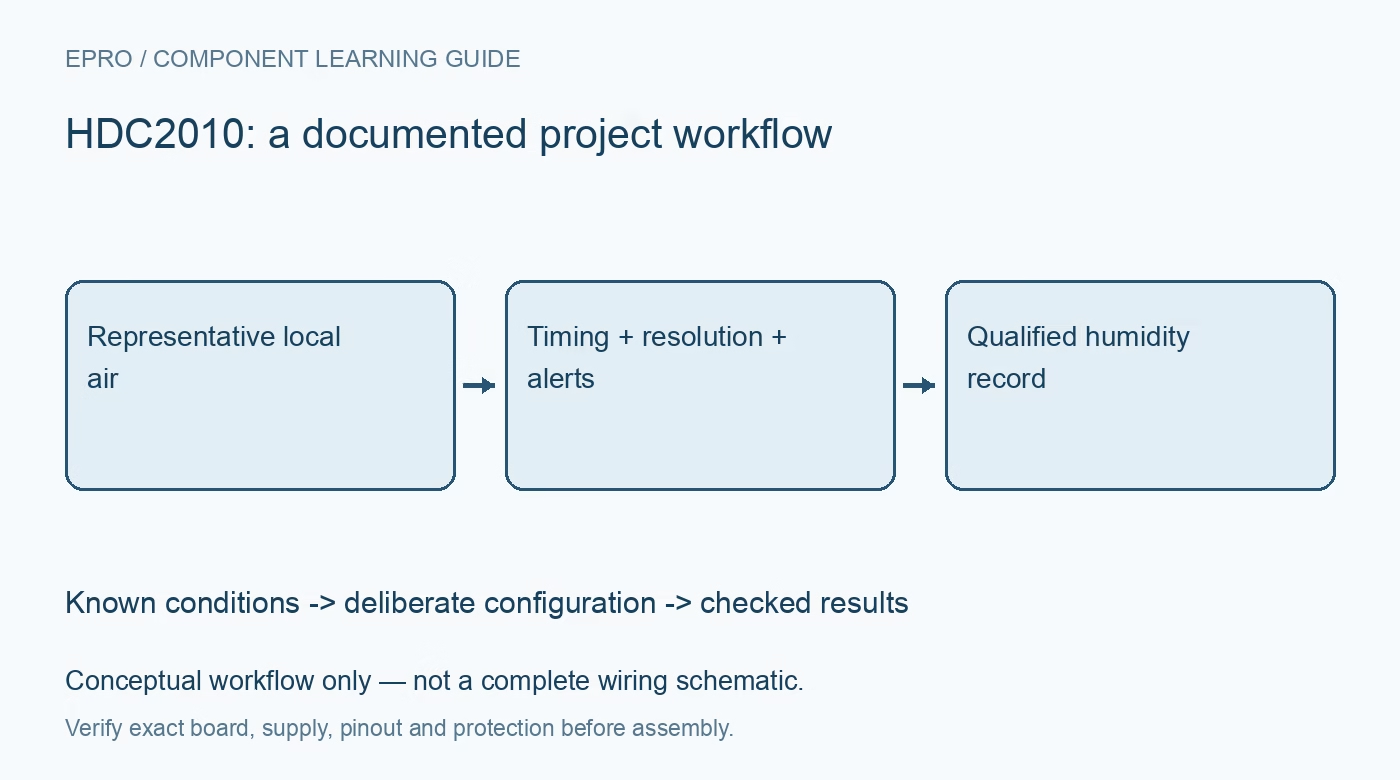
1. Define the HDC2010 air exposure
HDC2010 integrates humidity and temperature sensing with a bottom-side sensing arrangement. Review package and board layout guidance before placing the device in an enclosure or assuming that its orientation is equivalent to another humidity sensor. Define the air path and relevant thermal environment. A compact protected-looking assembly does not automatically represent freely exposed room air, nor does the package arrangement certify an enclosure as waterproof or suitable for arbitrary contamination. Manufacturer documentation.
2. Check the carrier and interface
Confirm supply, logic compatibility, address arrangement and exposed interrupt connections from the exact board documentation. A carrier power-input label may hide regulator or pull-up details relevant to the host. Use the documented device identification and register access as early checks. Do not assume that a library for a different HDC-family device uses compatible transactions and conversion scales. Communication success is only one part of establishing that the sensor is configured and observed correctly. Manufacturer documentation.
3. Choose resolution and timing as a pair
Select the documented temperature and humidity resolution and the intended triggered or automatic acquisition arrangement. Preserve the measurement interval with the configuration because timing affects freshness, response and system power. A lower advertised current applies under specified conditions, not to every possible measurement cadence. Decide how the host recognizes a completed observation rather than reading as quickly as its loop permits. Repeated register access does not necessarily create new independent environmental data. Manufacturer documentation.
4. Decode fields and preserve freshness
Use the documented byte order and engineering-unit conversion for humidity and temperature. Associate each accepted reading with its acquisition state and time. Do not silently substitute a previous value or a convenient zero after a failed transaction. Retain raw responses while evaluating firmware so scaling, stale data and real environmental changes can be investigated separately. An unusually steady humidity number can reflect repeated reads of the same measurement rather than unusually stable air. Manufacturer documentation.
Newest in the store


5. Configure alerts as an application policy
Use the documented threshold, interrupt and status behavior to define the condition that should wake or notify the host. Plan how indications are reviewed, cleared and rearmed rather than treating the alert pin as an unlimited queue of events. Preserve the baseline state after initialization. A threshold useful for one installation can be unsuitable for another because temperature and air exposure differ. Independent safeguards remain necessary if a missed environmental alert could create damage or a hazard. Manufacturer documentation.
6. Flag heater operation and recovery
The integrated heater supports the documented moisture-handling functions, but heating changes the local condition being measured. Mark heater activity and the subsequent return toward representative environmental conditions in the data record. Do not present those observations as ordinary ambient humidity without qualification. Follow the manufacturer guidance rather than using continuous heating as an improvised calibration method. A heater also changes the energy budget, so sleep-current figures alone do not describe operation when recovery functions are used. Manufacturer documentation.
7. Evaluate the installation, not only the register
Retain board layout, enclosure, air path, resolution, interval, alert settings, heater history and comparison conditions with results. Reassess after moving heat sources or altering ventilation. The related HDC3022 guide concerns another package and command implementation, not guaranteed compatibility. This HDC2010 workflow proposes traceable low-power environmental monitoring and claims no independent chamber measurements, universal condensation recovery or complete application accuracy merely because a factory-calibrated sensor supplies two environmental values. Manufacturer documentation.
Related reading: HDC3022 Humidity Sensor: 7 Checks for Protected Air Sensing.
Catalog note: The exact-part search did not return a matching Epro listing during preparation. Check the current catalog; this guide makes no price, availability or included-accessory claim.