


LP5810 LED Driver: 7 Checks for Configuration Updates and Autonomous Animation

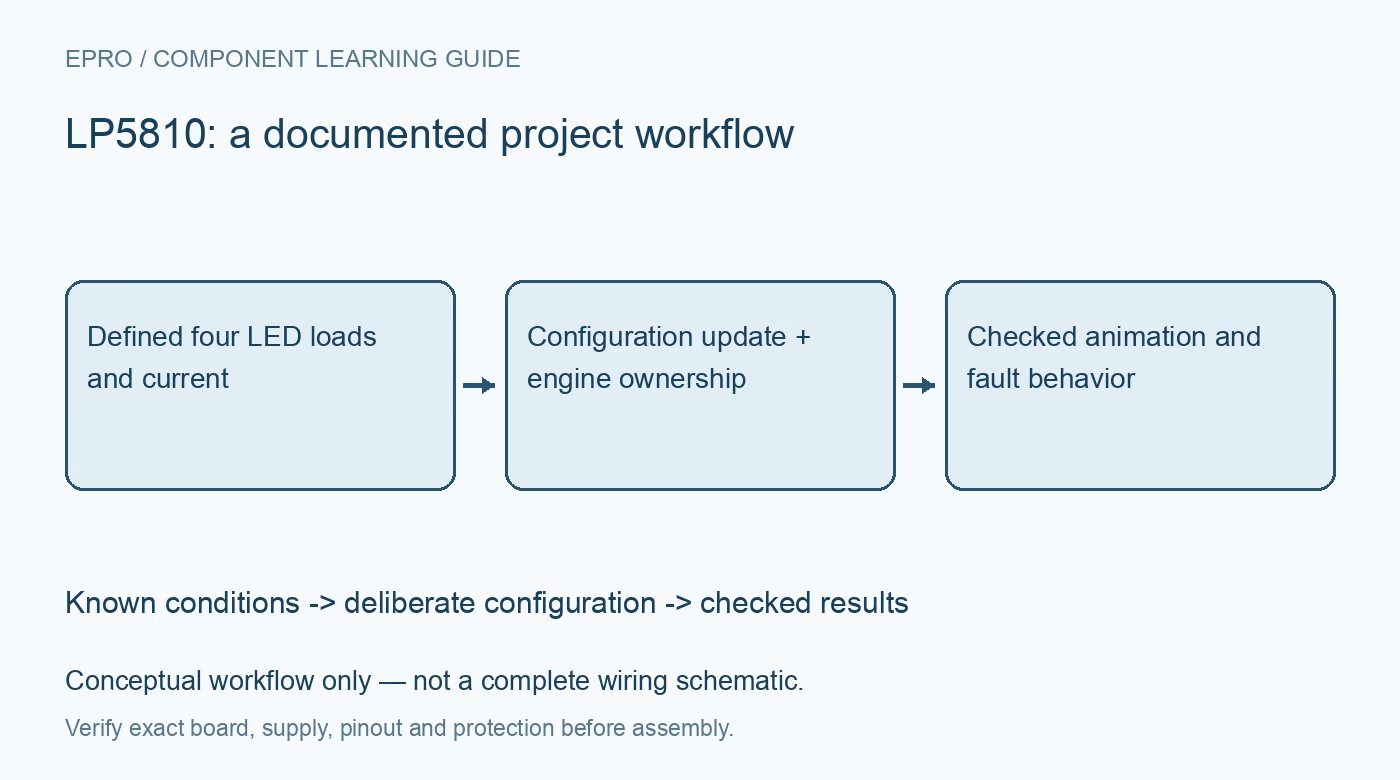
LP5810 LED Driver: 7 Checks for Configuration Updates and Autonomous Animation
Plan LP5810 lighting with explicit update commands, current scaling, manual versus autonomous control and meaningful fault checks. This is a documentation-based planning guide, not a report of independent hands-on testing.
1. Start with four current sinks, not four supplies
LP5810 provides four constant-current sink outputs suitable for a compact RGBW arrangement or other four-channel lighting load. Identify each LED polarity, its supply path and the exact package pinout before assigning software channel names. The device supply range is 2.7V to 5.5V, and output-pin limits require their own check. A sink output does not generate an LED supply voltage. Begin with conservative current settings and enough supply headroom for the LED and output stage. Manufacturer documentation.
2. Separate maximum current from dot current
The global maximum-current bit selects either 25.5mA or 51mA, while an individual eight-bit dot-current value scales each channel. The documented relationship is peak current equals maximum current multiplied by DC divided by 255. For example, DC equal to 128 gives about half of the selected maximum, not half of any arbitrary LED rating. Check the LED continuous and pulsed limits first. PWM controls average brightness but does not make an excessive on-current acceptable. Manufacturer documentation.
3. Commit configuration with the update command
Writing configuration registers is not the final step. The manufacturer procedure requires an update command before a new configuration becomes effective; its example writes 0x55 to register 0x010. Distinguish a successful bus transaction from an applied configuration. Keep initialization in a deliberate sequence: power stabilization, addressing, chip enable, configuration writes and update. Read back the intended settings where supported and then check the observable behavior, rather than diagnosing every unchanged light pattern as a wiring problem. Manufacturer documentation.
4. Track manual and autonomous ownership
Each channel can use manual control or its autonomous animation engine. Record which mode owns every channel so a manual PWM write is not mistaken for a command that must immediately replace an active animation. The device offers separate start, stop, pause and continue commands with different state-machine effects. Test those transitions using a simple low-current pattern before constructing a complex sequence. A restart with the latest settings is not equivalent to resuming a paused sequence from its previous position. Manufacturer documentation.
Newest in the store


5. Choose PWM frequency and phase deliberately
LP5810 supports eight-bit PWM dimming with documented 12kHz and 24kHz frequency choices. Per-channel alignment can spread switching activity across the PWM period, reducing simultaneous supply-current steps. This helps the power network but does not remove the total average LED load. If several devices must animate together, review the SYNC clock arrangement and which device drives it. Avoid connecting multiple clock outputs together. Record the frequency, alignment and synchronization configuration alongside any waveform or brightness observation. Manufacturer documentation.
6. Interpret open and short diagnostics in context
Open-LED and short-LED indications depend on the documented detection conditions, thresholds and operating state. A disabled or nearly dark channel is not automatically an adequate diagnostic stimulus. Exercise fault reporting with a controlled fixture and a safe current setting, preserving which output and pattern were active. Clear and recheck flags using the documented procedure. Treat the results as evidence about the tested electrical condition, not proof that the LED has the correct color, optical alignment or mechanical connection. Manufacturer documentation.
7. Validate reset recovery and thermal behavior
Verify that power cycling and controller resets restore a defined dark or otherwise safe initial state before the animation starts. Observe supply droop, current and package temperature during the most demanding intended pattern, including all channels operating together. Record the LED type, maximum-current bit, dot-current values, PWM settings, board revision and supply limits. Keep measured waveforms separate from design expectations. This guide defines a reproducible qualification workflow; it does not claim that a particular assembled module has already passed it. Manufacturer documentation.
Related reading: LP5024 RGB LED Driver: 7 Checks for Bank Control and Dithered Dimming.
Catalog note: The exact-part search did not return a matching Epro listing during preparation. Check the current catalog; this guide makes no price, availability or included-accessory claim.