


LP5864 LED Matrix Driver: 7 Checks for a Four-Line Display

LP5864 LED Matrix Driver: 7 Checks for a Four-Line Display
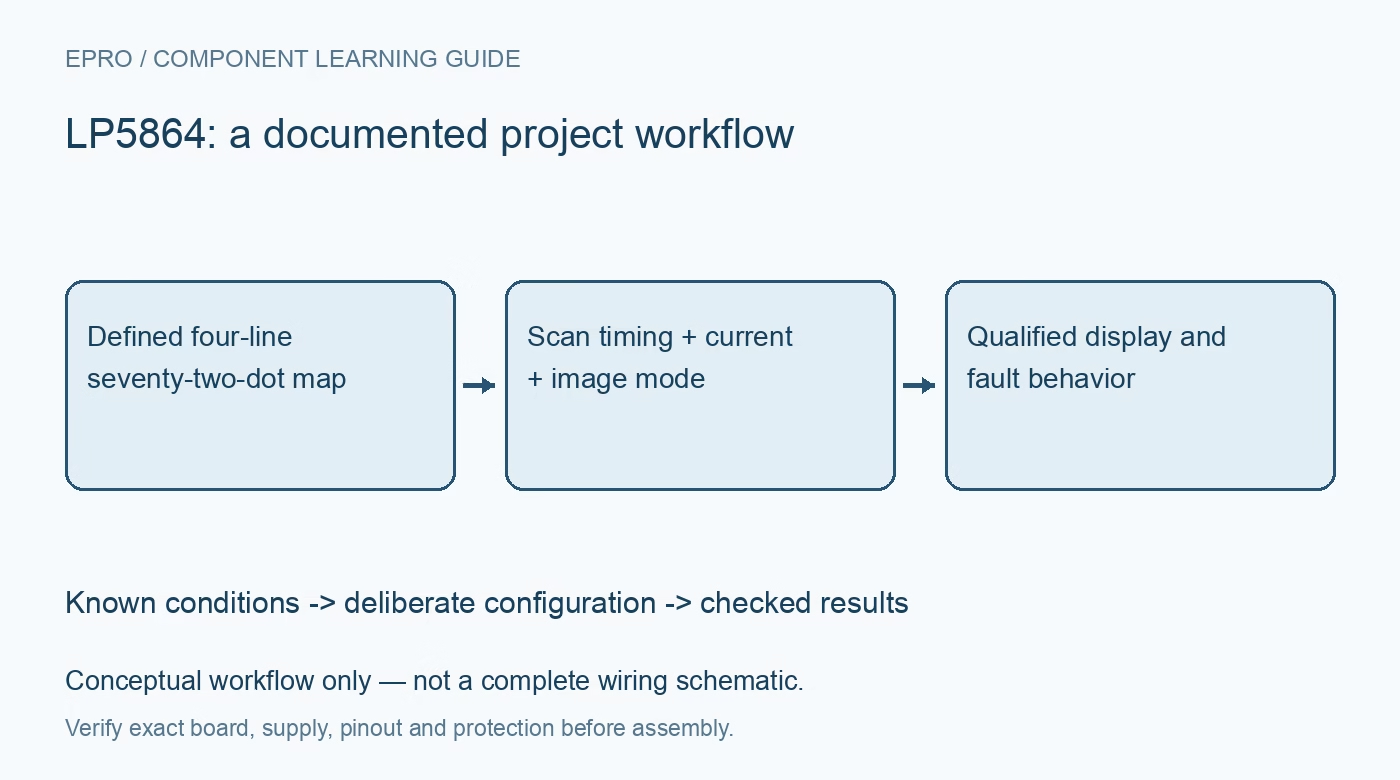
Prepare LP5864 four-line displays with a verified 72-dot map, scan-aware current, coherent image updates and qualified diagnostics. This is a documentation-based planning guide, not a report of independent hands-on testing.
1. Build the electrical map before the visual image
LP5864 combines eighteen constant-current sinks with four scan switches, giving up to seventy-two individual dots or twenty-four RGB pixels. A dot is identified by both its scan line and sink connection, not by a single sink index. Document those two coordinates for every physical LED before creating patterns. The driver can use fewer active lines, so confirm the intended construction rather than assuming all four are populated. Verify the package-specific supply, switch and sink connections against the manufacturer pin table. Manufacturer documentation.
2. Match active scan count to populated lines
The active-line configuration supports one through four scan switches. Set that value deliberately and establish how software handles any unpopulated positions. A fixed image array borrowed from a smaller display can leave stale or misplaced data when the active geometry changes. Start with a moving single-dot pattern that identifies every line and sink. Store the electrical map in one driver layer instead of correcting wiring differences through scattered animation constants that become difficult to audit during a board revision. Manufacturer documentation.
3. Calculate average light from scan duty and peak current
Each dot receives its share of scan time, so the sink current headline is not the continuous current through every visible LED. Combine active-line count, PWM duty and current scaling when planning brightness. The upper sink-current capability also has specified supply conditions, including VCC of at least 3.3 V for the advertised fifty-milliampere level. Check LED pulse ratings and total dissipation before compensating for reduced duty with more current. A visually dim pattern is not evidence that the peak electrical stress is small. Manufacturer documentation.
4. Give each dimming layer a defined purpose
Use current settings to establish safe operating limits and color balance, then decide which PWM or group layer owns animation and user brightness. Without that separation, two software routines can change the same apparent brightness for different reasons. Follow the mode-specific rules when updating master current, including the required disabled state where applicable. Keep supply and LED forward-voltage headroom in the review; reducing a numeric duty setting does not make an inadequately supplied constant-current sink behave like the ideal model. Manufacturer documentation.
Newest in the store


5. Choose coherent frames and the correct memory layout
Eight-bit Mode 1 updates outputs as data arrives, while synchronized Modes 2 and 3 use frame updates with eight-bit and sixteen-bit PWM respectively. Select the policy based on whether intermediate partially written images are acceptable. The SRAM allocation differs with PWM resolution, so changing data width alone is not a valid mode conversion. Budget traffic for the complete four-line image, establish VSYNC timing where required and decide how a controller restart restores a known image instead of leaving retained data with unknown ownership. Manufacturer documentation.
6. Run diagnostics with an intentional safe test pattern
Open and short detection have documented PWM and persistence requirements. An intentionally dark dot may not be exercising those conditions, and one clean global status read does not prove every connection is correct. Use a recognizable diagnostic pattern at safe current, read per-dot details and follow the documented clearing procedure after correcting a fault. Ghost-cancellation features support scanned operation but do not repair incorrect line mapping or a damaged LED. Preserve diagnostic configuration with the observations rather than recording an unexplained pass flag. Manufacturer documentation.
7. Qualify the assembled four-line operating envelope
Check individual colors, each line, mixed patterns and the largest intended combined display load. Observe supply stability and temperature at the actual current configuration, then exercise a complete frame change and reset recovery. Record interface mode, active-line count and the physical dot map with the result. This documentation-based guide contains no independent optical or thermal measurements. Keep measured evidence separate from datasheet expectations so later animation, LED or supply changes trigger a focused review of the accepted operating envelope. Manufacturer documentation.
Related reading: LP5862 LED Matrix Driver: 7 Checks for Two Scan Lines.
Catalog note: The exact-part search did not return a matching Epro listing during preparation. Check the current catalog; this guide makes no price, availability or included-accessory claim.