


DAC53401 Smart DAC: 7 Checks for Predictable Waveform Startup

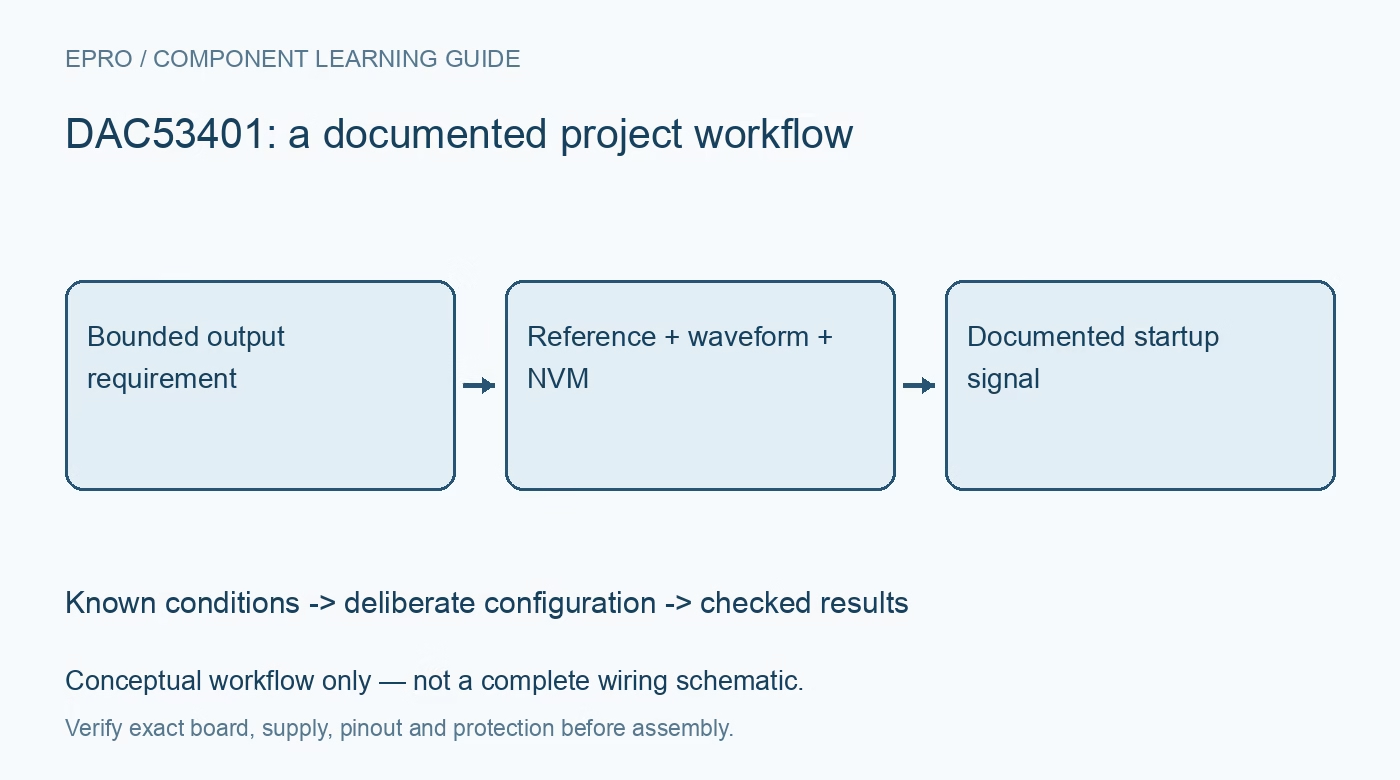
DAC53401 Smart DAC: 7 Checks for Predictable Waveform Startup
Plan DAC53401 output control with correct 10-bit coding, reference selection, startup impedance, slew behavior, waveform settings and deliberate NVM use. This is a documentation-based planning guide, not a report of independent hands-on testing.
1. Identify the DAC53401 resolution and role
The shared DACx3401 documentation covers the 10-bit DAC53401 and the 8-bit DAC43401. Confirm the actual part before constructing codes or adopting a library constant. The device offers autonomous waveform and control features, but it remains a bounded analog output component rather than a universal function generator. Define the intended output amplitude, timing and load explicitly. A signal that visibly changes does not establish the requested electrical accuracy or frequency behavior. Manufacturer documentation.
2. Establish the reference and load boundary
Choose the documented reference arrangement and relate it to the supply, programmed range and expected output headroom. Review output loading and the actual carrier connections before attaching the final circuit. A nominal full-scale setting does not guarantee that an arbitrary load can be driven to that value. Begin with an appropriate unloaded or benign measurement condition. Keep requested voltage, code, reference and supply together so digital scaling errors can be separated from analog limitations. Manufacturer documentation.
3. Review the power-on output state
The documented startup behavior includes high-impedance and configurable output-state options. High impedance should not be described as a guaranteed zero-voltage output; a connected circuit can influence a floating node. Analyze downstream behavior before the host completes initialization and after a reset. Where an unintended startup voltage matters, provide a suitable independent enable or safe-state mechanism. Nonvolatile configuration belongs in that analysis because recalled settings can affect behavior before application software writes a new command. Manufacturer documentation.
4. Build a static output baseline first
Use the documented I2C-compatible commands to establish a simple static output before enabling waveform generation. Verify byte arrangement, code alignment and allowed numeric range for the exact resolution. Define handling for invalid or excessive requests rather than permitting integer wraparound. Confirm the intended configuration through the supported readback behavior. A known static baseline makes it easier to diagnose whether a later waveform problem arises from output loading, reference selection or the autonomous generation configuration. Manufacturer documentation.
Newest in the store


5. Configure slew and waveform behavior consciously
Review the supported waveform types and their documented timing and step controls. Digital slew-rate control, autonomous pattern generation and the analog settling of a loaded output are related but distinct. Preserve the full configuration when comparing observations. Do not infer waveform fidelity from a multimeter average or describe a programmed ramp as a calibrated arbitrary waveform. Use suitable measurement equipment if evaluating timing, amplitude, settling or interaction with the actual downstream load. Manufacturer documentation.
6. Treat NVM programming as a controlled operation
Separate ordinary volatile updates from deliberate storage to nonvolatile memory. Follow the documented programming sequence, conditions and endurance guidance, and avoid issuing a store command in a routine polling loop. Retain the intended saved configuration with a revision identifier and verify the expected reset behavior under a suitably bounded evaluation. A software default and a previously stored device state can differ, so a restart should not be assumed to reproduce a fresh unprogrammed part. Manufacturer documentation.
7. Define the output acceptance boundary
Keep part identity, reference, code format, startup state, waveform settings, stored configuration and load conditions with results. The related DAC60501 article provides comparison of basic voltage-output checks, not an interchangeable command set. Manufacturer application examples involving alarms or power control do not certify a finished safety-critical system. This DAC53401 workflow is documentation-based and claims no independent waveform measurements, universal load compatibility or guarantee that a saved configuration alone creates a safe application startup. Manufacturer documentation.
Related reading: DAC60501 DAC: 7 Checks for a Predictable Voltage Output.
Catalog note: The exact-part search did not return a matching Epro listing during preparation. Check the current catalog; this guide makes no price, availability or included-accessory claim.