


TUSB320 USB-C Controller: 7 Checks Before Applying Power

TUSB320 USB-C Controller: 7 Checks Before Applying Power
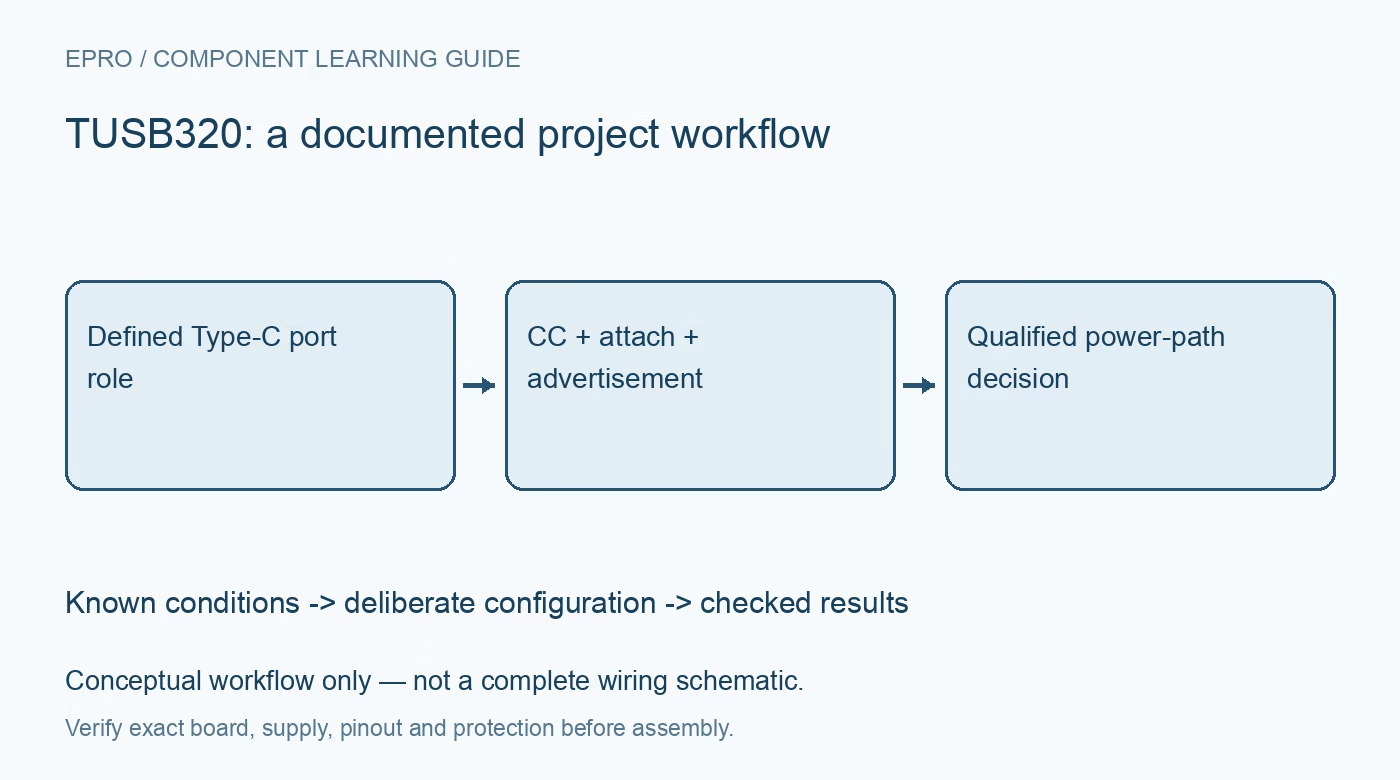
Plan TUSB320 Type-C detection with deliberate port role, CC wiring, current advertisement, VBUS supervision and a clear boundary from USB Power Delivery. This is a documentation-based planning guide, not a report of independent hands-on testing.
1. Define the TUSB320 port role
TUSB320 provides Type-C configuration-channel logic for attachment, orientation, role and current-mode detection. Decide whether the application is a source, sink or dual-role port before reviewing the schematic. Those roles affect the required surrounding circuitry and policy. A Type-C connector does not by itself define how power should flow. Record the intended system behavior for attachment and removal rather than describing the board only as a USB-C module. Manufacturer documentation.
2. Keep CC control separate from Power Delivery
Do not assume this CC controller alone negotiates arbitrary USB Power Delivery voltage profiles. Current advertisement and attachment detection have different roles from a complete higher-voltage negotiation implementation. Where the application requires additional power-delivery behavior, identify the necessary separate controller and power-path design. An advertised current capability is not a measurement of instantaneous current or permission for a connected load to exceed its own limits. Preserve the applicable interface and power requirements explicitly. Manufacturer documentation.
3. Verify connector and power-path wiring
Review CC1, CC2, VBUS detection, ground and the actual connector pinout against the manufacturer examples and Type-C requirements. Include protection, source switching and discharge responsibilities in the complete circuit. The controller is not a universal substitute for a power switch, current limiter or data-lane orientation mux. Keep introductory evaluation with known compatible, protected equipment. Do not apply an arbitrary higher voltage to a connector in an attempt to demonstrate attachment or role detection. Manufacturer documentation.
4. Configure interface mode and role deliberately
Check the exact ordering option, carrier straps and selected I2C or GPIO arrangement. Supported behavior depends on the configured mode; do not assume that every advertised feature is available through every strap arrangement. Preserve role settings and initialization with the hardware revision. A successful bus read does not establish that the power path is enabled safely, while a GPIO level does not by itself explain all underlying attachment and current-mode conditions. Manufacturer documentation.
Newest in the store


5. Interpret attachment and orientation as state
Use the documented status and interrupt behavior to track connection changes rather than treating one startup read as a permanent result. Handle attachment, removal and orientation changes explicitly. These indications describe the port state; they do not demonstrate successful USB data transfer or validate a connected device’s application behavior. Keep raw status during evaluation so an incorrect role, cable arrangement or host response can be distinguished from an unrelated data-interface problem. Manufacturer documentation.
6. Respect advertisement and available source capability
Configure or interpret current advertisement using the documented mode-dependent behavior and the actual source capability. Never advertise a current that the complete supply, connector, protection and board cannot support. A sink should make an appropriate power decision from the detected conditions rather than drawing its maximum demand unconditionally. Record how firmware handles changing or missing status. A familiar charger label is not evidence that every cable and board in the path has equivalent capability. Manufacturer documentation.
7. Validate the complete port policy
Retain port role, interface mode, CC wiring, advertisement policy, power-path design, status handling and known test equipment with observations. Verify only through controlled compatible connections before making product-level interoperability claims. The linked USB-UART guide discusses a different interface function, not a Type-C controller substitute. This TUSB320 workflow is documentation-based and claims no independent compliance testing, universal charger compatibility or safe higher-voltage operation merely because a Type-C connector and CC detection are present. Manufacturer documentation.
Related reading: CP2102 USB to UART: 7 Safe Wiring Checks.
Catalog note: The exact-part search did not return a matching Epro listing during preparation. Check the current catalog; this guide makes no price, availability or included-accessory claim.