


LP5862 LED Matrix Driver: 7 Checks for Two Scan Lines

LP5862 LED Matrix Driver: 7 Checks for Two Scan Lines
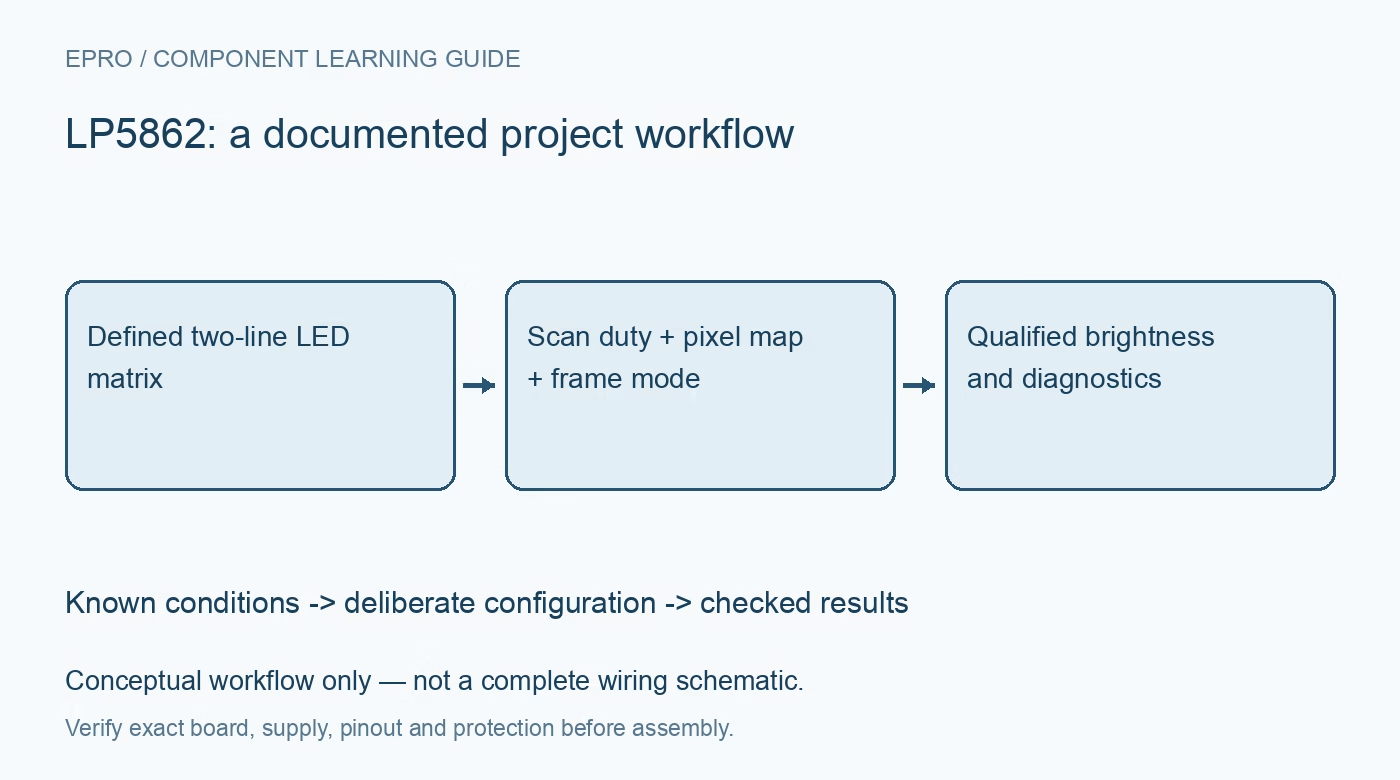
Plan LP5862 two-line LED matrices with scan-aware current, correct pixel addressing, synchronized updates and qualified fault handling. This is a documentation-based planning guide, not a report of independent hands-on testing.
1. Map thirty-six dots onto the actual two-line structure
LP5862 combines eighteen current sinks with two high-side scan switches, supporting thirty-six LED dots or twelve RGB pixels. It can also be configured to use only one scan switch. Establish the electrical dot map before arranging a visual pixel array: a sink number and a scan-line number together identify a dot. A thirty-six-element software image is not enough to define its wiring. Check package-specific terminal assignments, common-anode connections and unused scan outputs against the exact device documentation. Manufacturer documentation.
2. Compare one-line and two-line current conditions
Changing the active scan count changes the time available to each LED. The instantaneous sink current and the time-averaged dot current are therefore different quantities in a two-line display. Derive the required brightness from scan duty, PWM and the current-setting layers together. The fifty-milliampere sink headline also requires its stated supply condition, including VCC of at least 3.3 V. Check LED pulse capability and average dissipation before increasing peak current to compensate for time multiplexing. Manufacturer documentation.
3. Configure scan count before judging the pixel pattern
Max_Line_Num selects the active scan count, which must match the implemented matrix. A mismatch can create apparently inconsistent brightness or address behavior even when communication succeeds. Begin with a pattern that distinguishes the two scan lines and each sink. Check whether a color belongs to the intended physical pixel rather than correcting errors through unexplained animation-table swaps. Keep a single logical-to-electrical map in the driver and retain the configured scan count with it so a board revision can be reviewed systematically. Manufacturer documentation.
4. Give analog current and PWM layers distinct ownership
The driver offers master current, color or group settings and per-dot control alongside PWM dimming. Assign one layer to safe operating current, another to color balance and another to user-visible brightness or animation. Multiple independent software routines should not silently overwrite the same dimming function. Follow mode-dependent requirements when changing master current, including the documented disabled-channel update sequence where applicable. Reduced PWM does not eliminate the need to check instantaneous current and supply headroom at the LED outputs. Manufacturer documentation.
Newest in the store


5. Choose a frame mode and its matching SRAM layout
Mode 1 applies eight-bit PWM changes as data arrives, while Modes 2 and 3 use frame synchronization with eight-bit and sixteen-bit PWM respectively. Choose whether a partly updated two-line image is acceptable before selecting a mode. The sixteen-bit mode has a different SRAM allocation, so increasing a brightness variable width without changing the addressing is insufficient. Budget interface traffic and VSYNC timing together, and include controller restart in the policy for restoring a complete coherent display image. Manufacturer documentation.
6. Qualify faults under documented detection conditions
Open and short detection depend on operating conditions, including adequate PWM and observation time. An LED that is intentionally off is not necessarily exercising its diagnostic path. Use a known test pattern at safe current, then interpret global and per-dot flags together. Check the specified clear process after correcting a physical fault. Ghost-cancellation features help scanned operation but do not repair a wrong matrix connection or establish that every LED has the expected forward voltage and color balance. Manufacturer documentation.
7. Accept the matrix only after supply and image checks
Exercise a single dot, each scan line, individual RGB components and the highest intended combined pattern. Observe supply behavior and temperature with both scan lines active, then repeat a synchronized update and a reset recovery. Record interface mode, scan count, current settings and pixel map with the result. This is a documentation-based preparation guide, not measured optical or thermal performance. Keep actual observations separate from datasheet expectations so the accepted brightness and diagnostic behavior remain traceable to the assembled project. Manufacturer documentation.
Related reading: LP5861 LED Driver: 7 Checks for Six RGB Indicators.
Catalog note: The exact-part search did not return a matching Epro listing during preparation. Check the current catalog; this guide makes no price, availability or included-accessory claim.