


BMP390 Barometer: 7 Decisions Before Converting Pressure to Altitude

BMP390 Barometer: 7 Decisions Before Converting Pressure to Altitude
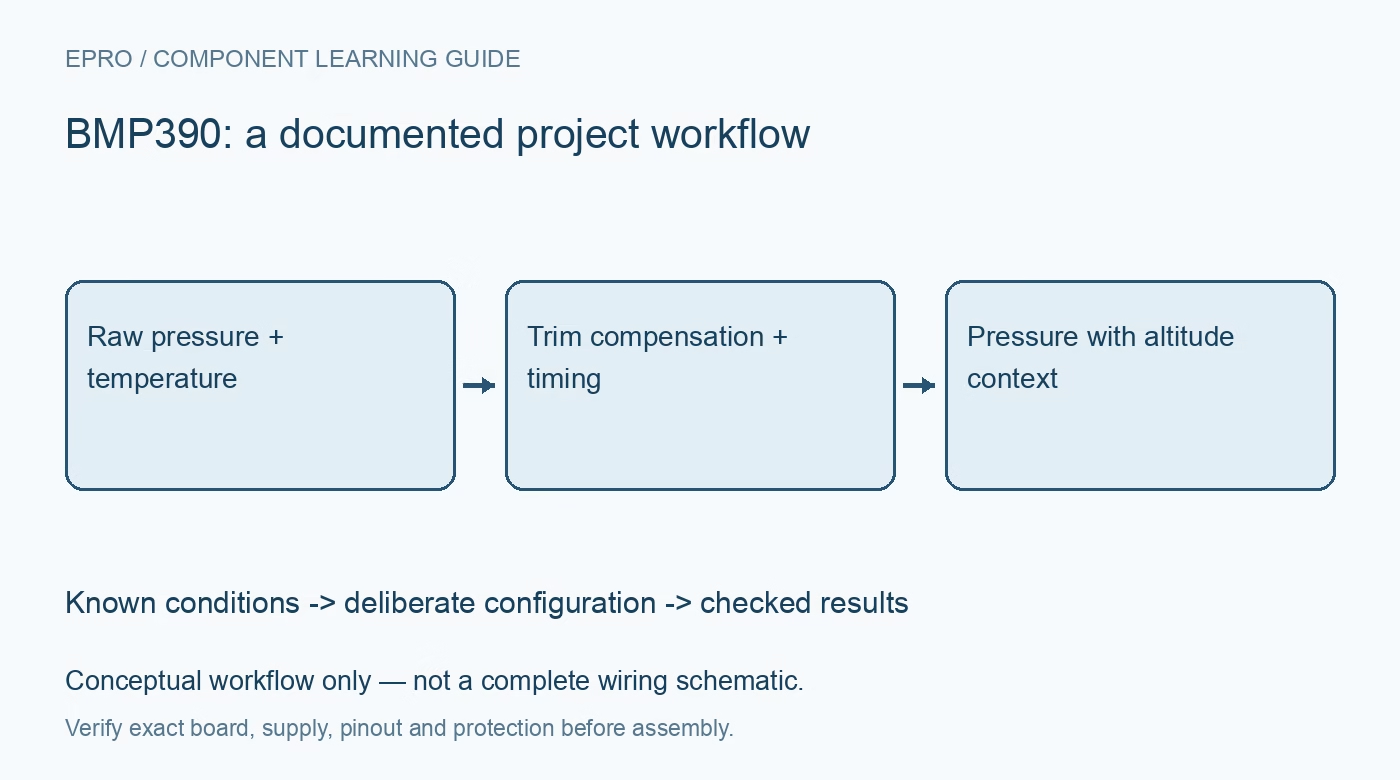
Build a BMP390 pressure record with correct trim compensation, sampling choices and FIFO parsing before interpreting changes as altitude. This is a documentation-based project guide, not an independent hands-on test report.
1. Decide what altitude means here
BMP390 measures pressure and temperature; altitude is a model derived from pressure, not a separately sensed coordinate. Bosch documents a digital barometric pressure device with configurable acquisition and buffering. Decide whether the task is detecting a relative floor change or estimating height against a reference pressure. Weather changes can affect absolute estimates even while the sensor remains stationary. A pressure reading should therefore remain available beside every derived altitude value. Manufacturer documentation.
2. Inspect the pressure path and interface
Identify the exact breakout, supply rails and selected I2C or SPI interface. Confirm pin functions from that board rather than a similar photograph. Keep the pressure opening unobstructed and protect it through a mechanical design that does not seal it away from ambient air. Airflow, enclosure flex and rapid temperature changes can create disturbances. Do not press objects into the opening or assume an enclosure gasket has no measurement effect. Manufacturer documentation.
3. Use the device-specific trim coefficients
Read the sensor calibration coefficients and apply the documented temperature and pressure compensation sequence. Raw register counts are not pressure units. Preserve coefficient types and arithmetic precision; an incorrect signed value can produce convincing but wrong results. A maintained Bosch driver can reduce implementation risk, but its version and configuration still belong in the test record. Confirm device identity rather than assuming BMP280 register definitions transfer to BMP390. Manufacturer documentation.
4. Balance oversampling, rate and filtering
Choose pressure oversampling, temperature oversampling and output rate as a combined configuration. Check that the selected conversion workload fits the requested timing. Additional filtering can reduce visible fluctuations while delaying a real change. Compare an unfiltered or lightly filtered baseline with the intended operating settings before selecting a final profile. Polling the data registers rapidly does not create independent new pressure measurements or improve the physical response of the enclosure. Manufacturer documentation.
Newest in the store


5. Parse the FIFO as framed data
The FIFO is a stream with documented frame headers and content, not an unlimited list of pressure words. Configure which measurements enter it, then parse each supported frame type and handle configuration or error conditions. Track overflow and host service gaps. During validation, deliberately delay a read and confirm that the software reports missing data. Assign time meaningfully; a burst retrieved now may contain samples acquired earlier. Manufacturer documentation.
6. Document the altitude reference
Convert compensated pressure only after choosing a pressure reference and model assumptions. For relative movement, record a stable local baseline and its time. For an absolute estimate, identify where the sea-level reference came from and when it was valid. Check units before entering a formula: pascals and hectopascals are not interchangeable numbers. Temperature assumptions and changing weather limit the interpretation, so avoid presenting decimal places as guaranteed height accuracy. Manufacturer documentation.
7. Validate a stationary BMP390 first
Collect a stationary record before performing a small controlled height change. Store compensated pressure, sensor temperature, acquisition settings, FIFO status, reference pressure and derived altitude together. Repeat with the final enclosure and mounting. Do not use this prototype as the sole basis for flight control or another safety-critical decision. The related BMP280 guide introduces barometer selection, while BMP390 compensation, buffering and timing must follow its own documentation. Manufacturer documentation.
Related reading: BMP280 Sensor: 7 Checks Before Buying.
Catalog note: The exact-part search did not return a matching Epro listing during preparation. Check the current catalog; this guide makes no availability, price or accessory claim.