


AS5600 Arduino: Read Angle, Magnet Status and Wraparound

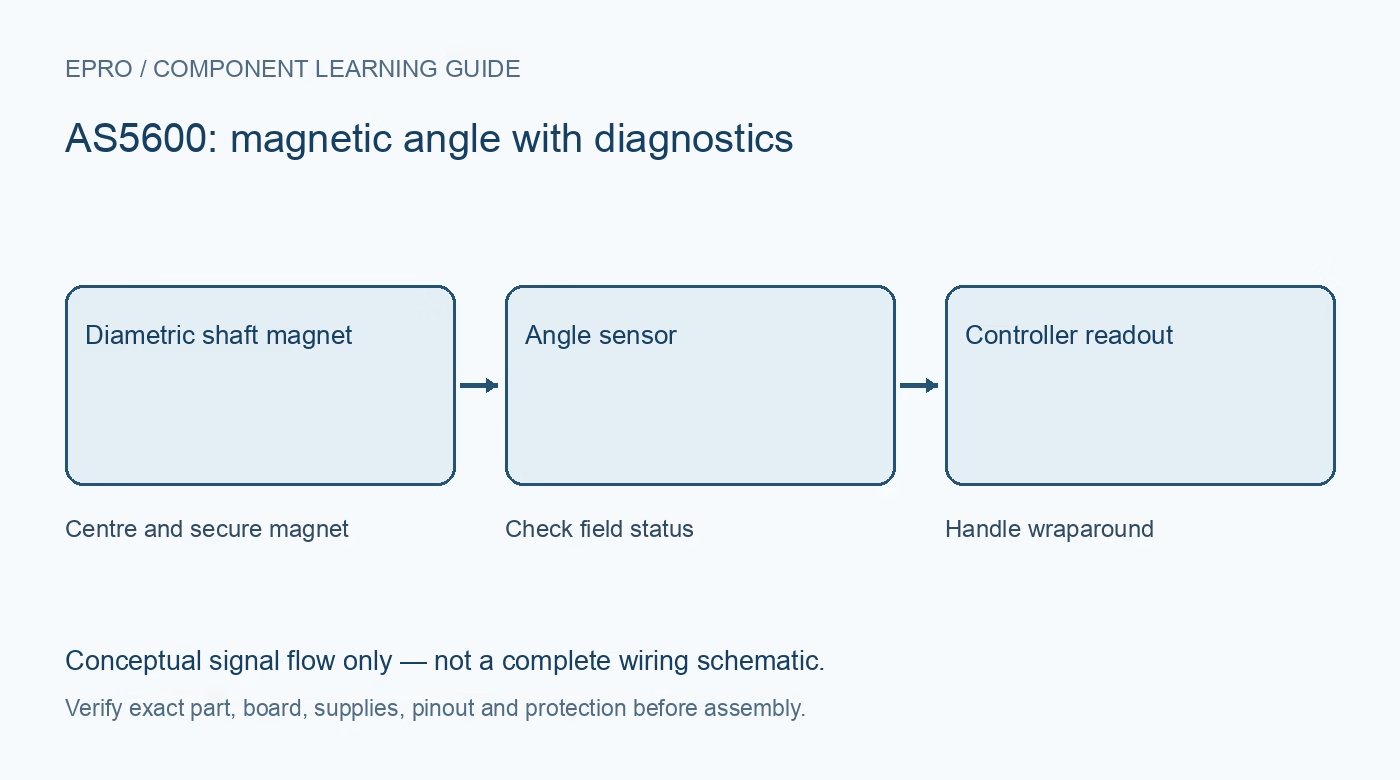
An AS5600 Arduino test should read the magnetic status and angle together while the magnet is rotated slowly by hand in a secured low-risk setup. Start with raw single-turn angle and a known direction before adding motor control, multi-turn counting or permanent calibration.
Identify the board power arrangement
The AS5600 documentation describes different supply configurations, and a carrier may add components around them. Follow the actual module schematic rather than tying similarly named supply pins together by guesswork. Check SDA/SCL pull-ups and host logic limits. A controller running at 3.3 V or 5 V does not by itself establish a safe module connection.
Verify the I2C interface without writing settings
The referenced AS5600 uses seven-bit I2C address 0x36; check that the supplied part is actually this variant. Use a maintained compatible driver or a read routine checked against the register map. Preserve the difference between the bus address and register address. Do not include burn or endpoint-write commands in a basic communication test.
Read the two-byte raw angle correctly
RAW ANGLE uses a 12-bit value across the documented high and low registers. Combine bytes in the correct order and mask unused upper bits according to the datasheet or driver. For the full-turn raw value, degrees can be estimated as raw multiplied by 360 divided by 4096. Log raw counts as well as formatted degrees while validating the implementation.
Check the magnet condition at each stage
Inspect MD, ML and MH status information according to the manufacturer definitions. Center the specified diametric magnet and adjust spacing within the documented arrangement, with power and mechanics handled safely. A signal that changes while reporting an unsuitable field should not be accepted merely because its plot looks smooth.
Verify direction and the revolution boundary
Mark a mechanical reference and rotate slowly through known approximate quarter turns, then across the zero boundary in both directions. A transition from near 4095 to near zero is normal single-turn wraparound. A naive subtraction can interpret it as a large jump; use a deliberate modular-difference method when the application needs relative motion.
Do not invent retained multi-turn position
A software turn count can lose information if motion occurs between samples or while power is off. Define maximum sample-to-sample motion and restart behavior before relying on unwrapping. Keep initial tests read-only and validate filtering separately, recognizing its effect on latency. Remove any hazardous actuator until the sensor behavior and failure handling are understood.Newest in the store


Availability and illustration note
No matching product was found in the checked Epro catalog for this topic on 19 October 2026. This article therefore does not quote an Epro price or claim stock. The original illustration shows conceptual signal flow only, not a complete circuit or a photograph of a supplied product. Obtain a documented component or carrier with a known pinout and electrical specification.
Frequently asked questions
Is 4095 followed by zero necessarily a fault?
No. That is the normal boundary in a single-turn code; interpret changes using the intended modular-angle logic.
Will software always recover turns after power loss?
No. Motion while unpowered or missed samples requires a separate system strategy.
Related Epro reading
Review breadboard connections before assembling a prototype. For controller expansion, the Mega 2560 pin guide explains why pin names and electrical limits must be checked together.
Technical references and test limitations
This guide uses the documentation linked below. The procedures are for a controlled, low-voltage learning setup; no independent hands-on test of the particular seller board is claimed. Record the actual part markings, wiring and firmware version before drawing conclusions from a test.