


APDS9960 Arduino: 7 Gesture FIFO and Orientation Checks

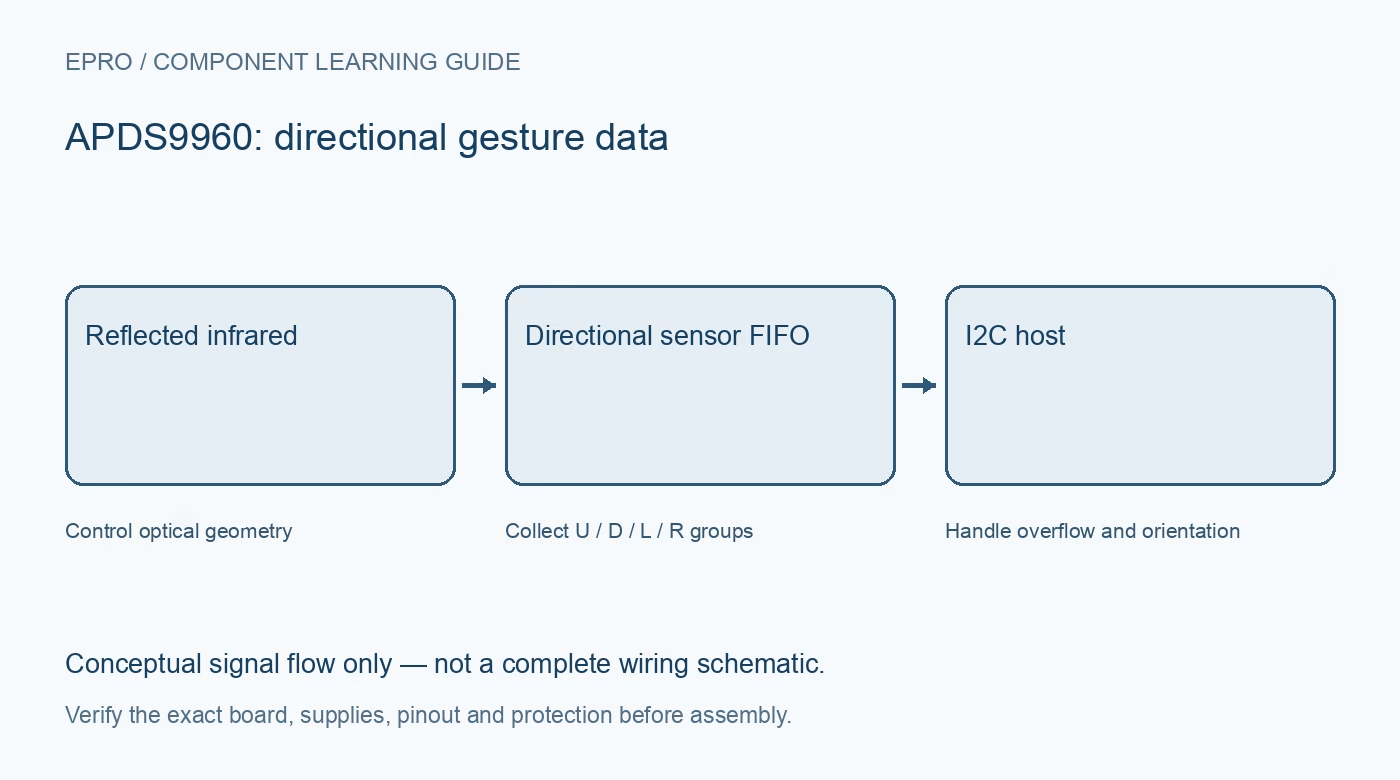
A useful APDS9960 Arduino test starts with communication and raw gesture data before attaching gestures to actions. Keep the first application simple enough to distinguish a wiring failure, a saturated optical channel and an incorrect direction mapping.
Verify the carrier and bus before power-up
Map supply, ground, SDA, SCL and any interrupt output from the exact board documentation. Confirm pull-up voltage and host pin tolerance. Keep leads short and begin with one module. Do not assume an example written for one breakout proves electrical compatibility of a different carrier.
Confirm address and sensor initialization
The normal address is 0x39. Use the intended library’s identity and initialization checks rather than treating an address acknowledgment as complete proof. Log initialization errors and stop gesture processing when the device is unavailable instead of reading an uninitialized buffer.
Enable functions in the documented sequence
Gesture operation depends on proximity-related activation and configured engine settings. Begin with the library’s maintained example and record its gain, LED-current and timing choices. Combining unrelated register writes from separate examples can leave the engines in an inconsistent state even though I2C transactions succeed.
Read FIFO level and complete directional datasets
Each dataset contains up, down, left and right bytes. The FIFO level reports dataset count, not a byte count. Read complete groups and check actual transfer length. If the host library has a small transaction buffer, split reads only in a way that preserves the documented FIFO sequence and dataset alignment.
Treat overflow as data loss
The FIFO stores up to 32 datasets. Check its overflow indication and reset or recover using the supported procedure. Do not classify a gesture from a knowingly incomplete sequence. Avoid blocking serial printing or network operations that prevent timely servicing during a hand movement.
Map sensor directions to the installed orientation
Record how the breakout is mounted, then test one deliberate movement at a time. Rotate the software mapping if the physical installation differs from the example. Include a quiet interval or state transition so one wave does not produce repeated application commands.
Newest in the store


Test unknown, absent and noisy inputs
Test no hand, a stationary nearby object and changing room lighting as well as valid gestures. Keep a timeout and an unknown outcome. Log raw channel groups during troubleshooting, but do not infer reliable distance from them. Reject incomplete or saturated observations rather than forcing every event into a direction.
Frequently asked questions
Why do left and right appear reversed?
Verify board orientation and the library’s coordinate convention before changing optical thresholds.
Why does a gesture fail when the display updates?
Check whether display work blocks FIFO servicing. Overflow or delayed reads can destroy the temporal sequence needed for classification.
Availability and illustration note
No matching Epro product was returned by the catalog search on 19 October 2026. This learning guide does not assert stock, a selling price or compatibility of an unidentified substitute. The illustration is an original conceptual signal-flow diagram, not a product photograph or complete wiring schematic.
Related Epro reading
For a first bench setup, review breadboard connections and continuity checks and I2C voltage-level translation. These guides do not replace the exact module schematic.
Technical references and limitations
Source: Broadcom/Avago APDS-9960 datasheet. Electrical limits apply to the named part, not automatically to every carrier board. This is a documentation-based learning workflow, not a claim of independent hardware testing, traceable calibration or safety certification.