


VCNL4010 Arduino: 7 Ready-Flag and Threshold Checks

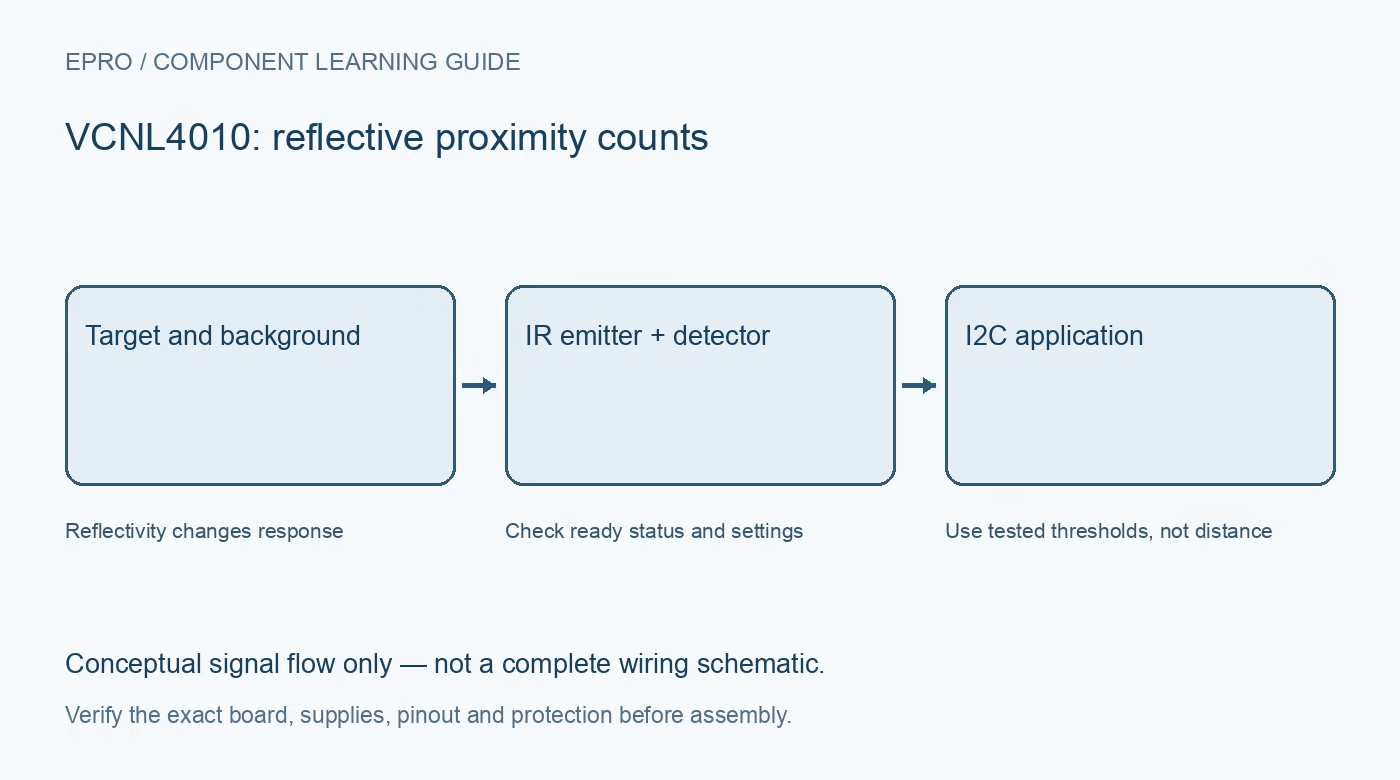
A VCNL4010 Arduino sketch becomes useful when it distinguishes fresh measurements from repeated register values. Start with separate logs for proximity and ambient light, then add a detection threshold only after observing the real installation’s baseline.
Confirm wiring and the exact library
Use the module schematic to map supply, ground and I2C signals, and verify the interrupt connection only if needed. Check every bus participant’s pull-up voltage. Install a driver specifically supporting VCNL4010 rather than a similarly named sensor with a different command map.
Verify initialization before measurement
Record whether device identification and initialization succeed. An I2C acknowledgment alone does not establish that configuration writes or measurements are valid. Keep application actions disabled if initialization fails, and make recovery a documented state rather than an unbounded retry loop.
Choose one measurement mode
The sensor supports requested measurements and self-timed operation. Use the driver’s documented mode and configure LED current, rates and averaging deliberately. Changes during self-timed operation may require the documented cycling procedure to take effect. Do not assume a successful register write immediately changed the active engine.
Wait for the corresponding ready flag
The command/status register provides separate data-ready indications for proximity and ambient light. Poll with a timeout or service the configured interrupt. Reading faster than the engine updates can repeatedly return the same conversion, which should not be counted as multiple independent observations.
Keep proximity units separate from illuminance
Log proximity as raw counts. The documented ambient-light resolution is 0.25 lux per count, but apply that only to the ambient-light result and check what scaling the library already performs. Multiplying a value that is already in lux creates a second conversion error.
Derive thresholds from the installed scene
Record no-target values and representative target values under the intended lighting and cover. Use hysteresis or persistence to avoid repeated toggles near the boundary. Store the LED current and rate with these observations, because changing settings can invalidate an earlier threshold.
Newest in the store


Verify failure and recovery behaviour
Try a wrong configuration in software and confirm the application reports unavailable data rather than an object-detected state. Power down before moving wires. After normal recovery, wait for a fresh ready flag and update the successful-sample timestamp. A bench threshold is not a safety certification or universal obstacle-detection guarantee.
Frequently asked questions
Why do many consecutive readings have the same value?
The host may be rereading one conversion. Check ready status and the actual measurement interval.
Should a timeout be treated as zero proximity?
No. Unavailable data and a valid low count are different states and should remain distinguishable.
Availability and illustration note
No matching Epro product was returned by the catalog search on 19 October 2026. This learning guide does not assert stock, a selling price or compatibility of an unidentified substitute. The illustration is an original conceptual signal-flow diagram, not a product photograph or complete wiring schematic.
Related Epro reading
For a first bench setup, review breadboard connections and continuity checks and I2C voltage-level translation. These guides do not replace the exact module schematic.
Technical references and limitations
Source: Vishay VCNL4010 datasheet. Electrical limits apply to the named part, not automatically to every carrier board. This is a documentation-based learning workflow, not a claim of independent hardware testing, traceable calibration or safety certification.