


X9C103 Arduino: 7 Increment and Save-State Checks

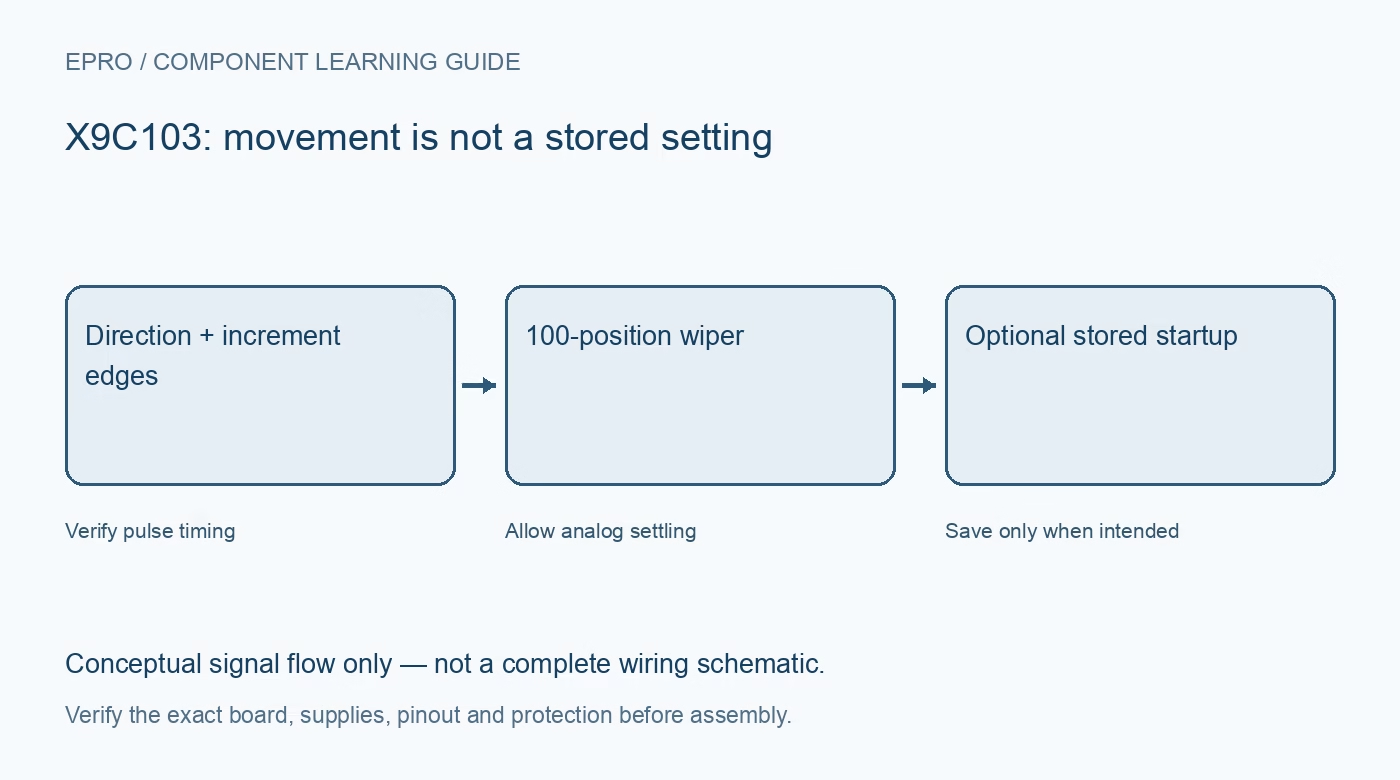
An X9C103 Arduino workflow must distinguish a requested position from a counted sequence of physical movements. The device has no ordinary absolute-position readback register. Use a safe low-voltage divider, a documented five-volt supply and explicit pulse and save operations before connecting a functional application.
Confirm control pins and voltage levels
Identify INC, U/D and CS from the actual board and package. Check digital thresholds, supply tolerance and common ground. Keep resistor terminals within their allowed voltages during both powered operation and supply transitions. An analog terminal rating is not a permission to drive control pins from an unrelated higher rail.
Start with a known position strategy
On power-up the device recalls its stored position, which may not match a host variable initialized to zero. Establish a documented reference or retain trustworthy application state and independently verify it. If using endpoint homing in a harmless test, account for the finite one-hundred-position range and any downstream transients.
Set direction before the active edge
Activate chip select, set U/D and respect its setup interval before the falling INC edge. Keep pulse widths within the datasheet timing. An unintended edge during GPIO initialization can change position, so initialize inactive levels deliberately rather than relying on floating pins and a software delay afterward.
Use no-store movement during adjustment
For temporary changes, complete the documented sequence that raises CS while INC is low. Keep that function separate from a save function in software. A library that silently stores after each adjustment can exhaust memory endurance much faster than a user interface that saves only a confirmed preference.
Save deliberately and allow completion
When a setting should survive power loss, use the documented store sequence with INC high at deselection and allow the specified store interval. Do not immediately remove power or assume a pulse count alone proves persistence. Avoid repeated save requests when the desired setting has not changed.
Measure movement and recall independently
Observe several safe divider positions with a high-impedance input and allow settling. Then save one modest setting, remove and restore power under valid terminal conditions, and check recall. Separate this persistence check from ordinary host reset, which may leave the potentiometer powered and therefore test something different.
Newest in the store


Expose tracking uncertainty after faults
If an interrupted sequence or controller reset makes the pulse count uncertain, report that condition and re-establish a safe reference. Do not continue displaying a precise position as confirmed hardware state. Keep all tests signal-level; a successful divider demonstration does not establish suitability for controlling a power stage.
Frequently asked questions
Why is the recalled position different from the final adjustment?
The last adjustment may have used no-store deselection, or power may have fallen before storage completed.
Can software always know position after a crash?
No. Without trustworthy tracking or a new reference, the actual wiper position can be uncertain.
Availability and illustration note
No matching Epro product was returned by the catalog search on 21 October 2026 UTC. This learning guide does not assert stock, a selling price or compatibility of an unidentified substitute. The illustration is an original conceptual signal-flow diagram, not a product photograph or complete wiring schematic.
Related Epro reading
For a first bench setup, review breadboard connections and continuity checks and I2C voltage-level translation. These guides do not replace the exact module schematic.
Technical references and limitations
Source: Renesas X9C102/X9C103/X9C104/X9C503 datasheet. Electrical limits apply to the named part, not automatically to every carrier board. This is a documentation-based learning workflow, not a claim of independent hardware testing, traceable calibration or safety certification.