


W25Q32 Arduino: 7 W25Q32JV Page-Program Checks

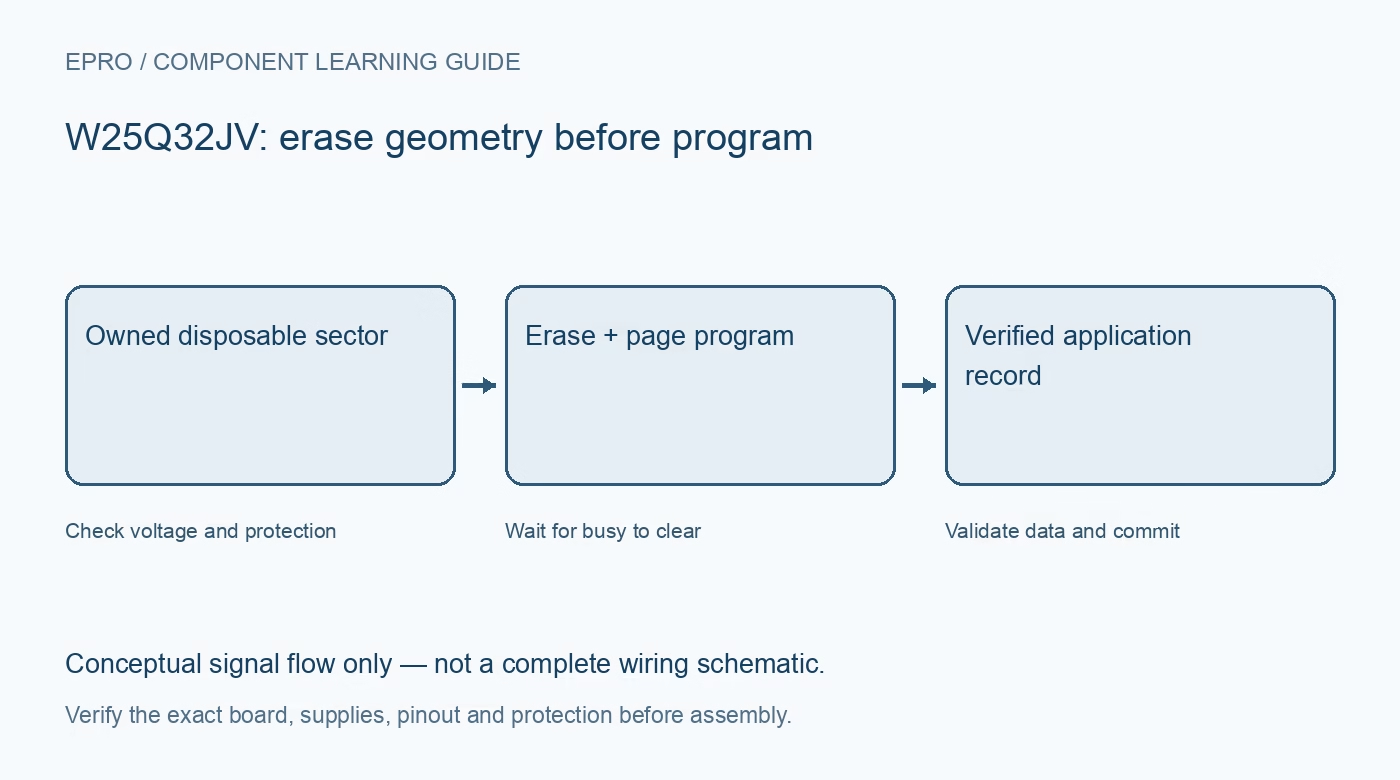
A W25Q32 Arduino experiment using the W25Q32JV variant should begin with identification and read-only access, not a chip erase. Use a standalone disposable device or an explicitly reserved region whose contents can be lost. Preserve existing firmware and configuration, and verify the complete part suffix before selecting a driver.
W25Q32 Arduino voltage and SPI checks
The referenced JV device uses a 2.7 V to 3.6 V supply. Match every host control signal and return path, not just the power pin. A regulator on a module does not necessarily translate five-volt logic. Avoid an in-circuit target that may power or drive the same bus unexpectedly.
Read identification and current status
Use the documented manufacturer and device identification commands and compare the response with the exact variant documentation. Read protection and busy status without changing them. Repeated all-zero or all-one responses are not a valid identification; inspect chip select, wiring, power and interface configuration first.
Reserve and back up a test region
Choose an owned disposable sector and verify its address range. Read and preserve any contents that matter before erase or program operations. Do not unlock or erase security registers, firmware regions or the entire chip merely to make a library demonstration succeed.
Erase only the required owned sector
When an erased test area is needed, confirm the intended sector boundary, issue documented write enable and the sector-erase sequence, then poll busy with a suitable bounded timeout. Do not assume serial transmission completion means the internal erase has finished, and do not keep sending unrelated commands while busy.
Program page-safe chunks
Issue write enable for each required program operation and split data at the remaining space in each 256-byte page. End the transaction correctly so internal programming starts. Crossing a page boundary in one command can wrap and alter earlier bytes in that same page rather than reach the next page.
Wait for ready and compare actual bytes
Poll the documented busy flag until completion or timeout, then read the programmed region and compare every expected byte. Keep operation status separate from payload data. Write-enable state or a successful command return is not a substitute for verifying the actual stored contents.
Newest in the store


Add record integrity beyond the driver
For application data, use checksums, sequence numbers and a commit or redundant-record scheme suited to flash geometry. Consider incomplete program or erase after power interruption. Test recovery only with disposable records, and keep the final result framed as functional storage integration, not unlimited endurance or guaranteed atomic writes.
Frequently asked questions
Why does a second write not restore bits to ones?
Check the flash programming model: restoring erased-state bits requires an appropriate erase, not just another page program.
Should the driver issue write enable once at startup?
No. The latch clears after relevant completed operations; follow the documented sequence for each required write or erase.
Availability and illustration note
No matching Epro product was returned by the catalog search on 21 October 2026 UTC. This learning guide does not assert stock, a selling price or compatibility of an unidentified substitute. The illustration is an original conceptual signal-flow diagram, not a product photograph or complete wiring schematic.
Related Epro reading
For a first bench setup, review breadboard connections and continuity checks and I2C voltage-level translation. These guides do not replace the exact module schematic.
Technical references and limitations
Source: Winbond W25Q32JV Revision J datasheet. Electrical limits apply to the named part, not automatically to every carrier board. This is a documentation-based learning workflow, not a claim of independent hardware testing, traceable calibration or safety certification.