


MAX44009 Light Sensor: 7 Checks for Honest Lux Readings

MAX44009 Light Sensor: 7 Checks for Honest Lux Readings
Read MAX44009 lux data with correct exponent decoding, integration settings and optical placement while distinguishing low power from fast measurement. This is a documentation-based bench-planning guide, not a claim of independent hands-on testing.
1. Set the MAX44009 application boundary
The MAX44009 is an I2C ambient-light sensor with autoranging and a digital lux representation. Its datasheet describes a very wide dynamic range, but that is not a promise of precision under every source spectrum or enclosure. Use it for tasks such as comparative ambient monitoring or display-brightness control after validation. Do not describe a hobby assembly as a certified workplace light meter without an appropriate calibration process. Manufacturer documentation.
2. Verify supply and interface levels
The bare device supply range is 1.7 V to 3.6 V. Check whether a carrier adds a regulator, level shifter or only pull-up resistors. Trace the actual bus-high voltage before attaching a controller, and identify the address-selection connection from the board documentation. Keep the optical surface unobstructed. The tiny sensor package can be difficult to identify visually, so compare its marking and placement with a trusted schematic.
3. Decode the two-byte lux format
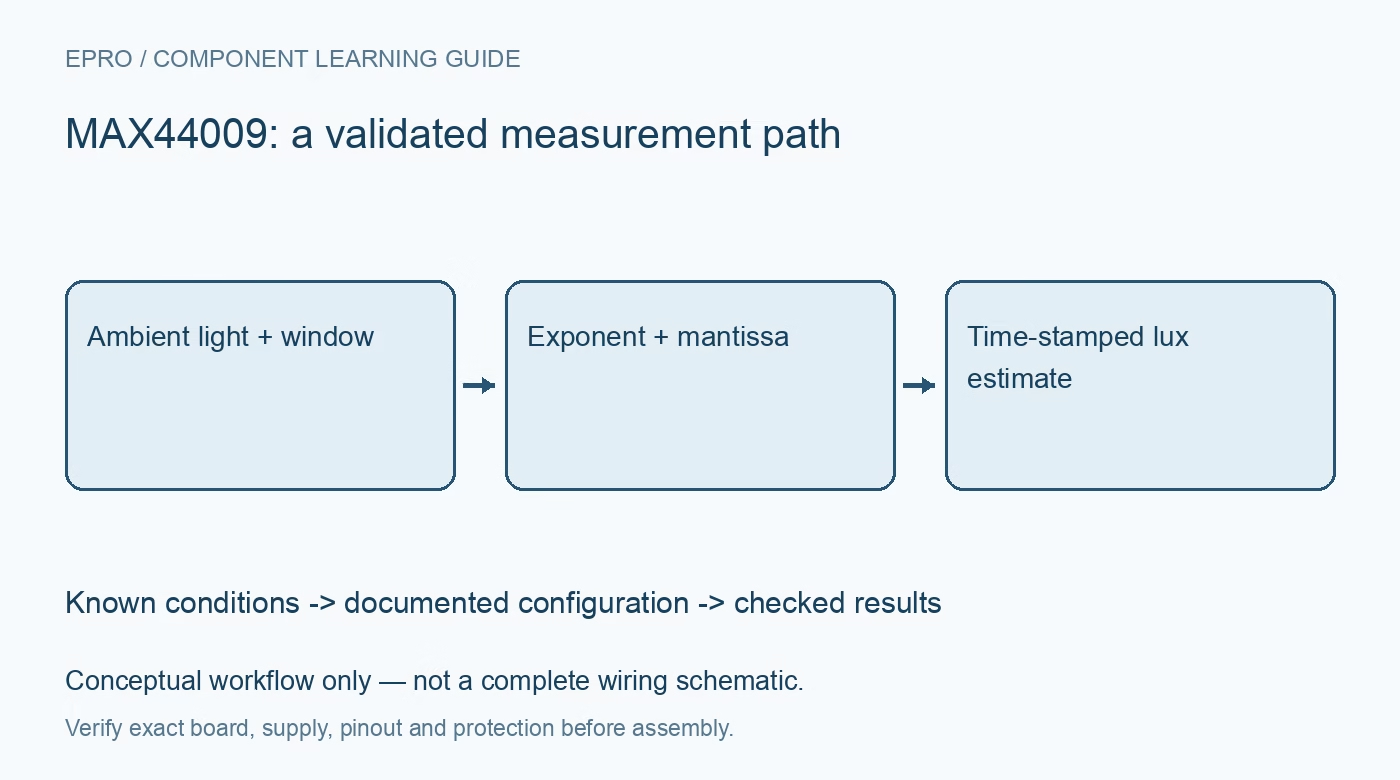
MAX44009 lux data combines a four-bit exponent with an eight-bit mantissa across the high and low reading registers. The documented full-resolution relationship is lux equals two raised to the exponent, multiplied by the mantissa and 0.045. An exponent of fifteen indicates overrange, not a larger valid number. Preserve the raw bytes and use the recommended read sequence so a display value can be independently checked. Manufacturer documentation.
4. Distinguish integration from update interval
The default low-power behavior measures periodically rather than continuously after every possible integration interval. Automatic exposure can also change integration time. Polling the interface quickly therefore does not guarantee fresh readings at that rate. Choose the documented continuous or default mode to suit the project, then timestamp accepted observations. A repeated value may be genuine stability or simply the previous conversion; firmware should know which interpretation is supported.Newest in the store


5. Design the optical opening deliberately
A dark cover, colored window, deep recess or narrow aperture changes the light reaching the sensor. Test the finished enclosure rather than calibrating a bare board and assuming the result transfers unchanged. Keep hands, cables and nearby status LEDs out of its field of view. Compare readings at the intended mounting angle. Light falling on a work surface may differ substantially from light reaching a sensor mounted vertically.
6. Validate against relevant light sources
Compare the assembly with a suitable reference instrument under the sources it will encounter. Daylight, fluorescent lighting and different LEDs have different spectra; one correction factor may not transfer perfectly between them. Include low and high levels and allow the integration sequence to settle after a change. Avoid quoting the smallest digital step as total accuracy. Repeatability, spectral mismatch, window loss and placement all contribute to uncertainty. Manufacturer documentation.
7. Log MAX44009 status with the result
Store raw bytes, decoded lux, mode, time and any overrange or communication error together. Test a dark cover, a moderate source and a brighter source without exposing the sensor to heat or unsafe electrical setups. The existing BH1750 selection guide offers ambient-light context, not identical register instructions. A dependable MAX44009 logger marks invalid or stale data explicitly and documents its enclosure and calibration limitations.
Related reading: BH1750 Light Intensity Sensor: Choosing a Lux Module. For current listings, check the Epro catalog; a matching item was not returned by the exact-part catalog search on 22 October 2026. No price, stock or included-accessory claim is made here.