


TCA6408A GPIO Expander: 7 Checks for Controlled Pin States

TCA6408A GPIO Expander: 7 Checks for Controlled Pin States
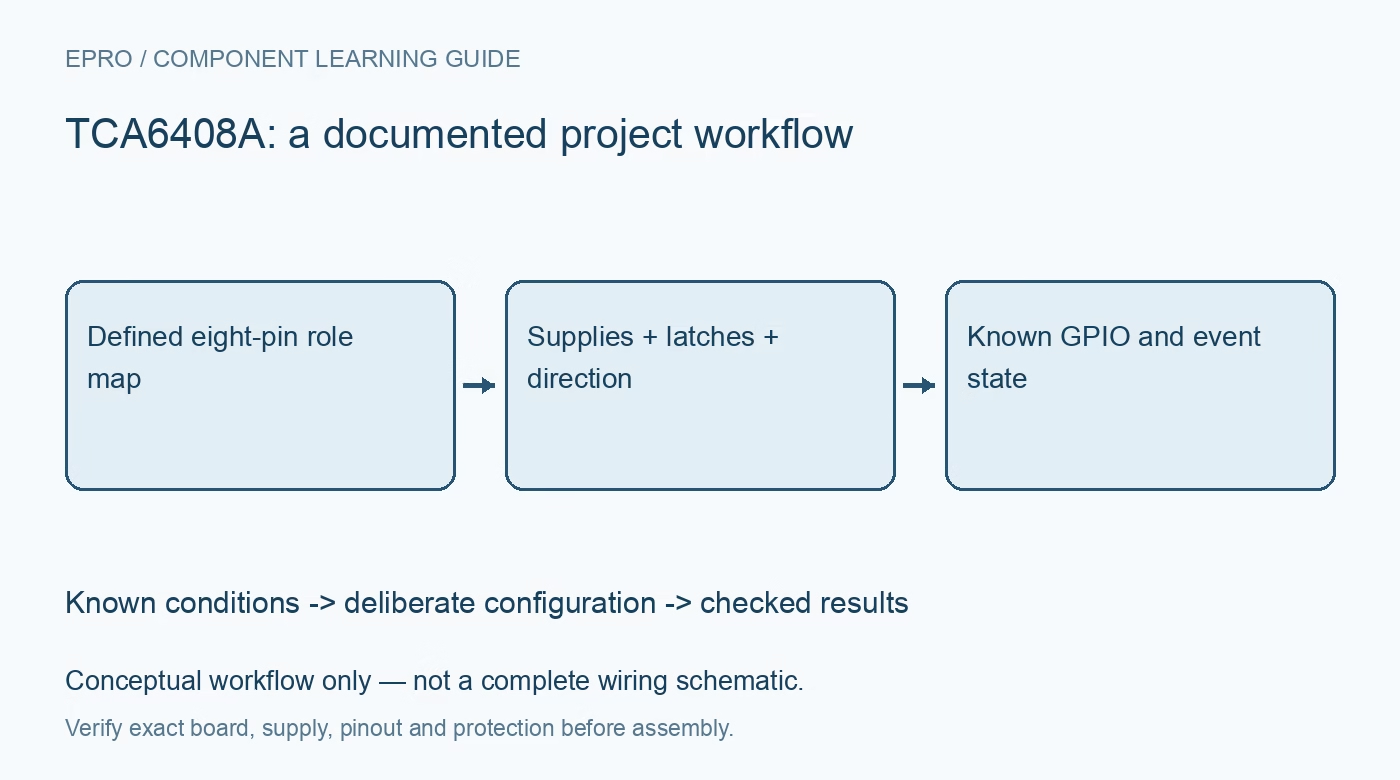
Plan TCA6408A GPIO expansion with separate interface and port supplies, safe startup latches, direction settings, interrupt handling and reset recovery. This is a documentation-based planning guide, not a report of independent hands-on testing.
1. Define the TCA6408A pin roles
TCA6408A adds eight general-purpose parallel I/O pins through an I2C-compatible interface. It is not an I2C branch switch or an unrestricted power driver. List the direction, active polarity and required safe state of each port pin. Include the interval before host initialization and after reset. This pin-role table prevents a button input, indicator output and downstream enable signal from inheriting the same default treatment merely because they share one port register. Manufacturer documentation.
2. Check interface and port supply domains
Review the separate interface-side and port-side supply arrangement using the exact carrier schematic. Confirm voltage compatibility, decoupling and pull-ups on both the communication and application sides. A breakout may connect supply domains together even when the IC permits a more flexible arrangement. Do not assume that a tolerant input specification authorizes every combination of powered and unpowered connections. Record how the host, peripheral loads and expander behave during independent power application or removal. Manufacturer documentation.
3. Establish reset and address behavior
Confirm the hardware address setting and documented reset function before creating a driver instance. Review power-on defaults, including the input configuration of port pins. An input default does not force a connected enable signal to a safe voltage without the appropriate external circuit. Provide intentional bias where the application requires it. A successful address scan is a communication check, not proof that reset timing, supply sequencing or the connected loads behave correctly. Manufacturer documentation.
4. Preload output intent before driving a pin
Separate the output-latch value from the direction configuration. Establish the intended latch state before changing a sensitive pin into an output, following the documented register behavior. Avoid a broad direction update that unintentionally activates unrelated loads. Keep a software shadow or another deliberate coordination method when multiple tasks share port control. A read-modify-write sequence performed without ownership can lose another task’s update even though every individual bus transaction succeeds. Manufacturer documentation.
Newest in the store


5. Interpret input and polarity registers correctly
Read actual port levels using the documented input path and apply polarity inversion only for its intended role. Do not assume an output latch readback proves the electrical state at a loaded pin. Check current limits and use suitable external drivers for loads beyond the port capability. A familiar LED example does not establish safe direct control of motors, relays or high-current indicators. Preserve raw input state during evaluation to distinguish wiring polarity from software presentation. Manufacturer documentation.
6. Treat interrupts as state notification
Review the open-drain interrupt connection, pull-up and documented clearing behavior. The interrupt indication is not automatically a queued record of every physical edge. Plan how the host reads current state and handles changes occurring during service. Mechanical switches may still require a deliberate debounce policy. Record baseline input state after initialization and reset so a late or stale notification does not become an unexplained application action when the host begins normal operation. Manufacturer documentation.
7. Restore configuration deliberately after recovery
Keep supply mapping, address, pin roles, latch values, directions, polarity settings and interrupt policy with the hardware revision. Following a reset or communication recovery, restore the required state in a controlled sequence instead of assuming the expander retained its configuration. The related PCA9555 guide covers another port architecture and is not an interchangeable register map. This TCA6408A workflow proposes reproducible GPIO behavior without claiming independent glitch measurements, unlimited load capability or system safety based solely on software-controlled pins. Manufacturer documentation.
Related reading: PCA9555 GPIO Expander: 7 Lessons for Safe Startup and Interrupts.
Catalog note: The exact-part search did not return a matching Epro listing during preparation. Check the current catalog; this guide makes no price, availability or included-accessory claim.