


TMP1075 Temperature Sensor: 7 Checks for a Valid Alert

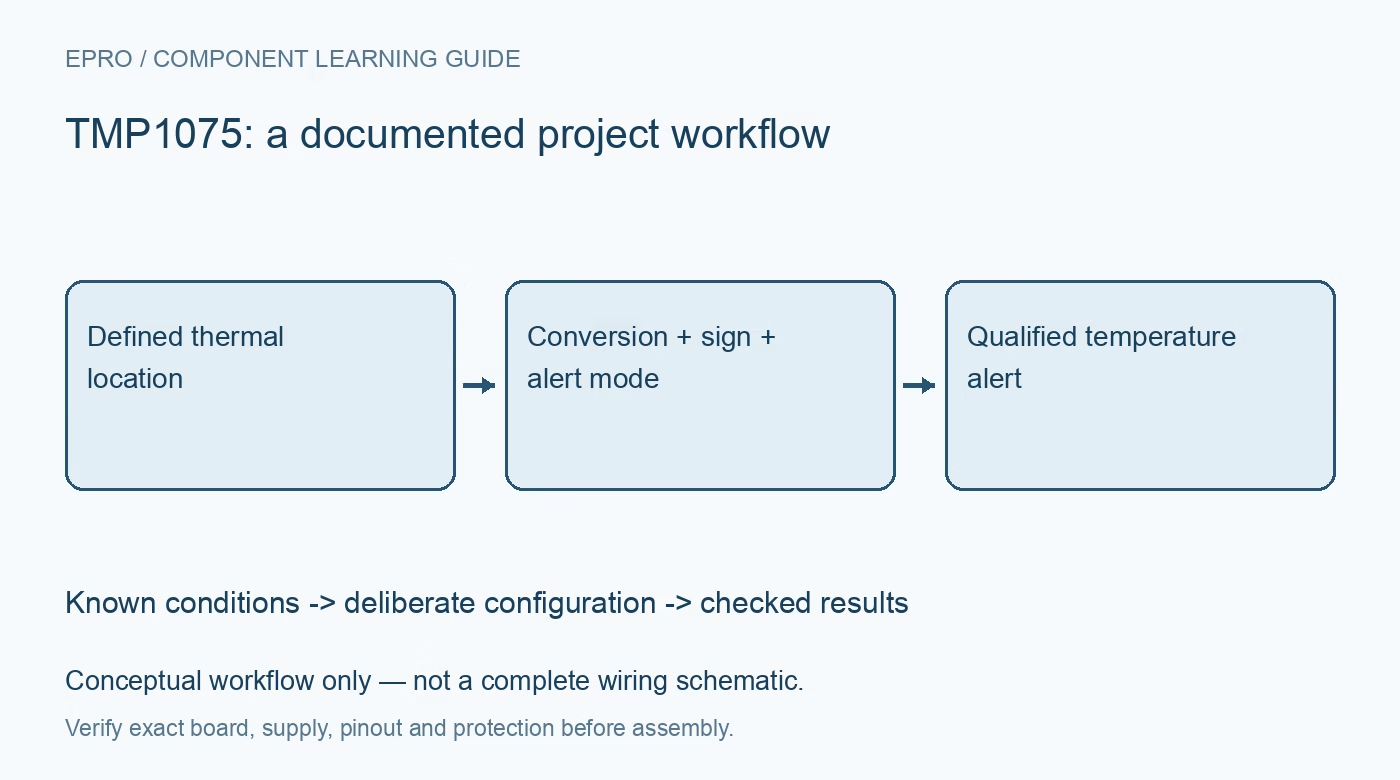
TMP1075 Temperature Sensor: 7 Checks for a Valid Alert
Plan TMP1075 temperature monitoring with correct package limits, signed 12-bit decoding, startup freshness, alert modes and thermal placement. This is a documentation-based planning guide, not a report of independent hands-on testing.
1. Define the TMP1075 thermal location
TMP1075 is a digital temperature sensor with an I2C-compatible interface and an alert function. Begin by defining the temperature the assembly is supposed to represent. A device mounted beside a regulator can observe a different condition from enclosure air or a distant component. Record the thermal path, nearby heat sources and mechanical installation. A fine digital step size does not eliminate thermal gradients, placement error or the time required for the physical assembly to settle. Manufacturer documentation.
2. Identify the package and address arrangement
Confirm the complete part and carrier before choosing supply limits, temperature limits or address settings. The family includes package and ordering differences, so do not assume every board exposes the same addressing options. Check pull-ups, logic compatibility and the actual pin connections. A successful address scan establishes only communication. Preserve the hardware revision and selected address with the application label so a replacement board cannot silently be treated as the same configured sensor without inspection. Manufacturer documentation.
3. Decode the signed 12-bit field
The documented temperature result uses a signed 12-bit representation within a wider register word. Extract the meaningful field and handle its sign and scale explicitly rather than interpreting the full word as an unsigned temperature. Check representative negative, zero and positive examples during driver development. Keep the raw word with the decoded value while evaluating software. A plausible positive room-temperature result does not show that negative temperatures, byte order or field alignment have been implemented correctly. Manufacturer documentation.
4. Distinguish startup from a fresh conversion
The documented reset behavior includes an initial temperature-register value before the first conversion completes. Do not publish that value as an actual environmental observation merely because a read succeeded. Select continuous, shutdown or one-shot behavior deliberately and follow the relevant conversion timing. Associate accepted results with acquisition state and time. Repeated reads can return an unchanged observation, and software polling speed does not determine how rapidly either the converter or the physical thermal environment updates. Manufacturer documentation.
Newest in the store


5. Configure the alert mode and thresholds
Review the documented comparator and interrupt-related behavior, polarity, threshold and hysteresis settings before connecting the output to an application decision. Different modes can have different clearing and rearming behavior. Record the intended policy rather than treating an asserted pin as an unexplained generic alarm. Choose thresholds from the application’s operating boundary and thermal model. A temperature alert is not automatically an independent protective cutoff, particularly when the host or a downstream control can fail. Manufacturer documentation.
6. Evaluate the complete alert connection
Check the alert output arrangement, pull-up requirements and host voltage limits for the actual board. Define its behavior during startup, reset and communication recovery. Include deliberate handling of an alert already present when firmware initializes. A host that immediately clears or ignores status can lose useful context about an abnormal condition. Compare the observed temperature and alert state against suitable reference methods under controlled conditions rather than assuming register settings prove the physical threshold behavior. Manufacturer documentation.
7. Retain the operating boundary with results
Keep ordering identity, address, supply, acquisition mode, thresholds, alert policy and thermal placement with observations. Review accuracy over the relevant conditions rather than quoting one favorable typical figure as a universal guarantee. The linked TMP119 guide discusses another sensor’s integration questions, not an interchangeable configuration. This TMP1075 workflow proposes documentation-based checks and claims no independent chamber measurements, certified thermal protection or complete system accuracy merely because an alert pin changes state. Manufacturer documentation.
Related reading: TMP119 Temperature Sensor: 7 Checks Beyond the Decimal Places.
Catalog note: The exact-part search did not return a matching Epro listing during preparation. Check the current catalog; this guide makes no price, availability or included-accessory claim.