


TMP119 Temperature Sensor: 7 Checks Beyond the Decimal Places

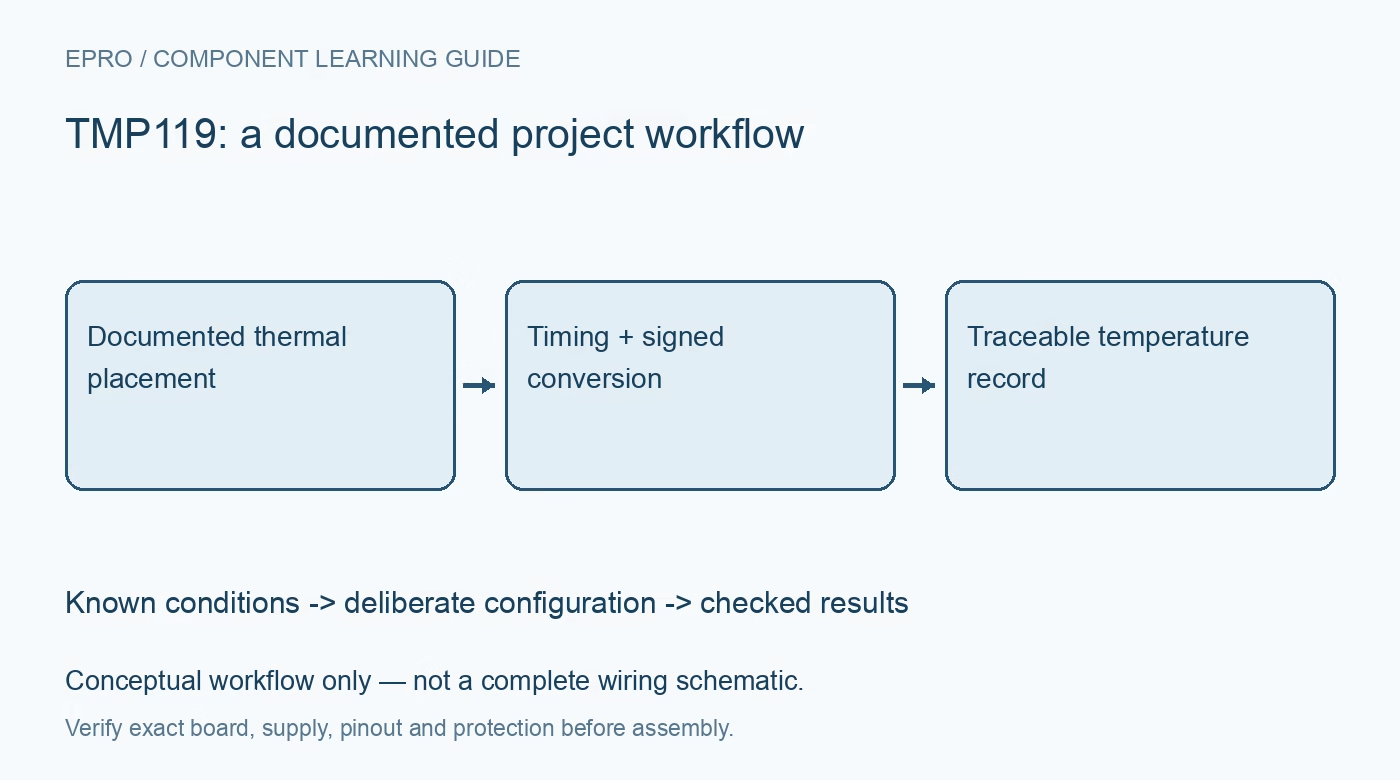
TMP119 Temperature Sensor: 7 Checks Beyond the Decimal Places
Plan TMP119 temperature logging with signed decoding, deliberate conversion timing, thermal placement, alert handling and documented accuracy limits. This is a documentation-based planning guide, not a report of independent hands-on testing.
1. Define the TMP119 measurement boundary
TMP119 is a digital temperature sensor, but the temperature it reports reflects the sensor and its thermal environment. Decide whether the project intends to observe board temperature, enclosure air or another thermal location. Those are not automatically the same quantity. Record how heat reaches the device and what may heat it unintentionally. Fine output steps do not remove the need to define the physical temperature that the finished assembly is supposed to represent. Manufacturer documentation.
2. Confirm the exact sensor and interface
Identify the component and carrier revision before applying a register map or assuming that another TMP-family library is compatible. Check supply limits, logic levels, address configuration and pull-ups using the exact board documentation. Begin with a documented communication and identification check. A successful I2C transaction does not prove that the conversion mode, averaging or temperature arithmetic is correct. Preserve the actual initial configuration rather than describing the setup only by a library name. Manufacturer documentation.
3. Decode the signed temperature result
Use the documented signed representation and temperature scale when converting the result register. Ensure the host performs sign handling correctly, especially when the raw value represents a temperature below zero. Do not treat the word as an unsigned count or round it before applying the conversion relationship. Retain raw codes beside decoded values during development. A small set of checked numerical examples can expose byte-order or sign-extension mistakes without claiming that physical temperature accuracy has been established. Manufacturer documentation.
4. Choose timing and averaging deliberately
Review continuous conversion, one-shot operation and averaging behavior before deciding when to accept a sample. Preserve the selected conversion interval and averaging configuration in the record. Polling rapidly can return the same result repeatedly rather than provide new independent thermal observations. Use the documented readiness behavior to distinguish a completed conversion from an old register value. Account for startup and configuration changes explicitly instead of treating one arbitrary delay as valid under every operating mode. Manufacturer documentation.
Newest in the store


5. Assess thermal placement and settling
Keep relevant heat sources, copper paths, airflow and mechanical contact in the installation record. A nearby regulator, processor or changing enclosure airflow can affect the result independently of the digital conversion process. Allow the complete arrangement to approach the intended thermal condition before comparing it with suitable reference equipment. A one-point agreement does not establish accuracy across temperature or installation changes. This guide proposes evaluation checks and does not claim independent chamber or contact-temperature measurements. Manufacturer documentation.
6. Handle alerts and stored settings consciously
Configure alert limits and the documented output behavior for the application rather than assuming the pin is a universal safety cutoff. Define how the host recognizes, records and clears an alert condition. Treat nonvolatile programming as a separate controlled operation, following the specified write sequence and endurance considerations. Avoid unnecessary EEPROM writes in an ordinary polling loop. A software offset should represent a justified correction, not a convenient way to hide unexplained thermal or configuration error. Manufacturer documentation.
7. Separate component specifications from certification
Keep part identity, configuration, placement, timing and reference conditions with the accepted results. Review the accuracy specification over the relevant temperature and supply conditions instead of quoting only the smallest typical figure. Manufacturer medical-oriented features do not certify an assembled thermometer or make this introductory project suitable for diagnosis. The related TMP117 article provides comparison of integration questions, not guaranteed register compatibility. A credible TMP119 record explains both the reported temperature and the boundary within which it is meaningful. Manufacturer documentation.
Related reading: TMP117 Precision Sensor: 7 Accuracy and Integration Checks.
Catalog note: The exact-part search did not return a matching Epro listing during preparation. Check the current catalog; this guide makes no price, availability or included-accessory claim.