


OPT3002 Light Sensor: 7 Checks Before Calling a Reading Lux

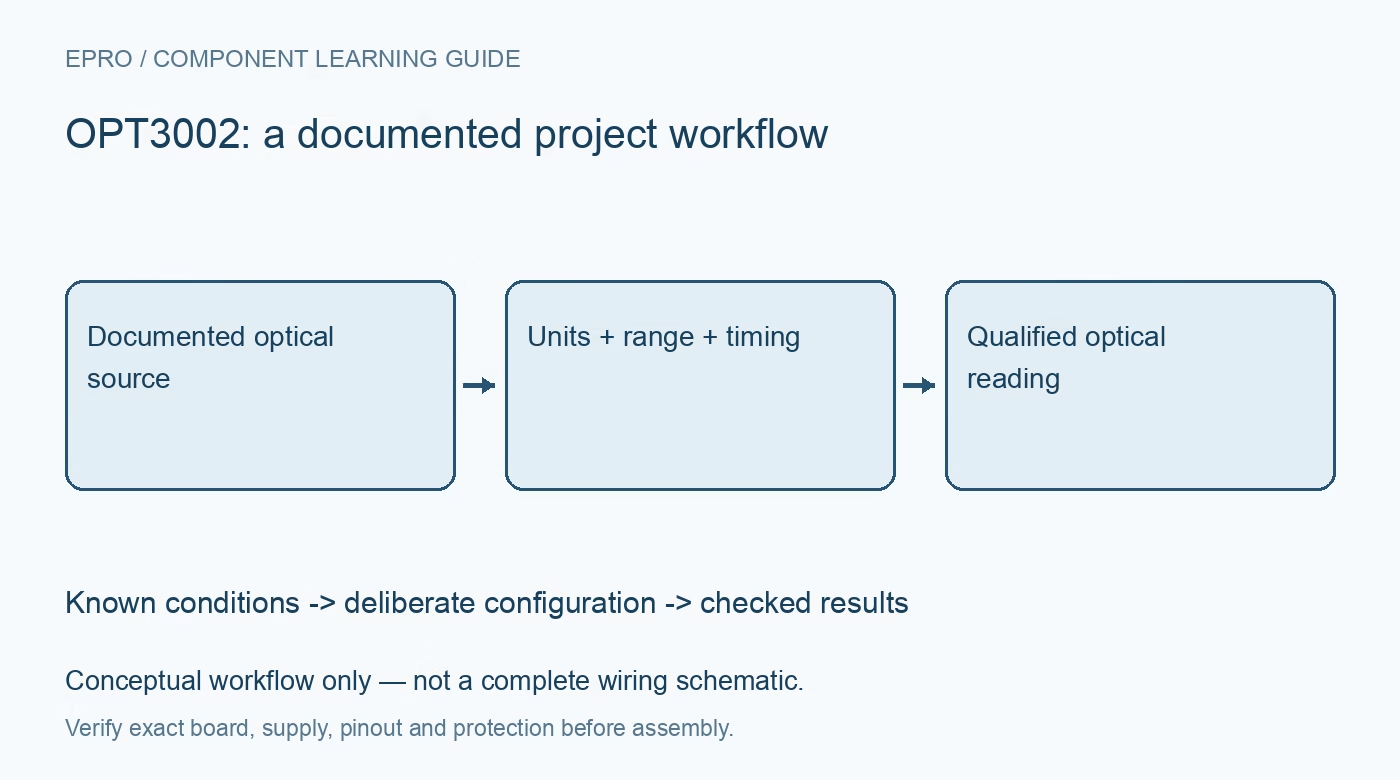
OPT3002 Light Sensor: 7 Checks Before Calling a Reading Lux
Plan OPT3002 optical measurements with correct power-density units, exponent and mantissa decoding, timing, range status and documented spectral conditions. This is a documentation-based planning guide, not a report of independent hands-on testing.
1. Define the OPT3002 optical quantity
OPT3002 measures light over a broad documented spectral range and reports a result using optical power-density scaling. Do not automatically label that result lux or apply a conversion routine from a photopically weighted ambient-light sensor. Optical power and human-eye-weighted illumination are different quantities. Define the intended source, geometry and reporting unit before choosing a display label. A changing number alone does not establish what physical light condition the completed assembly represents. Manufacturer documentation.
2. Record source spectrum and optical geometry
Identify the source and relevant spectral conditions together with sensor orientation, aperture, distance and any cover. A window that appears transparent can change the light reaching the device across wavelengths. Do not assume equal numeric readings from different source spectra imply equal visual brightness. Keep nearby indicator LEDs and reflections in the installation assessment. A broad sensor response is useful, but it does not make every source or enclosure behave like the manufacturer’s specified calibration conditions. Manufacturer documentation.
3. Check the carrier and conversion mode
Review supply, I2C logic, address arrangement and exposed interrupt connections using the exact board documentation. Select single-shot or continuous conversion deliberately and preserve timing settings with observations. A successful address scan establishes only communication. Confirm the intended configuration through the documented interface before interpreting data. Polling rapidly does not generate new independent optical observations faster than the conversion process, and a default startup state should not be confused with an accepted fresh measurement. Manufacturer documentation.
4. Decode exponent and mantissa correctly
The result register contains documented exponent and mantissa fields rather than a simple linear unsigned count. Reconstruct the value with the specified scaling and preserve units through the arithmetic. Check raw examples at more than one range so a shift error is not hidden by a single convenient test value. Do not reuse an apparently similar sensor’s scale without verification. Keep raw words and decoded quantities together while evaluating the driver and diagnosing unexpected range-dependent behavior. Manufacturer documentation.
Newest in the store


5. Preserve readiness, range and overflow context
Use the documented conversion and status behavior to distinguish a completed useful observation from stale or out-of-range data. Automatic range selection simplifies operation but does not establish unlimited dynamic range or useful information when a signal is saturated. Flag invalid conditions rather than displaying a maximum code as a normal measurement. Record the selected timing and relevant range state so changes in the digital representation can be interpreted independently from actual changes in the light source. Manufacturer documentation.
6. Treat interrupts as a threshold policy
Configure the documented limit and interrupt behavior according to the application’s optical condition and required response. A wake-on-light use case needs a defined baseline, threshold and rearming policy rather than a generic assumption that any interrupt means an enclosure opened. Changing spectrum, leakage through a cover or conversion timing can affect the result. Retain the reason for thresholds and consider the actual mechanical and optical installation before interpreting a state change as a physical event. Manufacturer documentation.
7. Validate units before performance claims
Keep source, spectrum context, geometry, window, mode, timing, raw result and status with evaluation data. Use suitable reference equipment and methods before claiming optical accuracy. A universal conversion to lux cannot be justified from a broadband scalar reading without appropriate spectral assumptions and calibration. The related OPT4048 guide concerns different color channels and processing. This OPT3002 workflow is documentation-based and claims no independent radiometric calibration, universal lux equivalence or certified optical power measurement of an arbitrary assembled system. Manufacturer documentation.
Related reading: OPT4048 Color Sensor: 7 Checks Before Trusting CCT.
Catalog note: The exact-part search did not return a matching Epro listing during preparation. Check the current catalog; this guide makes no price, availability or included-accessory claim.