


TMP100 Temperature Sensor: 7 Checks for Resolution and Read Timing

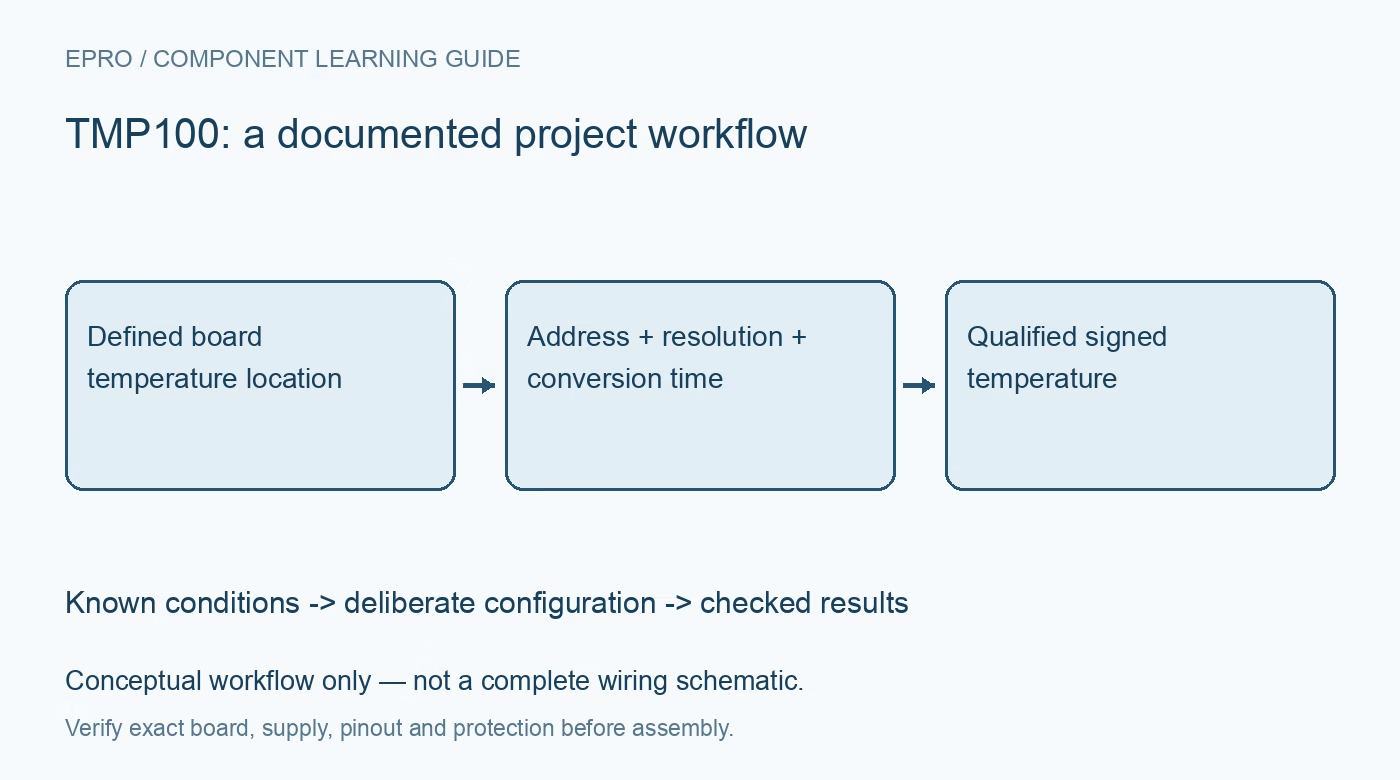
TMP100 Temperature Sensor: 7 Checks for Resolution and Read Timing
Read a TMP100 sensor with seven checks for address straps, selectable resolution, signed data, first-conversion timing and the TMP101 ALERT distinction. This is a documentation-based planning guide, not a report of independent hands-on testing.
1. Do not assign TMP101 pins to TMP100
The shared datasheet describes both TMP100 and TMP101, but their pin functions differ. TMP100 has two address inputs; TMP101 replaces one address function with an ALERT output. A TMP100 design therefore cannot obtain a physical ALERT pin by copying a TMP101 example. Confirm the six-pin package drawing, operating supply and exact ordering code. Establish how the host will detect temperature limits if the application uses TMP100, including an explicit polling policy where appropriate. Manufacturer documentation.
2. Use the documented address-strap combinations
The address inputs support specific low, high and floating combinations that allow up to eight TMP100 devices on one bus. Use the manufacturer table rather than inventing a binary map for every possible pair of states. Floating is a defined selection only where the documentation permits it. Record the straps and seven-bit addresses on the schematic, then verify that other bus devices do not collide. Choose I2C pull-ups for the actual voltage and capacitance. Manufacturer documentation.
3. Match resolution to the conversion interval
Configuration bits select nine, ten, eleven or twelve bits, corresponding to nominal steps of 0.5, 0.25, 0.125 or 0.0625 degrees Celsius. Typical conversion times increase from 40 through 80 and 160 to 320 milliseconds. These typical values are not universal worst-case polling deadlines. Choose resolution for the thermal task, use the timing limits and conditions in the datasheet, and retain the selected configuration alongside each acquisition schedule. Manufacturer documentation.
4. Decode the signed left-aligned temperature field
Read both temperature bytes in the documented order. The temperature information is left aligned, with the meaningful resolution determined by configuration; it is not an unsigned sixteen-bit integer scaled arbitrarily. Implement sign extension before applying the scale and test the decoder with documented positive and negative examples. Keep raw bytes in diagnostic logs. A routine that produces sensible room-temperature numbers can still fail below zero or report false precision when configured for fewer bits. Manufacturer documentation.
Newest in the store


5. Wait for a real first conversion
After power-up or reset, the temperature register reports zero until the first conversion finishes. That value is not proof that the board is at freezing point. Separate device acknowledgment, configuration completion and measurement readiness in the host state machine. Starting a read immediately after a successful bus scan can return an unqualified result. Record a ready or age flag in the application so startup placeholders are not silently inserted into alarms, charts or calibration records. Manufacturer documentation.
6. Use one-shot mode without inventing a ready flag
In shutdown mode, writing the OS bit requests one conversion and the device returns to shutdown afterward. Schedule readout using the documented conversion timing for the selected resolution. Do not assume a read of the shared OS/ALERT bit is an ordinary conversion-busy flag; its read behavior relates to comparator status as described in the datasheet. Keep configuration writes explicit, including reserved bits, and check that a low-power acquisition loop does not accidentally remain in continuous mode. Manufacturer documentation.
7. Validate the thermal location as well as the bytes
The sensing element measures its own die temperature and is strongly influenced by the board through the package leads. Place it for the intended thermal observation, away from unrelated local heat if ambient estimation is the goal. Compare readings only after suitable thermal settling, and record mounting, airflow, supply and reference-instrument placement. Digital resolution is not the same as accuracy. Preserve that distinction when reporting results or selecting thresholds for a practical monitoring system. Manufacturer documentation.
Related reading: TMP110 I2C Sensor: 7 Checks for Variant Pins and Data Format.
Catalog note: The exact-part search did not return a matching Epro listing during preparation. Check the current catalog; this guide makes no price, availability or included-accessory claim.