


LP5861 LED Driver: 7 Checks for Six RGB Indicators

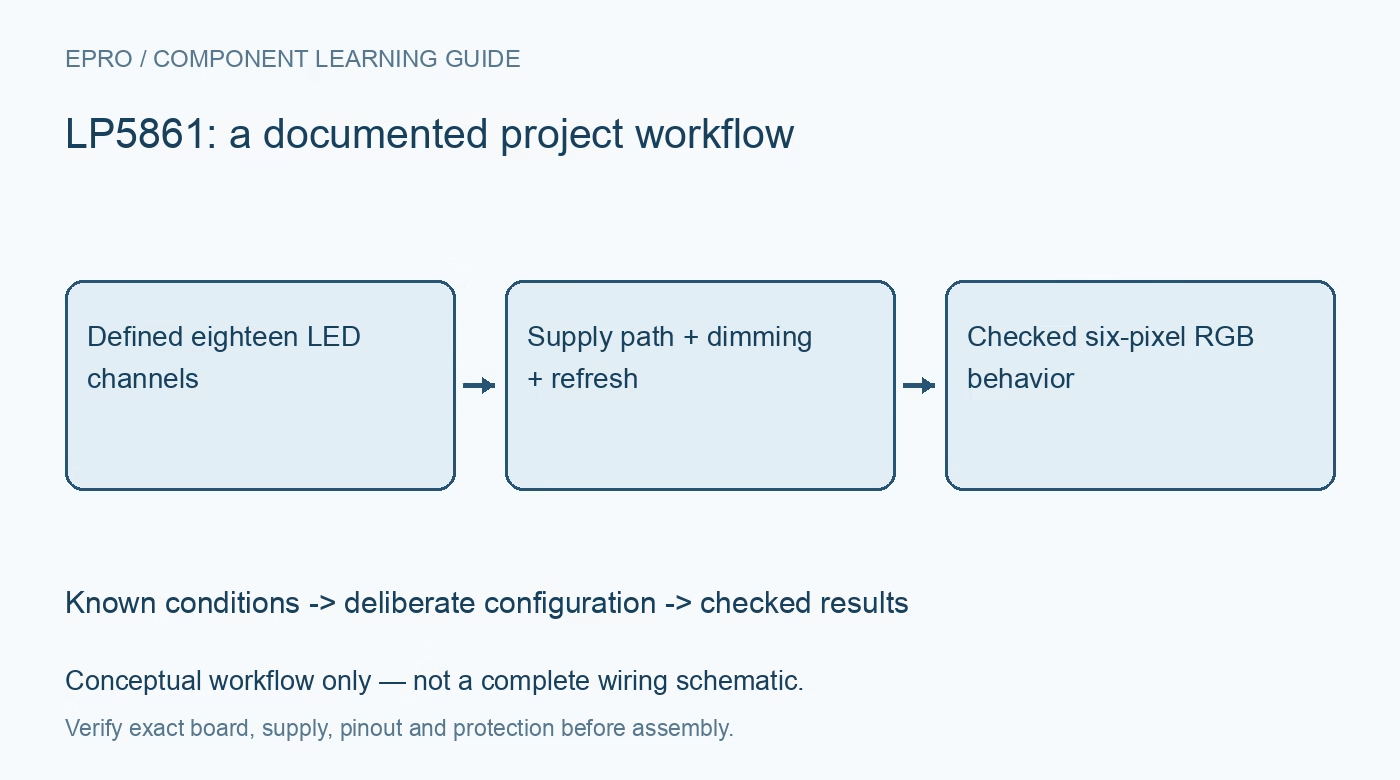
LP5861 LED Driver: 7 Checks for Six RGB Indicators
Configure LP5861 six-pixel RGB indicators with correct supply wiring, dimming ownership, refresh boundaries and qualified diagnostics. This is a documentation-based planning guide, not a report of independent hands-on testing.
1. Start from eighteen sinks and one power switch
LP5861 implements eighteen constant-current sinks and one high-side power switch, supporting eighteen individual dots or six RGB LEDs. It is not the eleven-line matrix implementation described by another family member. Give every sink a physical LED color and connector identity before producing animation data. For a six-pixel common-anode assembly, establish the anode supply connection as carefully as the cathode channel map. A family register resemblance does not increase this device beyond its actual eighteen output channels. Manufacturer documentation.
2. Choose the documented LED supply arrangement
The manufacturer shows both an internal-switch arrangement and an alternative with LED anodes connected directly to VLED. In the latter case, VLED must still receive its specified supply, and the unused SW0 connection must remain floating as directed. Do not ground an unused power-switch output by analogy with a ground pad. Check VCC and VLED within their 2.7 V to 5.5 V operating ranges, local capacitors and the separate interface supply requirements before powering the assembly. Manufacturer documentation.
3. Assign current and PWM controls different jobs
The device provides several current and PWM scaling layers, including global, group and individual settings. Decide which layer sets the safe LED current, which balances colors, and which carries the animation. A reduced PWM value does not by itself justify an excessive peak LED current. The advertised sink-current range has supply conditions, including the upper-current condition at VCC of at least 3.3 V. Build a deliberate configuration table rather than allowing several software layers to change brightness unpredictably. Manufacturer documentation.
4. Select the interface before reusing the pin labels
IFS selects I2C when low and SPI when high. Other interface terminals have mode-dependent roles, so a board intended for one interface cannot be assumed compatible with the other merely because the package is unchanged. Check address straps, select behavior, pullups and controller logic levels against the chosen interface. Calculate the update traffic for the actual eighteen-channel image. The maximum supported clock is a limit under specified conditions, not a requirement to run an untuned cable at that frequency. Manufacturer documentation.
Newest in the store


5. Make the refresh boundary explicit
Eight-bit Mode 1 applies received PWM data immediately; Modes 2 and 3 use synchronized frame updates with eight-bit and sixteen-bit PWM respectively. Choose whether the six indicators may display intermediate colors while a new image is being written. Use the correct SRAM allocation for that resolution and follow VSYNC timing where required. Configuration changes such as master-current adjustment also have mode-dependent update rules. Keep those changes separate from ordinary pixel data so a frame update does not accidentally rewrite operating conditions. Manufacturer documentation.
6. Exercise standby retention and diagnostic qualifications
Hardware enable and the register-level chip enable participate in different power states, including a standby state that retains data. Plan how firmware distinguishes a retained image from a fully initialized device after reset. Open and short detection require the documented PWM and observation conditions; an unlit channel at a very low duty cycle is not a complete wiring test. Read detailed channel status, correct the physical fault and follow the prescribed clearing sequence rather than treating every status read as unconditional health evidence. Manufacturer documentation.
7. Qualify the six-pixel assembly with recognizable patterns
Use a pattern that identifies each RGB component, followed by individual white pixels and the highest intended combined load. Check color mapping, supply droop and temperature at the actual current settings. Exercise controller restart, standby return and a synchronized image change before accepting the animation behavior. This article proposes checks from the documentation and supplies no independent optical or thermal results. Preserve the interface mode, channel map, current limits and refresh policy with the project so its visible behavior remains reproducible. Manufacturer documentation.
Related reading: LP5860 LED Matrix Driver: 7 Checks for Coherent Display Frames.
Catalog note: The exact-part search did not return a matching Epro listing during preparation. Check the current catalog; this guide makes no price, availability or included-accessory claim.