


LP5860 LED Matrix Driver: 7 Checks for Coherent Display Frames

LP5860 LED Matrix Driver: 7 Checks for Coherent Display Frames
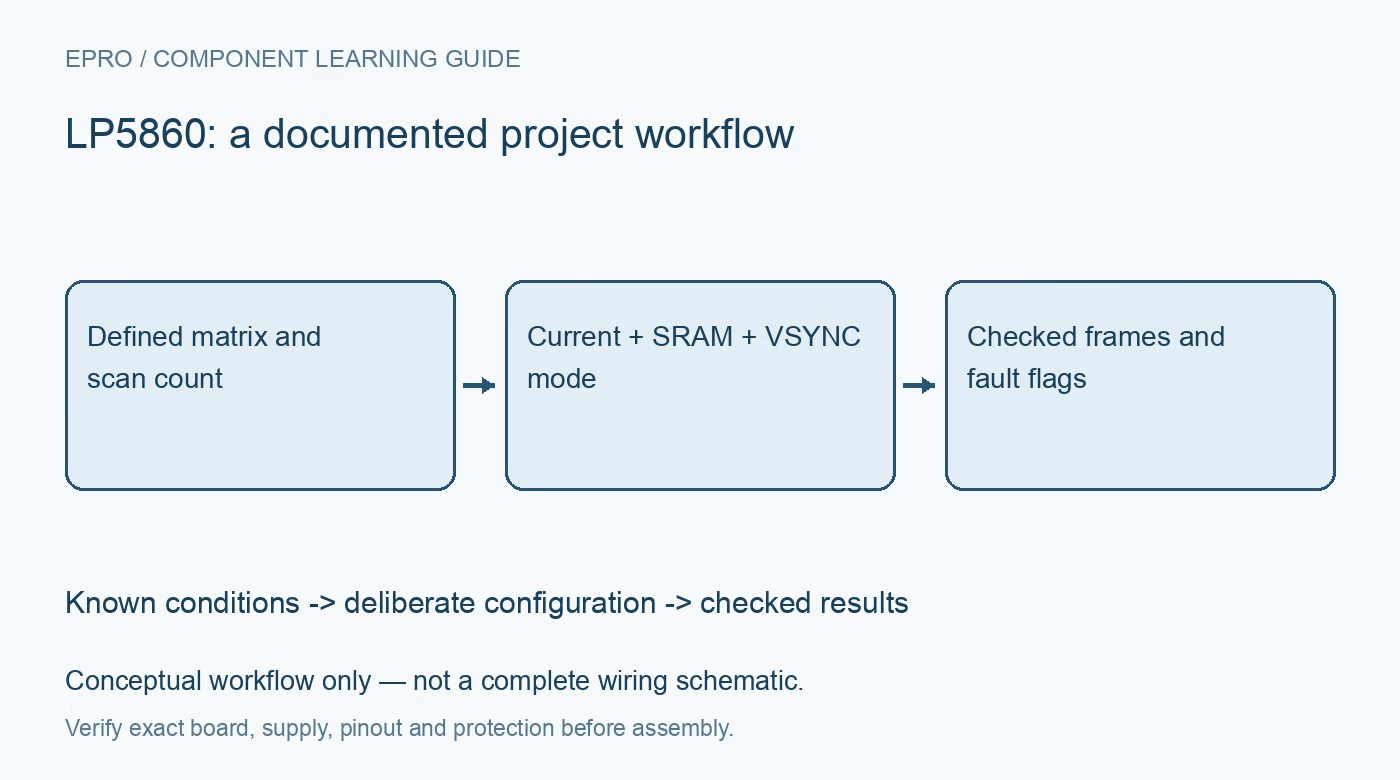
Plan an LP5860 LED matrix around scan duty, current, SRAM addressing, refresh modes and qualified fault detection. This is a documentation-based planning guide, not a report of independent hands-on testing.
1. Map the actual scan matrix before choosing currents
The LP5860 combines eighteen constant-current sinks with eleven high-side scan switches, supporting up to 198 LED dots. That arrangement is a scanned matrix, not 198 independently continuous current sources. Draw the connection between every scan line, sink and visible color before preparing software. Set the configured maximum line count to the implemented matrix. Check the package pin functions and treatment of unused scan outputs rather than adapting a direct-drive RGB board layout without changes. Manufacturer documentation.
2. Separate peak sink current from average dot current
The current rating applies to an active sink under specified supply conditions; a scanned LED receives only its allocated scan time. Work out average brightness from scan count, PWM duty and current settings together. The documented upper current capability also depends on VCC. Do not increase current simply to compensate for a larger matrix without checking LED pulse ratings, switch behavior, supply demand and package temperature. Record the intended current configuration alongside the matrix dimensions. Manufacturer documentation.
3. Choose a refresh mode that matches the animation
Mode 1 uses eight-bit PWM and applies received data immediately, making partial on-demand updates useful for indicators. Mode 2 holds eight-bit PWM data until the VSYNC-controlled frame update. Mode 3 uses sixteen-bit PWM with frame synchronization. These modes have different update behavior, not merely different resolution labels. Choose whether intermediate partially written images are acceptable. For synchronized animation, define the frame boundary and required VSYNC timing before calculating the communication budget. Manufacturer documentation.
4. Keep SRAM addressing consistent with PWM resolution
The SRAM address allocation differs between the eight-bit modes and sixteen-bit Mode 3. A driver that writes the correct numeric brightness to the wrong address can still produce a plausible but misplaced image. Build the register map from the selected mode, including byte order and auto-increment behavior. Start with one identifiable dot and then move that dot across the matrix. Preserve the logical-to-physical mapping in software instead of hiding channel swaps inside animation data. Manufacturer documentation.
Newest in the store


5. Treat master-current changes as configuration updates
Master-current adjustment has mode-dependent requirements. In Mode 1 its effect is immediate; in Modes 2 and 3 the documentation requires the change with channels off through Chip_EN. Do not assume every brightness-related register can be changed interchangeably during an active frame. Separate image-data updates from configuration changes, provide an intentional blanking interval where required, and restore the expected enable state afterward. This prevents an apparently harmless current update from becoming an undocumented display transition. Manufacturer documentation.
6. Qualify diagnostic flags against detection conditions
LED open detection is conditional: it requires sufficient PWM value and persistence across the documented sub-periods. Consequently, a dark dot at a very small duty cycle is not a complete open-circuit test. Read the global and dot-specific flags together, preserve the operating conditions that produced them, and follow the specified clear sequence after removing the fault. Do not treat a cleared status register as proof that every matrix connection and LED junction is healthy. Manufacturer documentation.
7. Verify complete frames and supply behavior together
Use a staged pattern sequence: a single dot, a scan-line pattern, separate colors and finally the expected worst-case image. Observe whether mode changes, VSYNC loss or controller restart create unintended partial frames. Check current and temperature under the actual matrix duty pattern rather than extrapolating from one LED. This article provides a documentation-based preparation sequence, not measured display performance. Keep the final configuration, image mapping and fault observations together so another builder can reproduce the setup. Manufacturer documentation.
Related reading: LP5810 LED Driver: 7 Checks for Configuration Updates and Autonomous Animation.
Catalog note: The exact-part search did not return a matching Epro listing during preparation. Check the current catalog; this guide makes no price, availability or included-accessory claim.