


Getting Started with Raspberry Pi Projects

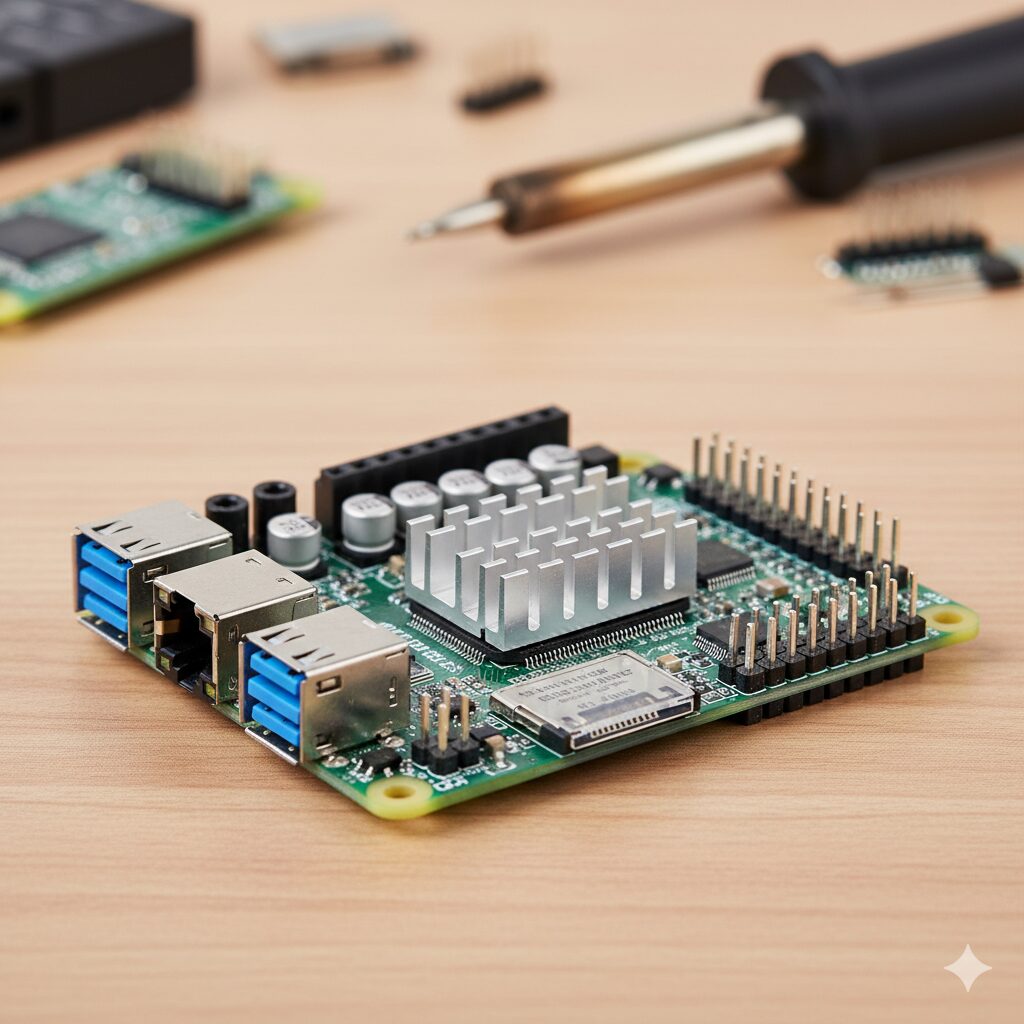
Getting Started with Raspberry Pi Projects
Raspberry Pi has revolutionized the world of DIY electronics, offering a flexible, affordable, and easy-to-use platform for hobbyists and professionals alike. Whether you’re a beginner or an experienced tinkerer, Raspberry Pi projects can be both fun and educational. In this guide, we’ll help you get started with Raspberry Pi, explore some exciting project ideas, and provide useful tips to make the most of your Raspberry Pi experience. With its compact size and robust capabilities, the Raspberry Pi can serve as an introduction to the vast field of electronics and computing, or as a tool for sophisticated projects requiring a programmable brain.
By understanding the basics, setting up the hardware, and diving into hands-on projects, you can unlock the full potential of this tiny computer. Its applications range from simple programming tasks to complex systems integration, making it ideal for learning and experimentation. Whether you’re building a smart home, creating a personal server, or just playing retro games, the Raspberry Pi’s versatility is unmatched.
Raspberry Pi is a series of small, single-board computers developed by the Raspberry Pi Foundation. Its primary aim is to promote the teaching of basic computer science in schools and developing countries. However, due to its affordability and versatility, Raspberry Pi has become a favorite among DIY enthusiasts and hobbyists for creating various electronics projects. The board’s compact design and low cost make it accessible to a wide audience, from students learning to code to engineers designing complex systems.
The Raspberry Pi’s impact extends beyond education; it has sparked innovation and creativity across different fields. From robotics to IoT (Internet of Things) applications, its adaptability and open-source nature enable users to modify and tailor the platform to suit specific needs. As a result, it has cultivated a vibrant community that shares ideas, resources, and support, encouraging continuous learning and experimentation.
Before diving into projects, it’s essential to understand the basics of Raspberry Pi. The board comes with several components, including a CPU, RAM, USB ports, HDMI output, and GPIO (General Purpose Input/Output) pins. These features allow Raspberry Pi to perform a wide range of tasks, from simple computing to controlling complex hardware systems. Familiarity with these components will help you better understand how the Raspberry Pi functions and interacts with other devices.
Additionally, the Raspberry Pi’s compatibility with various peripherals enhances its functionality. For instance, the GPIO pins can interface with sensors, motors, and other electronic components, enabling the creation of custom hardware solutions. By utilizing these features, you can build projects that not only involve software development but also incorporate hardware design, providing a comprehensive learning experience in electronics and programming.
Before you start any projects, you’ll need to set up your Raspberry Pi. Follow these steps to get started:
To set up your Raspberry Pi, you’ll need the following items:
- Raspberry Pi board (choose the model that suits your needs)
- MicroSD card (at least 8GB)
- Power supply
- HDMI cable
- Monitor or TV
- USB keyboard and mouse
- Internet connection (WiFi or Ethernet)
Having the right tools ensures a smooth setup process and optimal performance of your Raspberry Pi. It’s important to select a model that aligns with your project requirements, as different models offer varying levels of processing power and connectivity options. Additionally, investing in a high-quality power supply and microSD card can prevent common issues related to power instability and data corruption.
The Raspberry Pi operating system, known as Raspberry Pi OS (formerly Raspbian), is based on Debian Linux. You can download the latest version of Raspberry Pi OS from the official Raspberry Pi website. Use the Raspberry Pi Imager tool to write the OS image to your microSD card. The installation process is straightforward and user-friendly, making it accessible even to those with limited technical expertise.
Once the operating system is installed, you can explore the vast array of software available for Raspberry Pi OS, from programming environments to media players. This flexibility allows you to customize your Raspberry Pi to meet the specific needs of your project, whether it involves developing software applications or setting up a multimedia server. Regularly updating the OS ensures you have access to the latest features and security patches.
Insert the microSD card into your Raspberry Pi, connect it to your monitor using the HDMI cable, and plug in the USB keyboard and mouse. Power up your Raspberry Pi by plugging in the power supply. Follow the on-screen instructions to complete the initial setup, including connecting to WiFi and updating the system. This process ensures your Raspberry Pi is configured correctly and ready for use.
During the initial setup, you can also personalize the system settings, such as setting a password, adjusting the display resolution, and selecting your preferred language and timezone. These configurations enhance your user experience and prepare the Raspberry Pi for specific applications. Familiarizing yourself with these settings will enable you to troubleshoot issues and optimize performance as you undertake more complex projects.
Now that your Raspberry Pi is ready, let’s explore some beginner-friendly projects you can try.
Transform your Raspberry Pi into a media center using Kodi, a popular open-source media player. With Kodi, you can stream videos, music, and photos from local storage or the internet. Install Kodi on your Raspberry Pi and connect it to your TV for an affordable home entertainment system. This project not only introduces you to the world of multimedia applications but also demonstrates how to leverage open-source software to enhance your digital experience.
Setting up a media center is an excellent way to familiarize yourself with software installation and configuration on the Raspberry Pi. You can further customize your media center by adding plugins and extensions, allowing you to access a wide variety of content, including online streaming services. This project can be a stepping stone to more advanced media-related projects, such as building a personal media server or integrating home automation features.Newest in the store


Create a simple weather station using a Raspberry Pi, a temperature and humidity sensor, and a few lines of Python code. This project will help you learn about sensors, data collection, and coding. By connecting the sensor to the GPIO pins, you can collect real-time data and display it on the Raspberry Pi or upload it to the cloud for remote access.
This project introduces fundamental concepts in data acquisition and processing, providing insights into how sensors work and how data can be analyzed and visualized. You can expand this project by incorporating additional sensors to measure parameters like atmospheric pressure or wind speed, creating a comprehensive weather monitoring system. This hands-on experience reinforces programming skills and encourages experimentation with hardware interfaces.
Turn your Raspberry Pi into a retro gaming console with the help of RetroPie, a software package that allows you to play classic games from consoles like NES, SNES, and Sega Genesis. Simply install RetroPie on your Raspberry Pi and add ROMs to start gaming. This project combines nostalgia with modern technology, offering a fun way to relive classic gaming experiences.
The retro gaming console project introduces you to emulation software and provides an opportunity to explore the capabilities of the Raspberry Pi in handling graphics-intensive applications. You can customize the gaming interface, connect different types of controllers, and even build a custom arcade cabinet for an authentic retro feel. This project not only enhances your understanding of software installation and configuration but also fosters creativity in design and customization.
Once you’ve gained some confidence with the basics, try these intermediate projects to challenge yourself further.
Use your Raspberry Pi to control smart devices in your home. With software like Home Assistant, you can manage lights, thermostats, and other smart devices, creating automated routines and improving energy efficiency. This project introduces you to the world of IoT and home automation, providing insights into how different technologies can be integrated to create a smart ecosystem.
Smart home automation projects encourage you to learn about various communication protocols, such as MQTT and Zigbee, and how they can be used to control devices remotely. By setting up automation routines, you can optimize energy usage and enhance convenience, making everyday tasks more efficient. This project also highlights the importance of security and data privacy when dealing with connected devices.
Build a security camera system using Raspberry Pi and a camera module. This project involves capturing video, storing footage, and even live streaming to your smartphone. By understanding video processing and storage, you can create a reliable security solution for your home or office.
The security camera project provides practical experience in video encoding, network configuration, and data management. You can enhance this project by incorporating motion detection, integrating with cloud storage, or adding multiple cameras for comprehensive coverage. This project emphasizes the importance of resource management, as you’ll need to optimize the Raspberry Pi’s performance to handle video processing tasks effectively.
MQTT (Message Queuing Telemetry Transport) is a lightweight messaging protocol ideal for IoT applications. Learn how to set up an MQTT broker on your Raspberry Pi and use it to control IoT devices, such as smart lights or sensors. This project introduces you to the principles of IoT communication and how data can be transmitted efficiently between devices.
By exploring MQTT and IoT projects, you gain insights into the architecture of connected systems and the challenges associated with data transmission and interoperability. You can expand this project by integrating different IoT platforms, creating a comprehensive network of devices that communicate seamlessly. This hands-on experience equips you with the skills needed to develop scalable and robust IoT solutions.
Here are some useful tips to enhance your Raspberry Pi experience:
- Regular Updates: Keep your Raspberry Pi OS up-to-date to ensure security and access to the latest features. Staying current with updates prevents vulnerabilities and ensures compatibility with new software releases.
- Backup: Regularly back up your microSD card to prevent data loss. Having a backup strategy in place can save you time and effort in case of hardware failure or software corruption.
- Use Heatsinks: If you’re running intensive applications, consider using heatsinks to prevent overheating. Proper thermal management ensures the longevity and stability of your Raspberry Pi.
- Explore Online Resources: There are numerous forums, blogs, and tutorials dedicated to Raspberry Pi projects. These resources can provide valuable insights and support. Engaging with the community allows you to share ideas, troubleshoot issues, and discover new projects, enhancing your learning experience.
Raspberry Pi is a powerful and versatile platform that opens up a world of possibilities for DIY enthusiasts and beginners alike. With a little creativity and curiosity, you can create an array of projects, from simple gadgets to complex systems. Whether you want to learn programming, explore electronics, or build your own smart home, Raspberry Pi is the perfect starting point. Its accessibility and support make it a valuable educational tool, encouraging innovation and problem-solving.
By following this guide, you should now have a solid foundation to begin your Raspberry Pi journey. So, gather your tools, pick a project, and start exploring the exciting world of Raspberry Pi today! As you continue your exploration, remember that the only limit is your imagination. Embrace the challenges and opportunities that come your way, and enjoy the satisfaction of bringing your ideas to life with Raspberry Pi.
