


HDC1080 Humidity Sensor: 7 Steps to Valid Paired Readings

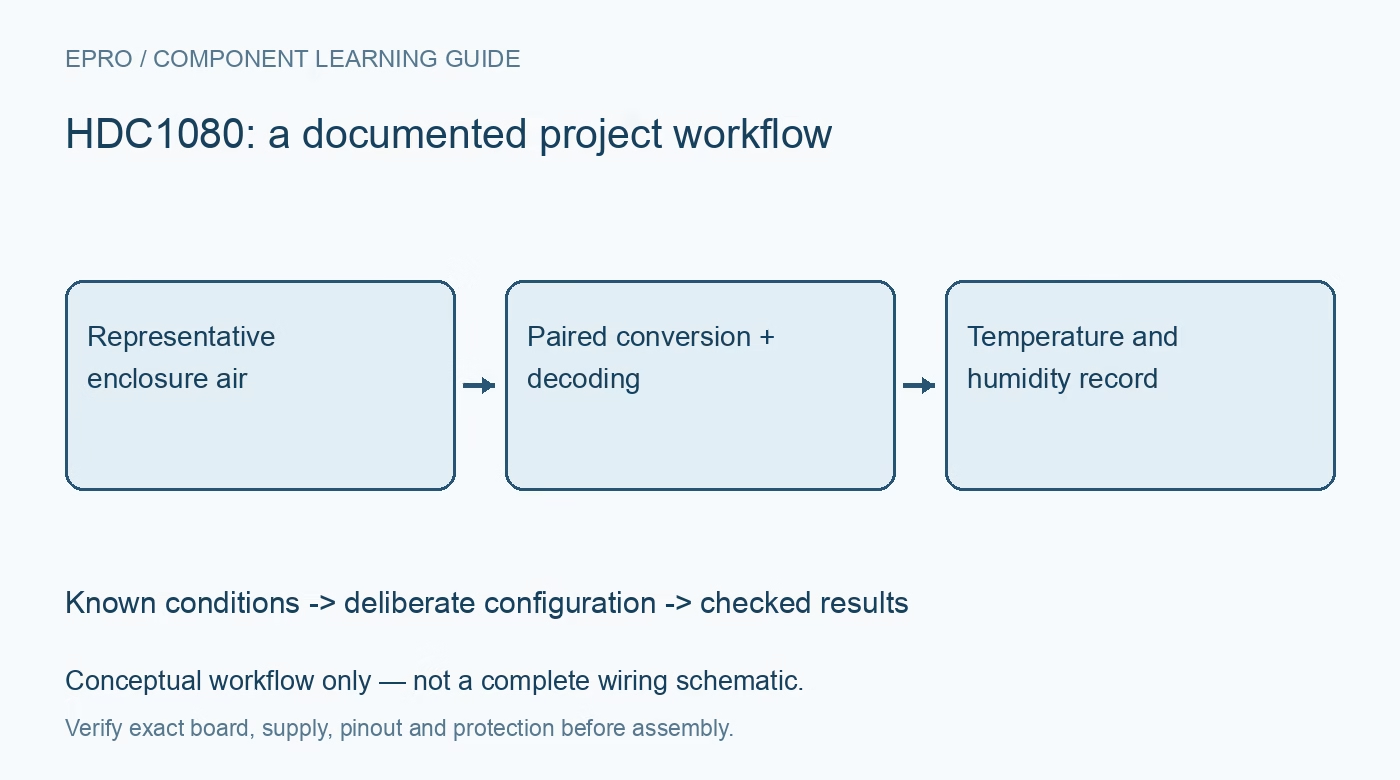
HDC1080 Humidity Sensor: 7 Steps to Valid Paired Readings
Configure HDC1080 paired temperature and humidity measurements with proper startup timing, result decoding and heater-aware environmental logging. This is a documentation-based planning guide, not a report of independent hands-on testing.
1. Define a paired environmental record
HDC1080 combines digital humidity and temperature sensing. Texas Instruments documents configurable acquisition and measurement resolution, with sleep between requested conversions. Decide whether the application needs both quantities from one acquisition sequence or separate observations. A paired record is helpful when interpreting humidity trends because temperature changes affect relative humidity. The goal here is a valid environmental record, not a claim that a particular breakout meets a laboratory calibration specification. Manufacturer documentation.
2. Check the physical board and sensing location
Verify the carrier input supply, sensor connections and I2C pull-up rail. Confirm device and manufacturer identification using the documented registers where applicable. Keep the sensing opening exposed to representative air, away from regulators and display backlights. A sensor mounted inside a warm controller box does not necessarily describe the surrounding room. Record the final enclosure arrangement early, rather than completing electrical tests in free air and assuming identical installed behavior. Manufacturer documentation.
3. Respect startup and trigger semantics
Allow the documented startup interval before normal measurement commands. Configure acquisition mode and resolution, then initiate the appropriate conversion sequence. The device is not simply streaming a new result every time a host asks for bytes. Keep conversion waiting separate from bus transfer time and use a bounded timeout. If the firmware retries a transaction, track whether it is reading the intended conversion or beginning another acquisition. Manufacturer documentation.
4. Read and decode the complete pair
In the configured paired mode, follow the specified order and response length for temperature and humidity. Preserve byte order and apply the separate transfer equations to the correct raw words. A sixteen-bit transport word is not itself a temperature value or a percentage. During bring-up, log raw bytes beside decoded units. Short reads, a swapped pair or an incorrect scale factor can generate plausible-looking values that conceal a software error. Manufacturer documentation.
Newest in the store


5. Match resolution to the observation interval
Choose supported temperature and humidity resolution settings according to the required conversion time and energy budget. More displayed decimal places do not improve the sensor accuracy or the enclosure response. Avoid polling so aggressively that self-heating or application timing becomes the dominant problem. Compare a modest acquisition interval with the intended final schedule under stable conditions. Keep resolution and interval in the session metadata so later trends remain interpretable. Manufacturer documentation.
6. Make heater activity visible
The integrated heater has documented diagnostic and condensation-related uses. It changes the sensor thermal condition, so a reading during heating should not be silently labeled ambient air. Enable it deliberately, follow operating guidance and record when it is active. Allow an appropriate recovery period before comparing with a nearby reference. Do not use the heater as a general calibration adjustment or assume repeated heating reverses every possible source of contamination or long-term offset. Manufacturer documentation.
7. Validate HDC1080 in the final enclosure
Collect an equilibrated baseline with the final airflow path and a suitable comparison instrument. Document locations, stabilization time and reference uncertainty. Store timestamp, raw pair, decoded values, resolution, heater state and transport validity. Mark failures instead of filling them with zero humidity. The related SHT31 selection article offers comparison context, but its command and CRC behavior are not interchangeable. A useful HDC1080 record distinguishes sensor conversion, enclosure lag and communication problems. Manufacturer documentation.
Related reading: SHT31 Sensor: 7 Digital Humidity Module Selection Checks.
Catalog note: The exact-part search did not return a matching Epro listing during preparation. Check the current catalog; this guide makes no price, availability or included-accessory claim.