


LP5866 LED Matrix Driver: 7 Checks for a Six-Line Display

LP5866 LED Matrix Driver: 7 Checks for a Six-Line Display
Plan an LP5866 six-line LED matrix with a checked pixel map, scan duty, dimming ownership and diagnostic procedure. This is a documentation-based planning guide, not a report of independent hands-on testing.
1. Define the six-line matrix before selecting brightness
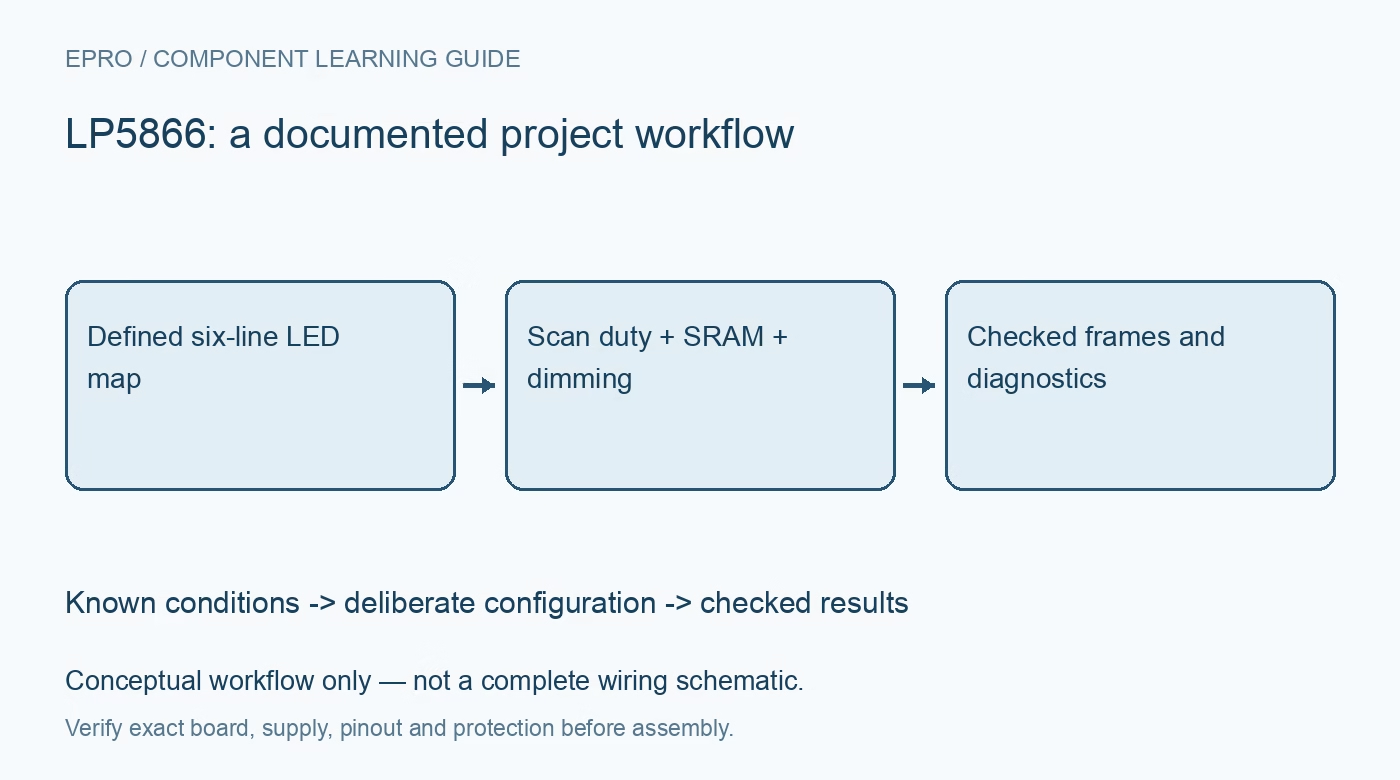
The LP5866 combines eighteen constant-current sinks with six scan switches, supporting up to 108 LED dots or thirty-six RGB pixels. Draw the actual row and sink connections rather than treating the interface as a flat RGB strip. Mark unpopulated locations and the selected number of active switches, which can range from one to six. A channel-walk image should identify every physical LED uniquely. Keep this drawing with the firmware pixel map so an indexing mistake cannot masquerade as an optical defect. Manufacturer documentation.
2. Budget peak current separately from average light
Scan multiplexing divides the time available to each row. Increasing active rows changes average LED current even when the programmed sink current stays unchanged. The datasheet specifies the upper current capability under supply conditions, including the 50-mA range when VCC is at least 3.3 V; it is not a blanket recommendation for every LED. Check pulse ratings, duty cycle, driver headroom and simultaneous loading. Write separate peak-current and average-power estimates before comparing a six-row image with a lower-row-count prototype. Manufacturer documentation.
3. Assign ownership to each dimming layer
Analog current adjustment and PWM dimming solve different problems. Establish which setting controls the electrical current ceiling, which represents a pixel value, and whether global controls participate in animation. Otherwise software may change two layers at once and create unexplained brightness jumps. Record current settings alongside a reference image and the active scan count. An equal numeric PWM code does not guarantee equal perceived brightness between colors or LED batches; optical matching remains an application-level calibration task. Manufacturer documentation.
4. Match the SRAM map to the selected data mode
The device supports eight-bit analog adjustment and eight- or sixteen-bit PWM arrangements. Select the intended operating mode before building the frame encoder. Verify register addresses, byte order and frame boundaries against that mode instead of assuming adjacent modes share an identical memory layout. Test a dark frame, a single populated dot and a known multicolor pattern with conservative current. These patterns provide stronger evidence of correct addressing than an animation that can conceal swapped rows and color components. Manufacturer documentation.
Newest in the store


5. Make frame updates a documented transaction
A display can contain correct pixel values yet show intermediate frames when the host updates memory at the wrong time. Review the selected mode’s update and synchronization rules, including when VSYNC applies, before choosing a write sequence. Define who owns the frame buffer during transfer and how a failed transaction is recovered. Keep current-setting changes distinct from ordinary pixel changes. Capture the intended frame identifier and completion state so a communication interruption is not mistaken for random LED behavior. Manufacturer documentation.
6. Qualify diagnostics under their actual conditions
Open- and short-related indications require the electrical and operating conditions described by the manufacturer. A dark pixel caused by a zero command is not automatically a diagnosed wiring fault. Establish a controlled diagnostic pattern, record relevant status and clear or reread flags as specified. Compare a suspect location with a known-good location without exceeding LED ratings. Do not short powered outputs as an improvised test; any fault fixture needs a reviewed, current-limited method appropriate to the exact board. Manufacturer documentation.
7. Verify supply and temperature with the worst useful frame
Qualify a realistic high-demand image, not only a single-dot demonstration. Observe supply droop, return-path noise and package temperature after the board reaches equilibrium. Repeat after changing active rows, current or the enclosure because those changes affect power and thermal behavior. Save supply conditions, register configuration, image identifier and observed limits together. This produces a repeatable display qualification record rather than a claim of universal brightness or thermal performance based solely on the device family headline. Manufacturer documentation.
Related reading: LP5864 LED Matrix Driver: 7 Checks for a Four-Line Display.
Catalog note: The exact-part search did not return a matching Epro listing during preparation. Check the current catalog; this guide makes no price, availability or included-accessory claim.