


MPR121 Touch Controller: 7 Checks for Stable Electrodes

MPR121 Touch Controller: 7 Checks for Stable Electrodes
Tune MPR121 touch sensing using filtered electrode data, baseline tracking, hysteresis and final-enclosure tests instead of copying one universal threshold. This is a documentation-based bench-planning guide, not a claim of independent hands-on testing.
1. Define the MPR121 touch interface
The MPR121 is a capacitive-touch controller with twelve electrode inputs and a simulated proximity channel. It senses changes in capacitance rather than mechanical button travel. Begin by defining electrode size, overlay material, intended hand position and environmental exposure. A desk demonstration with exposed copper is not equivalent to a finished panel behind plastic. Read the NXP-hosted datasheet and confirm availability and board identity rather than relying only on a familiar module photograph. Manufacturer documentation.
2. Verify supply and host compatibility
The bare device operates from 1.71 V to 3.6 V according to the datasheet. Check whether the carrier includes regulation and level conversion, and where its bus pull-ups connect. Inspect the address-selection wiring and interrupt output arrangement before attaching a controller. Keep electrode wiring separate from noisy switching supplies and motor cables. Touch inputs are not general-purpose terminals for arbitrary external voltages, and external exposure may require carefully designed protection.
3. Understand filtered data and baseline
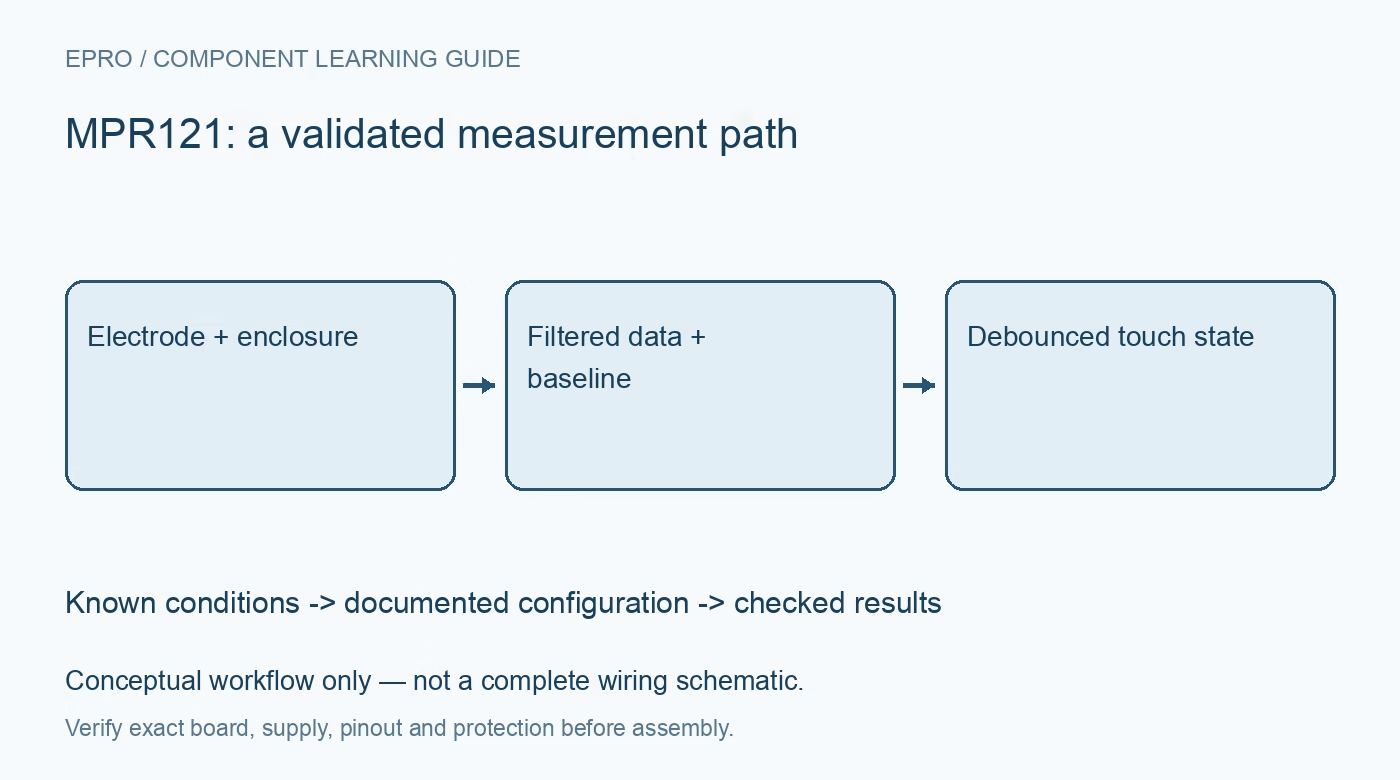
MPR121 detection compares filtered electrode data with an automatically tracked baseline. Looking only at a binary touched bit hides useful diagnostic information. Log both values while the panel is untouched, touched and released. Note that readable baseline registers expose only the upper portion of the internal value; the documented left shift matters before direct comparison. A driver that already scales this value must not be scaled a second time. Manufacturer documentation.
4. Tune touch and release separately
The device supports separate touch and release thresholds for each electrode. Hysteresis helps avoid chatter when a signal sits near the boundary. Start from documented settings, observe actual deltas and adjust conservatively for the electrode geometry. Do not copy a single sensitive threshold across every installation. Excessive sensitivity may respond to movement or noise, while a high threshold can miss a light touch through a thick overlay.Newest in the store


5. Respect configuration and baseline timing
Use the documented stop and run behavior when changing settings that require it. Initialization and baseline tracking affect the first observations after startup, especially if a hand is already near the panel. Test both untouched startup and touched startup deliberately. Select filtering and debounce with response time in mind. More filtering may reduce noise but can also make an interface feel slow or conceal an overly weak electrode signal.
6. Test the finished physical assembly
Repeat measurements after fitting the final overlay, cable routing and enclosure. Humidity, grounding, nearby metal, supply changes and a person holding the device can alter background capacitance. Test adjacent electrodes for accidental coupling and a long press for reliable release behavior. Never assume that a proximity response identifies a person or provides an intrusion-safety function. Validate ordinary user interactions without making unsupported accessibility or environmental-resistance claims. Manufacturer documentation.
7. Keep MPR121 events auditable
Save electrode labels, thresholds, debounce settings, baseline behavior and observed error conditions with the firmware revision. Handle bus failures explicitly and avoid treating an old touched mask as a fresh event. The existing TTP223 module guide covers a simpler single-channel approach, not an interchangeable configuration. A dependable MPR121 panel is established by repeatable press, hold and release tests across the real enclosure, not by one dramatic no-contact demonstration.
Related reading: TTP223 Touch Sensor Price in Pakistan: Module Mode Checks. For current listings, check the Epro catalog; a matching item was not returned by the exact-part catalog search on 22 October 2026. No price, stock or included-accessory claim is made here.