


MCP9600 Thermocouple Interface: 7 Checks for Valid Temperature

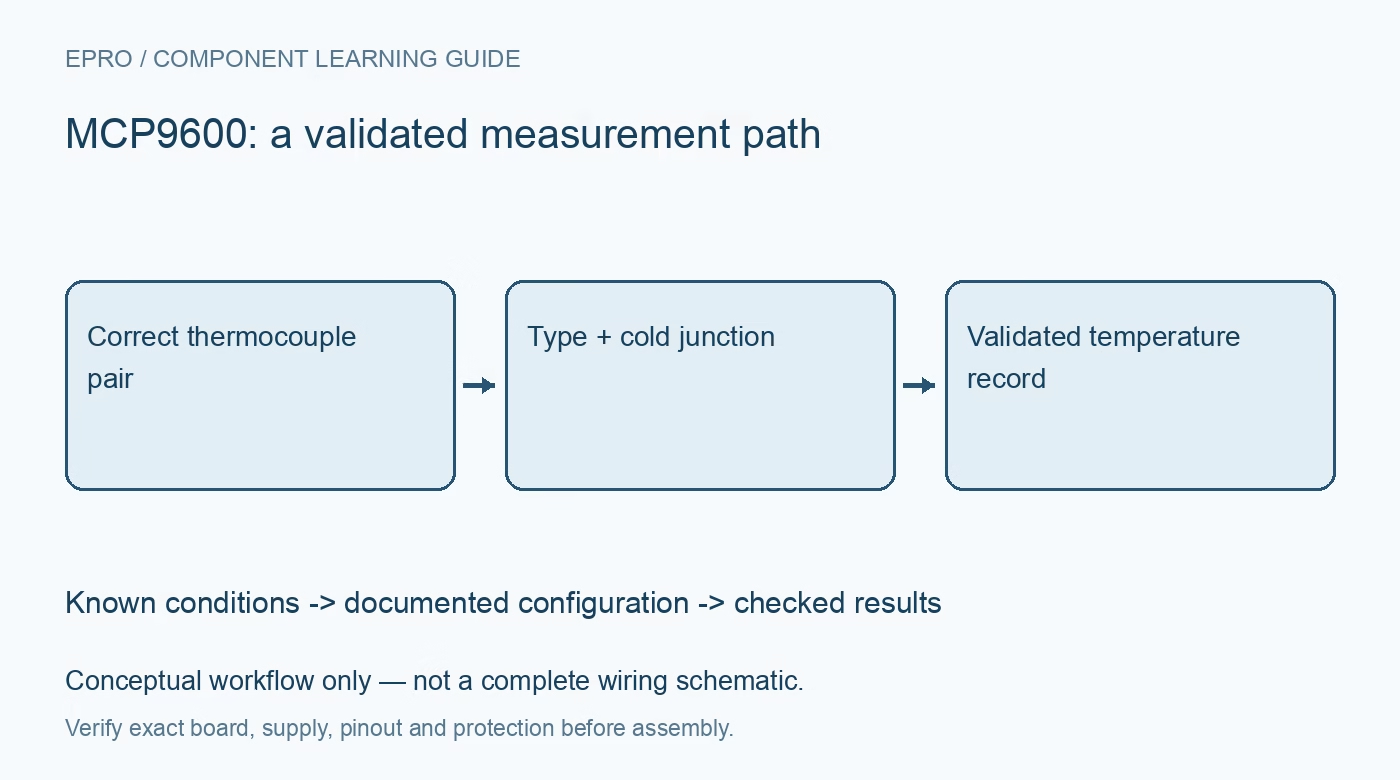
MCP9600 Thermocouple Interface: 7 Checks for Valid Temperature
Set up MCP9600 thermocouple measurements with the correct probe type, connector polarity, cold-junction placement and explicit error handling. This is a documentation-based bench-planning guide, not a claim of independent hands-on testing.
1. Choose the MCP9600 probe type explicitly
The MCP9600 converts thermocouple electromotive force to temperature with integrated cold-junction compensation. Microchip lists support for eight thermocouple types: K, J, T, N, S, E, B and R. Selecting a supported type in software does not change the metal composition of the attached probe. Identify the actual probe, extension cable and connector standard before configuration. A plausible room-temperature number is not proof that the selected type is correct. Manufacturer documentation.
2. Separate probe limits from interface limits
A thermocouple can measure temperatures far beyond what the interface board itself can tolerate. The circuit, connector and cold-junction region must remain within their own operating limits. Check the complete probe assembly rating, insulation, sheath and environment separately. Do not advertise the widest thermocouple table range as an assembled-product guarantee. This guide is for low-energy bench evaluation, not a complete design for kilns, boilers or safety-critical temperature control.
3. Check supply, bus and board identity
The manufacturer specifies a 2.7 V to 5.5 V operating range for the device and describes a 100 kHz I2C-compatible interface. Verify the carrier regulator, logic pull-ups, address configuration and the exact fitted family member. Similar-looking boards can contain related devices with different behavior. Read the board documentation before assuming a fast bus mode or library default is appropriate. Keep noisy power wiring away from the thermocouple input. Manufacturer documentation.
4. Preserve polarity and junction integrity
Thermocouple connections depend on the correct materials and polarity, not just matching convenient wire colors. Standards vary, so use the probe documentation and connector markings. Poor contacts, unintended dissimilar-metal junctions or ordinary copper substitutions in the wrong location can introduce error. Begin with a known probe in a stable environment and inspect the physical connection. Do not compensate for reversed polarity by arbitrarily changing the sign in software.Newest in the store


5. Keep the cold junction thermally honest
Cold-junction compensation relies on the temperature near the thermocouple-to-board connection being represented correctly. Heat from a regulator, nearby airflow or an enclosure wall can create gradients. Place the interface away from the hot target and allow the connector region to stabilize. Compare behavior when the electronics remain still rather than touching the connector during every reading. Filtering cannot remove an offset caused by an unmeasured thermal gradient.
6. Validate filtering, faults and alerts
The MCP9600 offers configurable filtering, power modes and programmable temperature alerts. Choose these settings based on response time as well as noise. Check the status information supported by the exact device and driver, and deliberately test an unplugged probe in a safe setup. Never continue presenting the last valid temperature as fresh data after a communication or sensor problem. Alerts should supplement, not replace, independent overtemperature protection where required. Manufacturer documentation.
7. Build an MCP9600 comparison record
Log probe identity, selected type, hot-junction result, available cold-junction information, filter configuration and validity status. Compare against an appropriate reference at several safe stable conditions, allowing thermal settling. The existing MAX6675 buying guide explains a different thermocouple interface and should not supply interchangeable register instructions. A credible MCP9600 measurement documents probe uncertainty and installation effects alongside the converter specification, without claiming an unperformed laboratory calibration or universal fault detection.
Related reading: MAX6675 Thermocouple: 7 Checks Before Buying. For current listings, check the Epro catalog; a matching item was not returned by the exact-part catalog search on 22 October 2026. No price, stock or included-accessory claim is made here.