


OPT3004 Light Sensor: 7 Checks for a Valid Lux Reading

OPT3004 Light Sensor: 7 Checks for a Valid Lux Reading
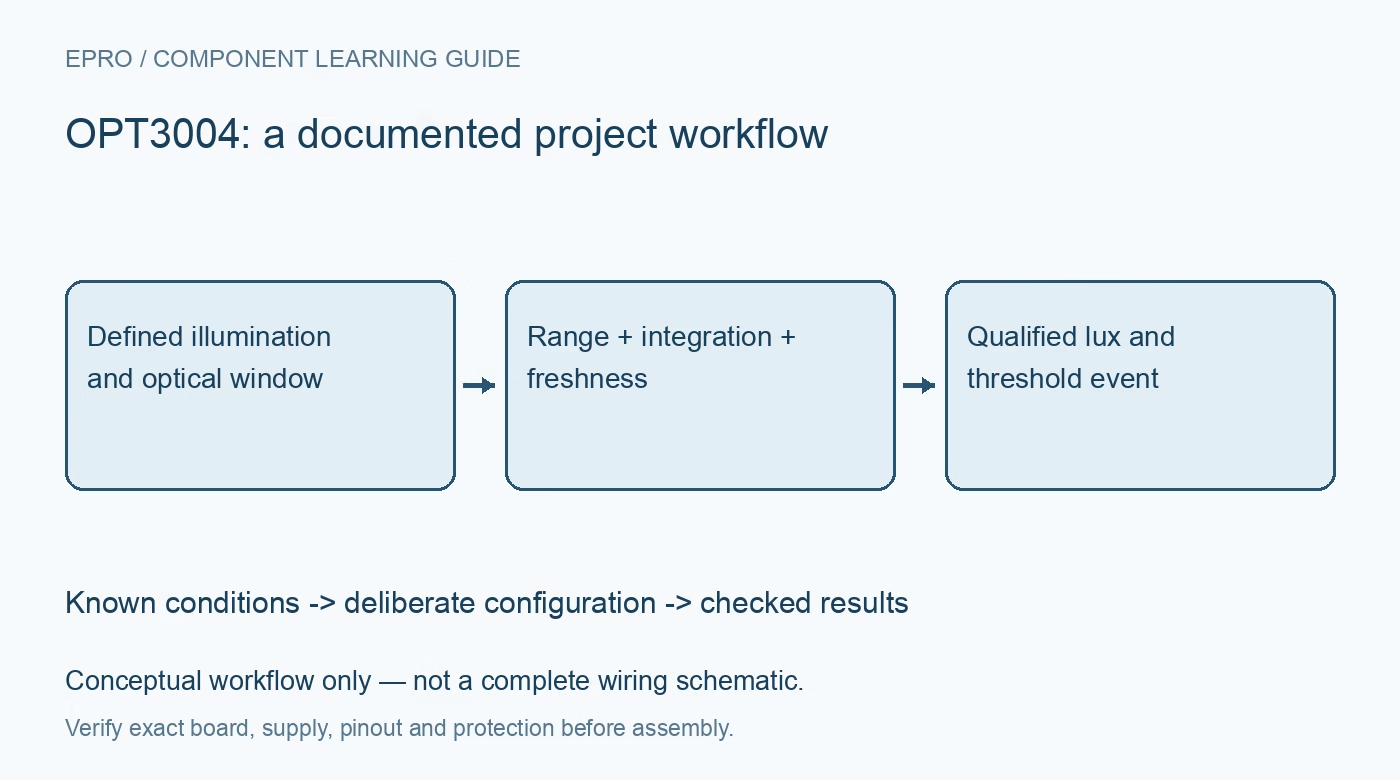
Use the OPT3004 with the correct lux format, conversion-ready policy and optical arrangement, then check range, timing and alerts before using a light threshold. This is a documentation-based planning guide, not a report of independent hands-on testing.
1. Define the optical quantity correctly
The OPT3004 is an ambient-light sensor with a response intended for photopic illuminance, reported in lux. It is not an RGB colorimeter or a broadband optical-power meter. Do not borrow the output units or conversion assumptions from another OPT-series device solely because the part numbers look related. State whether the project needs a display-brightness estimate, an environmental threshold or another optical decision, and identify the conditions under which that decision will be evaluated. Manufacturer documentation.
2. Check the complete electrical implementation
Identify the actual sensor or breakout, supply voltage, address selection and I2C pull-up rail before connecting the host. Compare every exposed signal with the device limits rather than assuming the module handles all level translation. Include local decoupling and the shared bus load in the review. Save the register configuration after initialization. A successful address scan confirms only that something acknowledged; it does not establish that the intended operating mode or conversion timing is active. Manufacturer documentation.
3. Decode exponent and mantissa together
The result contains an exponent and mantissa, not a directly usable sixteen-bit linear lux value. Implement the documented scaling and verify it with known register examples before relying on live measurements. Automatic ranging extends the useful dynamic range but does not turn the output into a simple twenty-three-bit linear register. Preserve the raw result and selected range behavior alongside engineering units. Check overflow and invalid conditions explicitly rather than displaying the largest decoded number as a valid measurement. Manufacturer documentation.
4. Start conversions and track their completion
The device begins in shutdown, so initialization must deliberately request the intended active operation. Choose single-shot or continuous behavior and the applicable integration time, including the roughly one-hundred- or eight-hundred-millisecond options. Longer integration affects response time as well as noise performance. Use the documented conversion-ready indication or a justified timing policy. Mark startup and interrupted reads invalid; repeatedly polling the register faster than conversions occur does not create fresher optical observations. Manufacturer documentation.
Newest in the store


5. Treat the window and angle as calibration conditions
Strong infrared rejection does not eliminate optical errors introduced by a window, housing or unusual light source. Record the window material, distance, field of view and sensor orientation. Compare representative sources and angles with an appropriate reference under controlled conditions. A single correction factor from one lamp may not generalize to another spectrum or enclosure finish. Keep the optical opening clean and consider reflections from the product itself before assigning a threshold to the assembled system. Manufacturer documentation.
6. Specify how an interrupt should clear
The interrupt function can support different behaviors depending on configuration and threshold settings. Define whether the application expects a latched window event, transparent hysteresis behavior or conversion-related indication, and follow the corresponding clearing rules. Test threshold crossing in both directions and verify what happens when the host reads status or data. Include the physical interrupt pin configuration in the record. A lux value returning inside a limit does not automatically prove that every selected interrupt mode has cleared. Manufacturer documentation.
7. Validate the actual light-driven decision
Test the final assembly at several relevant illumination levels, with both slowly changing and abrupt lighting conditions. Log raw data, decoded lux, conversion timing, overflow state and the downstream action. Include a blocked window and a failed bus read so the application has a defined response to unavailable information. Distinguish repeatability from absolute accuracy. The useful outcome is a qualified brightness or threshold policy for the assembled optical path, not an unsupported claim of universal light-measurement accuracy. Manufacturer documentation.
Related reading: OPT3002 Light Sensor: 7 Checks Before Calling a Reading Lux.
Catalog note: The exact-part search did not return a matching Epro listing during preparation. Check the current catalog; this guide makes no price, availability or included-accessory claim.