


PCM1794A Audio DAC: 7 Checks Before Connecting Current Outputs

PCM1794A Audio DAC: 7 Checks Before Connecting Current Outputs
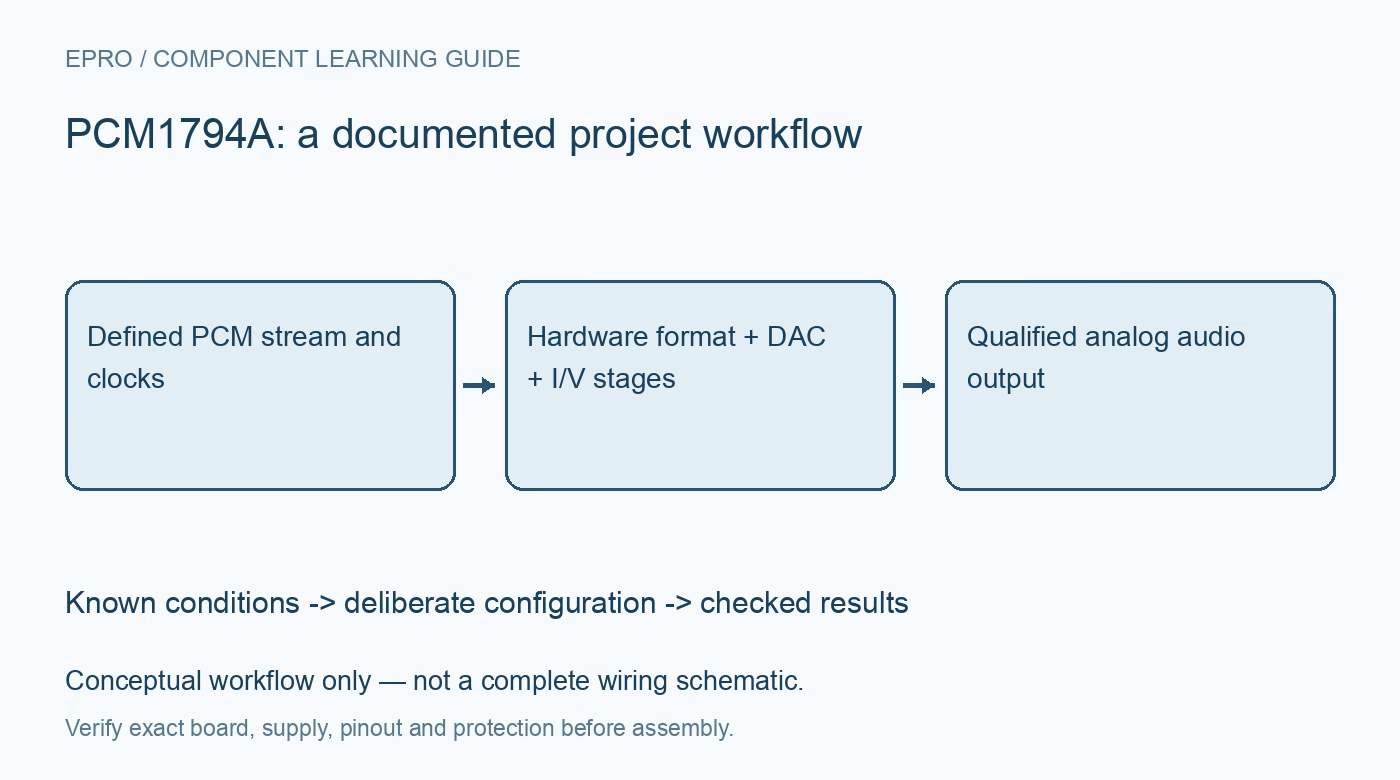
Plan a PCM1794A audio DAC around differential current outputs, external I/V stages, hardware format pins, clock relationships and controlled analog startup. This is a documentation-based planning guide, not a report of independent hands-on testing.
1. Recognize current outputs before planning an audio connector
PCM1794A provides differential current outputs, not ready-to-use line-voltage outputs or a headphone amplifier. Its output pins require an appropriate external current-to-voltage stage and subsequent analog processing. Do not wire them directly to speakers, headphones or a line input while assuming the chip behaves like a voltage-output PCM5102A module. Identify whether a purchased board already includes those stages. A component datasheet and a fully assembled DAC board can imply very different external connection requirements. Manufacturer documentation.
2. Separate analog supplies, digital supply and bias pins
The documented architecture uses 5 V analog supplies and a 3.3 V digital supply, with the corresponding ground and decoupling requirements. Review every supply pin and the IREF and VCOM networks against the reference circuit; bias pins are not spare power outputs for other circuitry. External analog amplifiers may require additional rails. Confirm those rails before enabling audio, because a correctly powered DAC feeding an unpowered I/V amplifier is not a valid listening or performance test. Manufacturer documentation.
3. Set hardware format pins to match the source stream
FMT1 and FMT0 select the documented PCM data formats, including right-justified, left-justified and I2S options. Verify word length, MSB position and channel clock polarity from the timing diagrams rather than assuming every serial audio source emits the same frame. The normal control interface is hardware-pin based; do not invent an I2C register initialization sequence from another DAC family. Define static control levels during host reset so format changes cannot occur unpredictably while audio is active. Manufacturer documentation.
4. Check all clock relationships at the chosen sample rate
The DAC requires coherent system clock, bit clock and left-right clock relationships within the documented supported combinations. A clock-ratio list is not permission to use every ratio at every sample frequency without checking the table. Confirm the source can deliver the required clocks and timing quality. The datasheet describes initialization and forced zero behavior when synchronization is disturbed. Distinguish that protective behavior from actual silence in the transmitted program, and qualify output only after clock operation has stabilized. Manufacturer documentation.
Newest in the store


5. Design the I/V stage for current, compliance and stability
Use the manufacturer analog-stage guidance to choose feedback resistance, compensation, amplifier bandwidth and output headroom. The conversion from current amplitude to voltage depends on the external network, so the final voltage is not set by a digital resolution headline. Evaluate the amplifier noise, slew rate and capacitive loading along with resistor tolerance. An arbitrary op-amp substituted into an example circuit may alter both stability and audio performance. Review the differential-to-single-ended and low-pass stage as part of the complete signal chain. Manufacturer documentation.
6. Define mute, reset and mono selection deliberately
Hardware controls include mute, reset and channel or mono-related selection, each with a documented function. Check the reset timing and valid startup levels rather than using a soft-mute command as a substitute for power sequencing. Mono operation changes channel usage and the intended analog combination; it is not achieved by shorting the differential outputs together. Verify the selected topology from the application diagram. Begin with monitoring equipment disconnected from sensitive speakers until offsets and startup transients have been checked safely. Manufacturer documentation.
7. Validate digitally first and then measure the analog chain
Start with known PCM patterns or a low-level test tone, verify clock and frame timing, and then inspect the I/V outputs and final analog output with suitable instruments. Confirm channel identity, polarity, mute behavior, DC offsets and clipping margin before increasing amplitude. Save source format, sample rate, clock ratio, amplifier choices and load. Manufacturer dynamic-range figures describe specified conditions, not guaranteed performance of an untested board. This documentation-based guide claims no independent distortion, listening or noise-floor measurement. Manufacturer documentation.
Related reading: PCM5102A Audio DAC: 7 Checks from I2S Frames to Line Output.
Catalog note: The exact-part search did not return a matching Epro listing during preparation. Check the current catalog; this guide makes no price, availability or included-accessory claim.