


TMP122 SPI Sensor: 7 Checks for Shared Data and Signed Temperature

TMP122 SPI Sensor: 7 Checks for Shared Data and Signed Temperature
Read TMP122 reliably by checking its bidirectional SO/I pin, temperature-field position, resolution, conversion freshness and programmable alert behavior. This is a documentation-based planning guide, not a report of independent hands-on testing.
1. Confirm the device and its shared-data interface
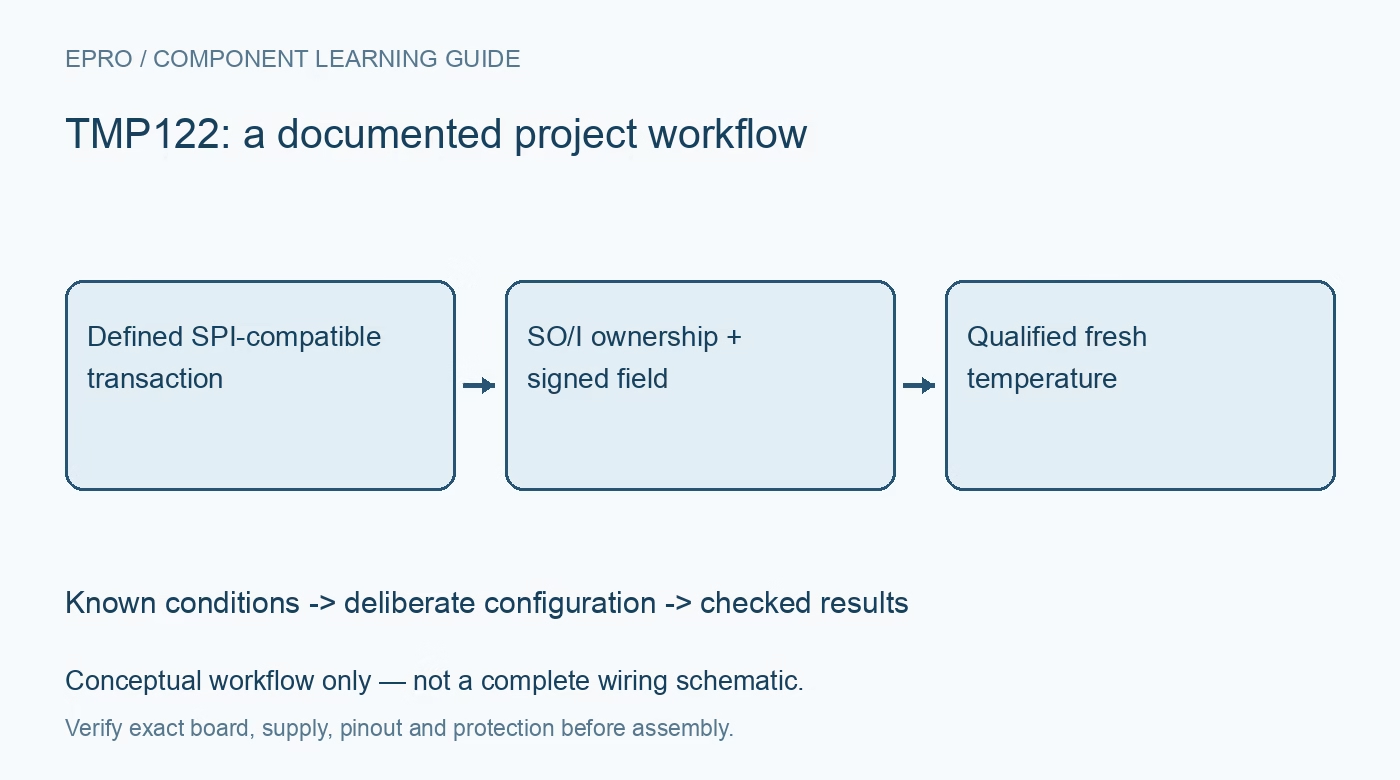
TMP122 and TMP124 share a datasheet but have different package options. Identify the exact part, pinout, supply and board schematic before connecting the host. The serial interface uses a bidirectional SO/I connection; it is not automatically the same wiring as a conventional four-wire SPI peripheral with separate input and output data pins. Plan when the host drives or releases that connection. A library that generates a clock and chip select still needs the correct transaction and ownership behavior for this sensor. Manufacturer documentation.
2. Follow the timing diagrams rather than guessing SPI transfers
The datasheet defines read and write command behavior, data direction and clock timing. Use those diagrams to configure the host’s bit order, edge behavior and chip-select handling. Ensure the host does not actively drive against the sensor during a returned-data interval. Inspect a representative transaction if the peripheral abstraction hides direction changes. Readable-looking bytes do not prove that a shared-data bus is electrically safe or that configuration writes are reaching the intended register. Manufacturer documentation.
3. Extract the temperature field and discard non-temperature bits
The temperature response contains a signed field in the upper thirteen bits, while the low bits include defined protocol behavior and high-impedance positions. Those trailing bits are not fractional temperature information and may read according to the bus arrangement. Extract and sign-extend the documented field before applying the scale. Do not interpret the complete raw sixteen-bit word as a pure temperature value. Verify zero, positive and negative examples against the manufacturer’s data-format table before using live readings. Manufacturer documentation.
4. Keep configured resolution separate from accuracy
The resolution setting changes the useful temperature bits and conversion behavior. Use the documented configuration for the intended trade-off, and treat unused lower temperature bits as defined by that mode. Higher resolution does not improve every error source or turn the sensor into an equivalently accurate thermometer. Include specified accuracy, thermal placement and conversion timing in the measurement plan. Save raw data and the active resolution together so a later firmware change cannot silently alter the decoder’s assumptions. Manufacturer documentation.
Newest in the store


5. Wait for an actual conversion after startup or shutdown
The datasheet notes that the temperature register can read zero after power-up or reset until the first conversion finishes. That zero is not evidence of a real zero-degree environment. Follow the selected mode’s conversion and shutdown rules, including any command used to request a measurement. Track when a new result is expected and flag stale or incomplete acquisition. Repeated identical values can be legitimate, but polling the serial bus faster does not create additional independent temperature conversions. Manufacturer documentation.
6. Configure alert thresholds and polarity deliberately
The device provides programmable high and low limits with documented alert modes, polarity and fault behavior. Decode and encode threshold fields using the correct signed format and resolution rather than copying raw words from another sensor family. Select an appropriate pull-up and host interpretation for the actual alert connection. Check both assertion and release behavior under controlled safe conditions. An alert test does not establish thermal calibration, and a threshold setting alone does not establish suitability as the system’s sole protection mechanism. Manufacturer documentation.
7. Validate the complete transaction and thermal measurement
Compare the sensor against suitable reference equipment after thermal stabilization, while retaining raw transactions, decoded fields, resolution, threshold configuration and supply conditions. Confirm that negative synthetic codes decode correctly even if the initial bench environment stays above zero. Assess the package’s local thermal coupling rather than assuming it reports remote air or a nearby component exactly. This guide is documentation-based, not independent calibration evidence; revisit timing, direction control and freshness after changing host SPI software or the power-cycling schedule. Manufacturer documentation.
Related reading: TMP112 Temperature Sensor: 7 Checks for the Right Data Format.
Catalog note: The exact-part search did not return a matching Epro listing during preparation. Check the current catalog; this guide makes no price, availability or included-accessory claim.