


74HC165 Arduino: Capture and Verify Eight Switch Inputs

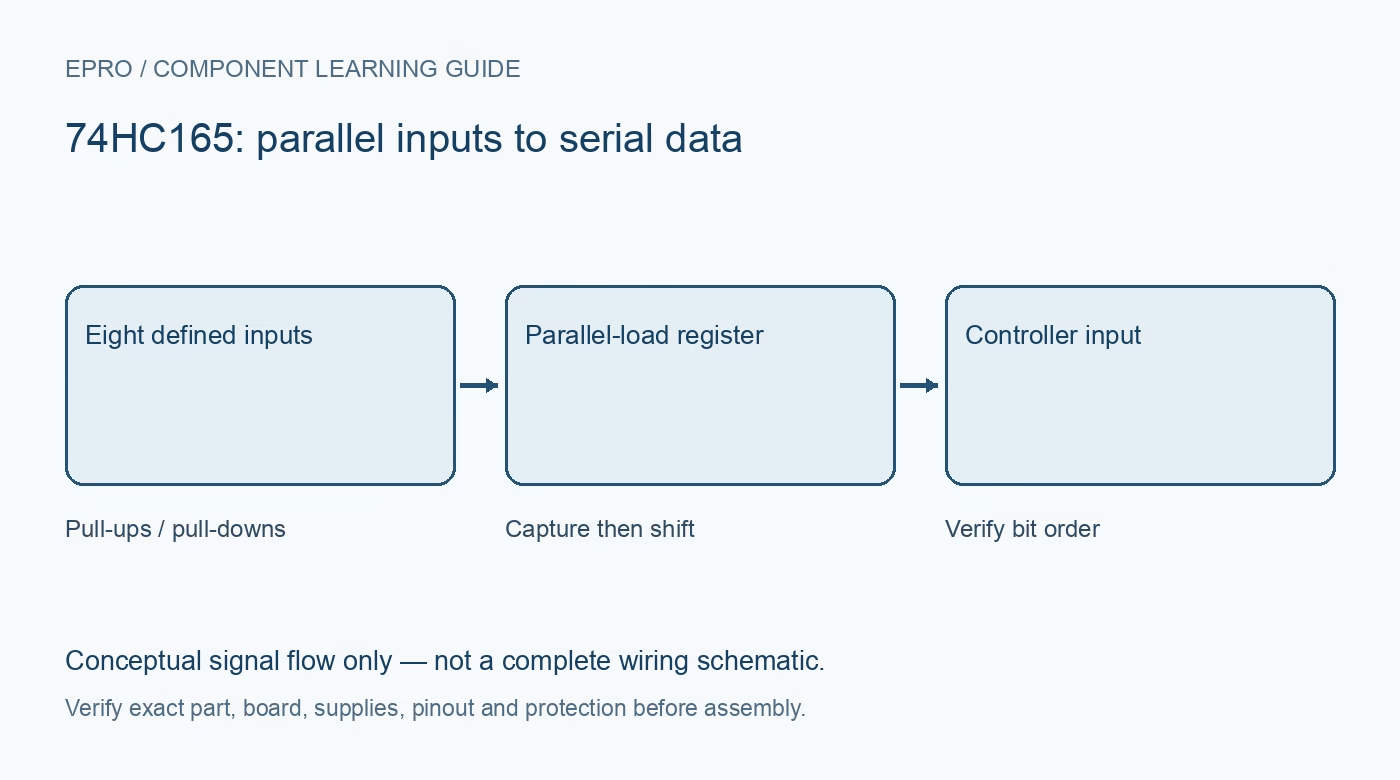
A 74HC165 Arduino test should establish a repeatable mapping from eight defined input states to eight received bits. Begin with one register and known static patterns before adding a bank of mechanical switches or a cascade of devices.
Check the exact package orientation
Use the manufacturer drawing to identify supply, ground, parallel load, clock, enable, serial input and normal serial output. The normal Q7 and its complementary output are different pins; using the latter inverts the observed states. Verify the notch or pin-one mark and board orientation rather than interpreting an upside-down package photograph.
Choose compatible supply and logic levels
Use a supply and controller interface meeting the exact HC or HCT specifications. Provide local bypassing and a shared intended reference. Do not send a 5 V output directly to a 3.3 V-only controller. If level adaptation is required, solve it for both control signals and the returning serial output, not only one direction.
Create known inputs before adding switches
Set D0–D7 to documented valid high or low levels through a suitable test arrangement; do not leave them open. Define DS and CE. Try all-low, all-high and a single high input, recording the expected pattern each time. Move connections only with power removed when necessary to avoid accidental shorts between rails.
Separate capture from shifting
Keep clock in its planned idle state, pulse PL low for at least the required interval, then return PL high and obey recovery timing. With shifting enabled, read the loaded output and clock subsequent bits using the documented sequence. Reading after an extra initial clock can skip the first bit. Verify the implementation against a timing trace or a trusted library, not just a changing number.
Map one physical input at a time
Change only D0, then only D1, and so on. Log raw binary values with fixed width so leading zeroes remain visible. Record whether the application interprets an active-low switch as a pressed state. A mapping table is more useful than hiding bit reversal or inversion in an unexplained arithmetic expression.
Add switches and debounce deliberately
Once static patterns are correct, fit switches with suitable bias resistors and inspect press/release behavior. Sample and debounce each logical input without interpreting every bounce as a new event. Keep scans responsive and verify simultaneous presses if the application needs them. Add a second register only after the first mapping and reset behavior are fully understood.Newest in the store


Availability and illustration note
No matching product was found in the checked Epro catalog for this topic on 19 October 2026. This article therefore does not quote an Epro price or claim stock. The original illustration shows conceptual signal flow only, not a complete circuit or a photograph of a supplied product. Obtain a documented component or carrier with a known pinout and electrical specification.
Frequently asked questions
Why are all input bits inverted?
Check whether the complementary output is connected and whether the switches are intentionally active low.
Why is one bit missing or shifted?
Review when the first output is sampled relative to the initial clock and parallel-load release.
Related Epro reading
Review breadboard connections before assembling a prototype. For controller expansion, the Mega 2560 pin guide explains why pin names and electrical limits must be checked together.
Technical references and test limitations
This guide uses the documentation linked below. The procedures are for a controlled, low-voltage learning setup; no independent hands-on test of the particular seller board is claimed. Record the actual part markings, wiring and firmware version before drawing conclusions from a test.