


PCF8591 Raspberry Pi: I2C Levels and First-Byte Read Handling

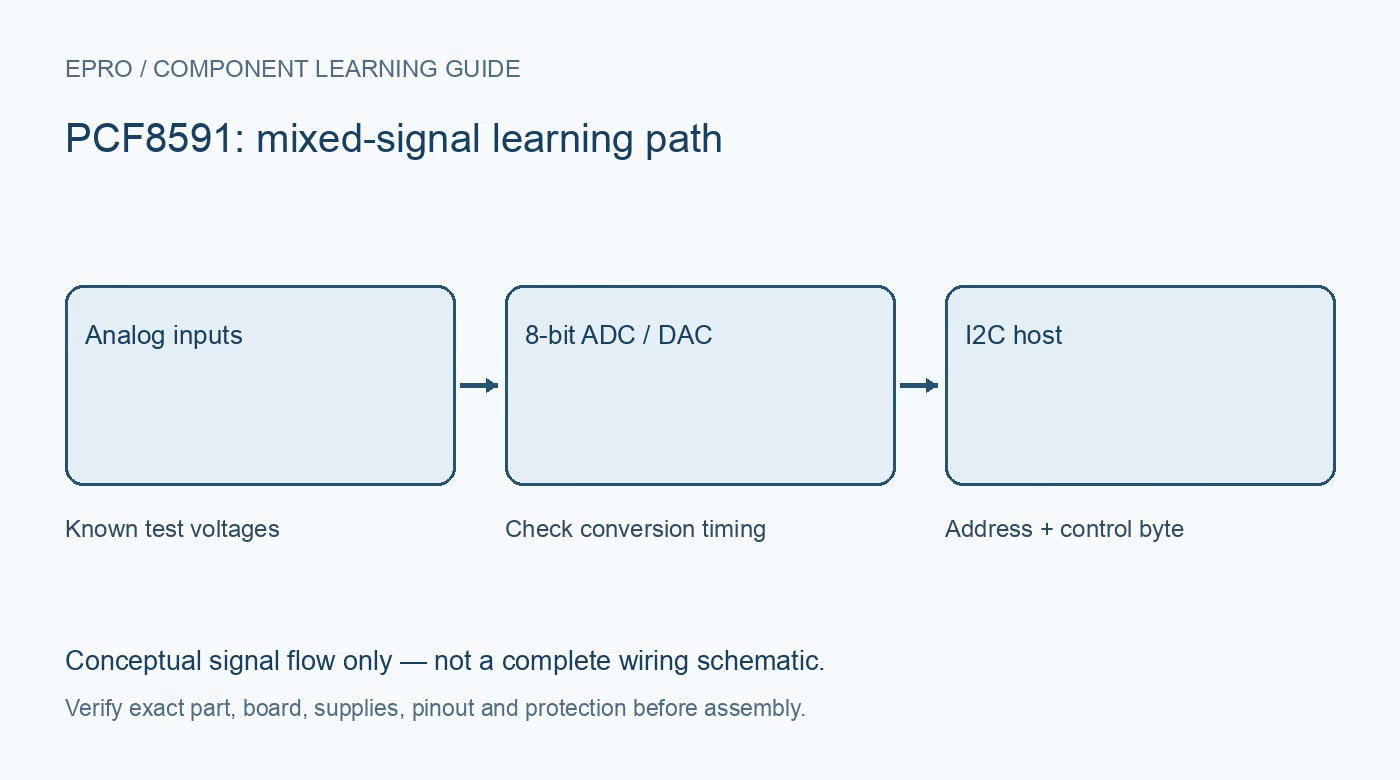
A PCF8591 Raspberry Pi connection must solve both electrical compatibility and the converter’s read sequence. Start with one known low-voltage input and log the raw bytes. Onboard LEDs or a detected I2C address alone do not show that the requested channel is being measured correctly.
Inspect the carrier before using a wiring diagram
Identify supply, ground, SDA, SCL, analog inputs, analog output, address straps and any sensor jumpers. Check the actual board documentation and compare it with the NXP chip description. Remove or configure onboard sensor connections as documented so an external test voltage is not fighting another circuit on the same input.
Protect the Pi I2C pins
Confirm supply compatibility for the entire module and where its SDA/SCL pull-ups terminate. Do not connect pull-ups to 5 V directly to Raspberry Pi GPIO. Use a compatible arrangement or appropriate bidirectional I2C level translation. Check actual voltage with suitable equipment before connecting the Pi, and keep all analog inputs within the documented limits.
Confirm address and transaction conventions
Enable the intended I2C interface and identify the address from the device’s address pins and documentation. Keep seven-bit addresses distinct from eight-bit read/write address bytes used in some descriptions. An address scan can establish an acknowledgment but does not verify mode configuration, selected channel or analog accuracy.
Select one channel and handle the pipeline
Set the control byte for the intended documented input configuration. NXP states that the first byte read is the previous conversion result, not necessarily the newly selected channel. Use a driver that handles this correctly or implement the documented sequence, separating the stale byte from the requested conversion. Do not copy a different ADC’s register-reading routine.
Apply two known test conditions
Begin with a safe analog-ground input and then a measured intermediate voltage from a compatible low-impedance source. Compare successive raw codes and confirm that changing one input changes the intended channel. Do not use an unconnected input as a reference test; a floating input may vary unpredictably and cannot establish conversion accuracy.
Log assumptions before adding sensors
Record supply/reference arrangement, address, input mode, selected channel, raw bytes and the scaling formula. For a module with a potentiometer or thermistor, document the jumper configuration and actual component model before converting counts to physical units. Handle bus errors explicitly and avoid displaying the previous good sample as a fresh reading after a failed transaction.Newest in the store


Availability and illustration note
No matching product was found in the checked Epro catalog for this topic on 19 October 2026. This article therefore does not quote an Epro price or claim stock. The original illustration shows conceptual signal flow only, not a complete circuit or a photograph of a supplied product. Obtain a documented component or carrier with a known pinout and electrical specification.
Frequently asked questions
Does an I2C scan prove the analog value is correct?
No. It proves only that a device acknowledged an address under those conditions.
Should a floating input be used to test zero?
No. Use a documented connection to analog ground within the input limits for a meaningful low-end check.
Related Epro reading
Review breadboard connections before assembling a prototype. For controller expansion, the Mega 2560 pin guide explains why pin names and electrical limits must be checked together.
Technical references and test limitations
This guide uses the documentation linked below. The procedures are for a controlled, low-voltage learning setup; no independent hands-on test of the particular seller board is claimed. Record the actual part markings, wiring and firmware version before drawing conclusions from a test.