


DFPlayer Mini: Choosing the Card, Control Mode and Audio Output

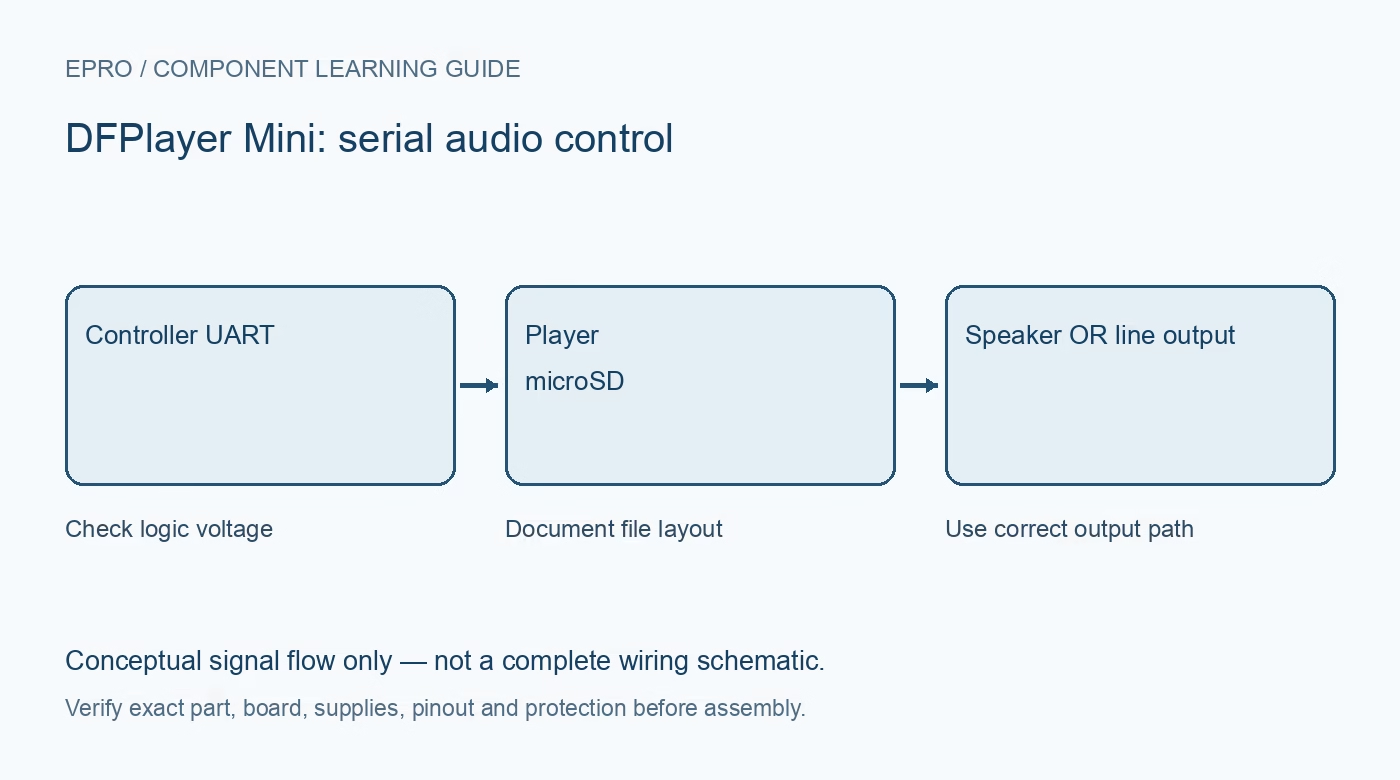
DFPlayer Mini combines memory-card playback, serial control and audio outputs in a small module. Before buying one for prompts or effects, distinguish direct speaker outputs from line-level audio and check the documentation of the exact supplier board and firmware.
Match the board to its documentation
The linked DFRobot manual describes its documented module. Similar-looking third-party players may use different decoding chips, firmware or command behavior. Record the actual board marking and do not assume every clone responds identically to one library. The module is a player for stored audio, not a microphone recorder or a Bluetooth audio receiver.
Check supply and audio-current demand
The referenced manual specifies a 3.2–5.0 V working supply for its module. The complete circuit must provide a stable suitable rail under playback demand, not only at idle. Use local decoupling and appropriate wiring, and separate noisy load returns from sensitive audio paths. Do not assume a small controller regulator can power an arbitrary speaker volume reliably.
Prepare a supported memory card
The documented player supports FAT16/FAT32 storage and a maximum 32 GB card in that manual. Confirm the exact module’s supported media and file organization. Back up a card before formatting it and test with a small, simple set of known files. A card being readable by a computer does not prove the module supports its filesystem or capacity.
Select the correct audio path
SPK1 and SPK2 are the paired speaker-amplifier terminals; neither should be treated as an ordinary shared ground. Connect only a suitable speaker as documented. DAC_L and DAC_R are different outputs intended for compatible external audio circuitry. Do not join amplifier outputs together or connect them as a grounded stereo headphone output.
Choose serial or standalone control deliberately
The module offers documented serial and key-control arrangements, but these use different connections and behavior. For serial use, verify UART logic compatibility and the exact receive interface. A carrier accepting 5 V supply is not blanket proof of 5 V tolerance on every signal. Start at low volume with no hazardous or startling application attached.
Evaluate file selection and startup behavior
Confirm whether the chosen command addresses a folder/file convention or an internal track index, and document how the card was prepared. Test power-up, missing-card and invalid-track behavior before deploying audio prompts. A successful single playback does not establish reliable startup timing or every supported command on an undocumented clone.Newest in the store


Availability and illustration note
No matching product was found in the checked Epro catalog for this topic on 19 October 2026. This article therefore does not quote an Epro price or claim stock. The original illustration shows conceptual signal flow only, not a complete circuit or a photograph of a supplied product. Obtain a documented component or carrier with a known pinout and electrical specification.
Frequently asked questions
Can SPK2 be tied to system ground?
Do not do so. Use the paired speaker output as documented; it is not an ordinary ground terminal.
Can the player record a microphone?
The documented module plays stored audio. It is not a general microphone recording module.
Related Epro reading
Review breadboard connections before assembling a prototype. For controller expansion, the Mega 2560 pin guide explains why pin names and electrical limits must be checked together.
Technical references and test limitations
This guide uses the documentation linked below. The procedures are for a controlled, low-voltage learning setup; no independent hands-on test of the particular seller board is claimed. Record the actual part markings, wiring and firmware version before drawing conclusions from a test.