


TM1638 with Arduino: Segment Mapping and Button-Event Tests

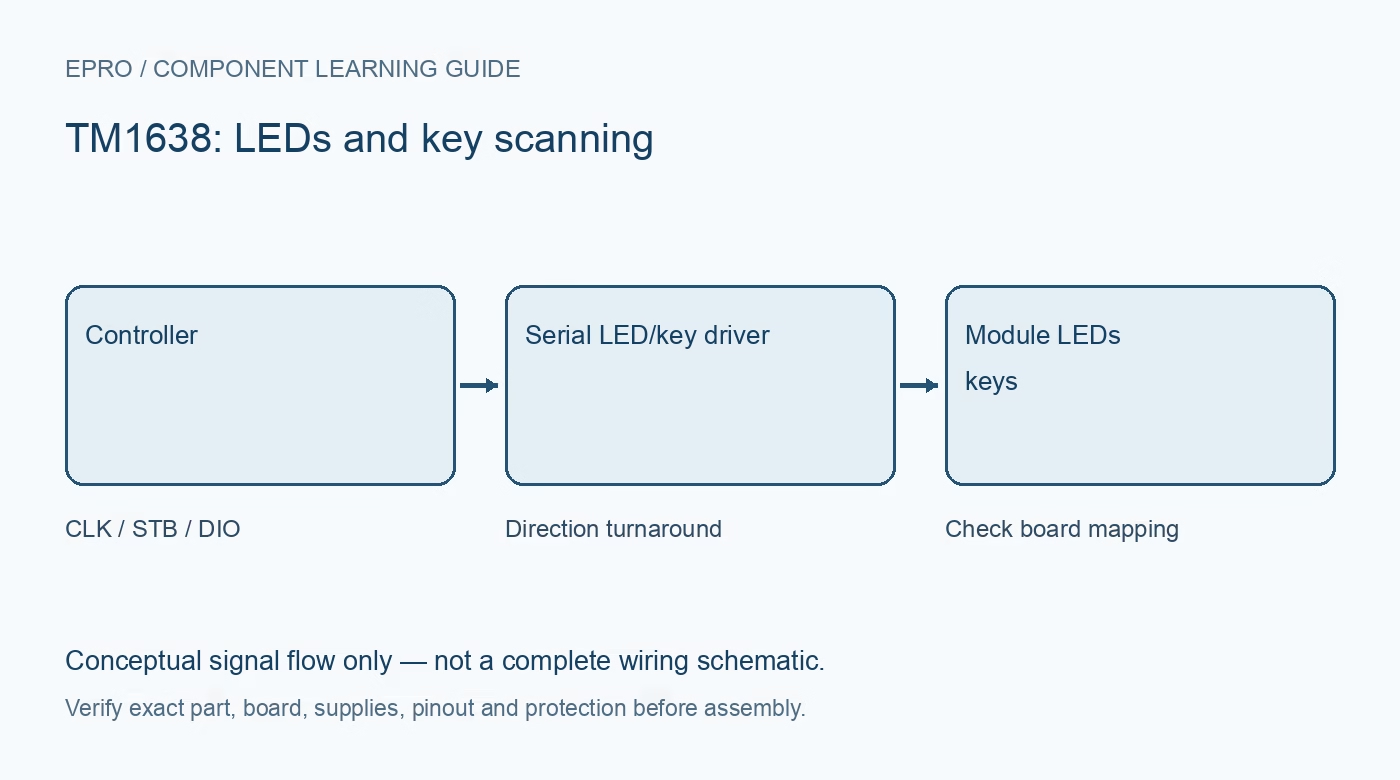
Testing TM1638 with Arduino should prove each display segment and each key separately before showing a clock or menu. A minimal diagnostic sequence exposes swapped digit order, incorrect key mapping and interface-direction problems that a finished demonstration can hide.
Start from the exact carrier wiring
Identify VCC, ground, CLK, STB and DIO from the received board. Confirm supply and signal compatibility with the chosen Arduino model, including the DIO return voltage and input thresholds. Choose pins that do not conflict with another peripheral and keep the initial leads short. Use a library supporting the actual carrier layout.
Initialize and clear before drawing
Run the documented library initialization, set conservative brightness and clear every display and indicator location. A lit power LED does not establish a working data connection. If the module stays blank, check power, ground, strobe, clock and DIO wiring before trying multiple unrelated display libraries or increasing supply voltage.
Walk one digit and one segment
Light one known segment at one digit position, then move it across the display. Next walk the segment pattern at a fixed position, including its decimal point where fitted. Record actual versus requested location. This separates digit-address mapping from segment-bit mapping and catches reversed orientation more clearly than immediately printing a multi-digit number.
Check every discrete indicator independently
If the board includes separate LEDs, toggle one at a time with the digits cleared. Some carriers interleave indicator and segment addresses in ways the library abstracts. Confirm the abstraction matches the board rather than rewriting raw registers from a different product. Keep the mapping table with the project source.
Read keys without driving against the module
Use the documented key-read routine so DIO is released or reconfigured at the proper time. The reference describes a key-read command followed by returned bytes; the MCU must not hold the data line actively against the peripheral. Press one button at a time and log the complete raw key mask before mapping it to a menu action.
Add debounced press events
Distinguish current button state from a new press. A loop that increments a value every time the held key is read may advance rapidly and appear faulty. Apply a suitable debounce strategy, then detect transitions; implement auto-repeat only if desired. Verify release, long holds and the combinations actually required, and confirm a reset leaves the interface predictable.Newest in the store


Availability and illustration note
No matching product was found in the checked Epro catalog for this topic on 19 October 2026. This article therefore does not quote an Epro price or claim stock. The original illustration shows conceptual signal flow only, not a complete circuit or a photograph of a supplied product. Obtain a documented component or carrier with a known pinout and electrical specification.
Frequently asked questions
Why does one press increment a value many times?
The application may be acting on every sampled held state. Debounce and detect the intended press event.
Why test one segment instead of a full number first?
It separates address and bit mapping so layout differences are easier to identify.
Related Epro reading
Review breadboard connections before assembling a prototype. For controller expansion, the Mega 2560 pin guide explains why pin names and electrical limits must be checked together.
Technical references and test limitations
This guide uses the documentation linked below. The procedures are for a controlled, low-voltage learning setup; no independent hands-on test of the particular seller board is claimed. Record the actual part markings, wiring and firmware version before drawing conclusions from a test.