


DS1302 Arduino: Set Time Once and Verify Backup Retention

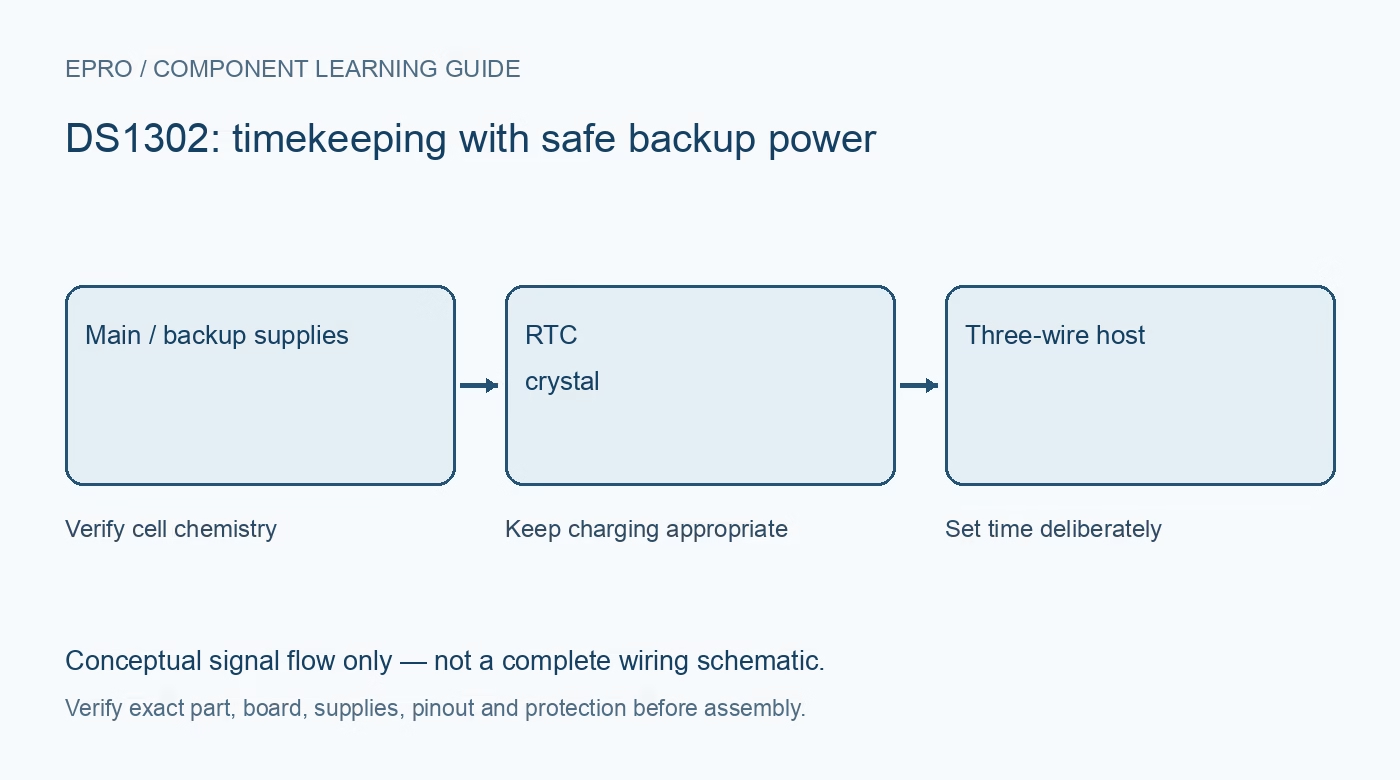
A DS1302 Arduino project should set time deliberately, then read it without resetting the calendar on every boot. Verify the three-wire connection, oscillator state and safe backup-power arrangement before interpreting a restart test as proof the clock or cell is faulty.
Wire the actual three-wire module
Identify power, ground, CE/reset-selection, I/O/data and SCLK/clock from the received board documentation. CE on this interface is not a generic microcontroller reset input. Verify supply and bidirectional signal compatibility with the selected Arduino. Use a DS1302 library rather than an I2C RTC example with the same general purpose.
Check the battery arrangement with power removed
Inspect the carrier charging circuit and the installed cell’s chemistry. Never enable trickle charging into a non-rechargeable coin cell. If documentation is missing, leave the backup cell out while establishing basic communication and obtain the correct circuit information before retention tests. Do not short or casually probe a loose coin cell against exposed conductors.
Read and validate before writing
Use the library’s documented status and date/time checks. Determine whether the oscillator is running and whether values are in a valid range. The datasheet clock-halt and write-protect flags need intentional handling. Preserve a known valid time when possible instead of overwriting it automatically at startup.
Make setting time an explicit action
Use a one-time setup mode, a deliberate command or a clearly guarded initialization path. Setting from compilation time on every reset makes the clock appear to jump backwards to the last upload. Document the time convention and the delay between setting and reading. Re-enable appropriate write protection after configuration where the application requires it.
Confirm normal progression and calendar boundaries
Print complete date/time values at a modest interval and verify that seconds advance normally. Check the intended 12/24-hour interpretation and date validity. Use a library that handles BCD and coherent reads appropriately. Do not mistake a formatting bug, stale buffer or repeated initialization for evidence of a crystal defect.
Run a controlled retention test
After basic operation works and the backup circuit is verified safe, record a reference time, remove only the intended main supply and restore it after a known interval. Confirm the clock advanced rather than being reset by the sketch. Compare longer-term drift separately; one successful backup interval establishes limited retention behavior, not precision accuracy or indefinite cell life.Newest in the store


Availability and illustration note
No matching product was found in the checked Epro catalog for this topic on 19 October 2026. This article therefore does not quote an Epro price or claim stock. The original illustration shows conceptual signal flow only, not a complete circuit or a photograph of a supplied product. Obtain a documented component or carrier with a known pinout and electrical specification.
Frequently asked questions
Why does the time return to the upload date after reset?
The sketch may set compilation time at every startup. Guard the setting operation and preserve an already valid clock.
Does one backup test prove clock accuracy?
No. Retention and long-term timekeeping accuracy are different tests.
Related Epro reading
Review breadboard connections before assembling a prototype. For controller expansion, the Mega 2560 pin guide explains why pin names and electrical limits must be checked together.
Technical references and test limitations
This guide uses the documentation linked below. The procedures are for a controlled, low-voltage learning setup; no independent hands-on test of the particular seller board is claimed. Record the actual part markings, wiring and firmware version before drawing conclusions from a test.