


AHT20 Arduino: Initialization, Busy Status and Valid Readings

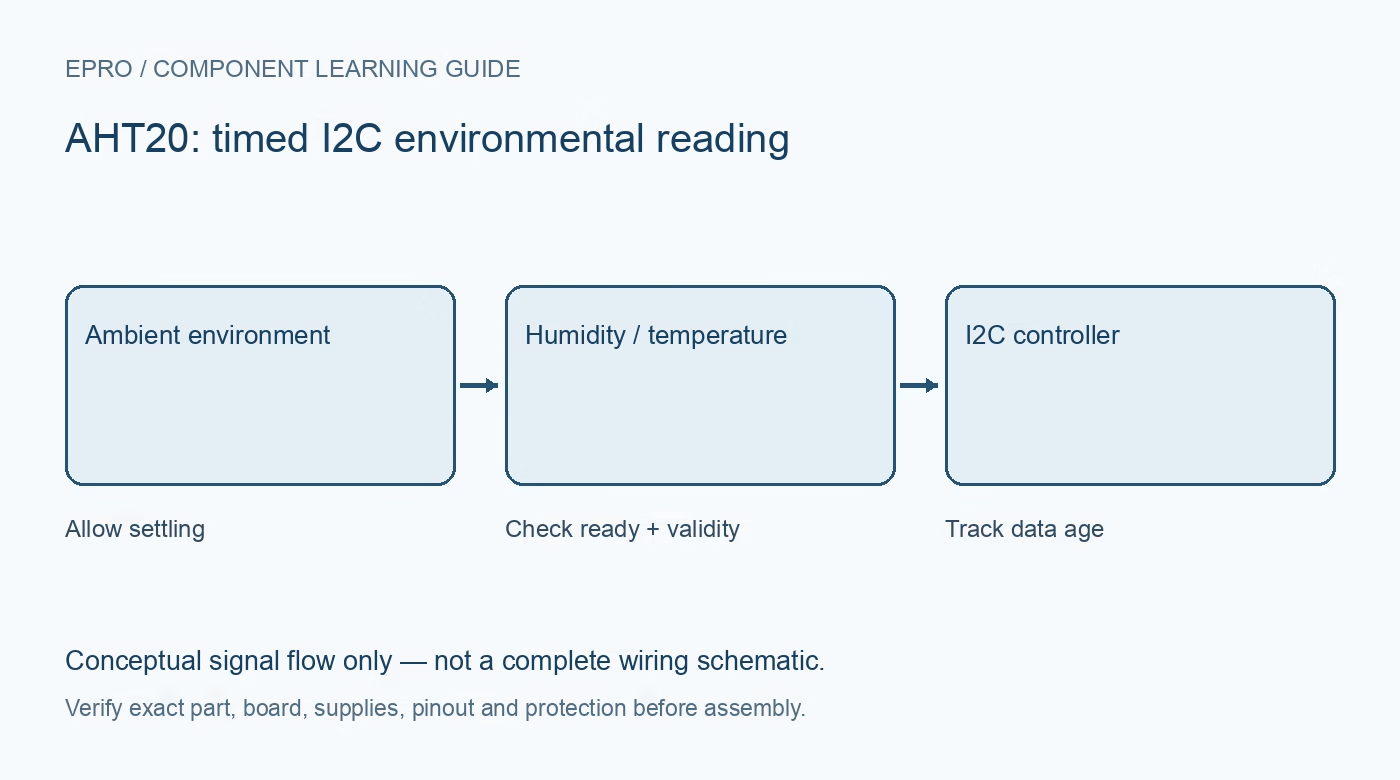
An AHT20 Arduino test should establish reliable I2C transactions and completed measurements before showing environmental values on a dashboard. Keep startup initialization, measurement triggering, completion and data validation distinct so a failed transaction is not mistaken for a real change in humidity.
Verify module wiring and bus levels
Use the actual carrier documentation for supply, ground, SDA and SCL. Check controller voltage, pull-ups and any regulation or level adaptation. Start with short wiring and one sensor. Do not assume a module shares the pin order of another four-pin sensor or that a supply regulator protects lower-voltage GPIO.
Use the correct device and driver
The referenced AHT20 uses seven-bit I2C address 0x38. Confirm the received sensor variant and choose a maintained driver supporting it. Record the version and use its minimal example first. An acknowledgment at that address establishes a communication response but does not prove initialization, calibration state or a valid completed measurement.
Allow startup and check initialization state
The manual calls for at least 100 ms after power-on and describes a status/calibration check with an initialization procedure when needed. Follow a driver aligned to that device documentation instead of copying undocumented register writes from a different AHT family. Handle initialization failure explicitly and do not proceed to display fabricated default values.
Trigger and wait for completion
The manufacturer describes a measurement command followed by a conversion wait of more than about 80 ms and a busy-status check. Use the driver’s documented completion handling with a bounded timeout. A busy device should not have its unfinished data interpreted as a fresh reading, and a failed bus transfer should not silently reuse an old buffer.
Validate the returned data before scaling
Check the expected transfer length, status and any supported CRC/integrity handling. The manual describes 20-bit humidity and temperature fields; its ideal conversions are RH = raw humidity divided by 2^20 times 100, and temperature = raw temperature divided by 2^20 times 200 minus 50 degrees Celsius. Let a checked library handle bit packing rather than treating every pair of bytes as an independent value.
Log data age and test controlled failures
Print a timestamp or sample count, validity and values. If retaining a previous good sample, mark it stale after a failed update and track its age. After stable operation, perform a safe power-off/disconnection test and confirm the application reports an error rather than a plausible zero. Add displays or networking only after this minimal behavior is understood.Newest in the store


Availability and illustration note
No matching product was found in the checked Epro catalog for this topic on 19 October 2026. This article therefore does not quote an Epro price or claim stock. The original illustration shows conceptual signal flow only, not a complete circuit or a photograph of a supplied product. Obtain a documented component or carrier with a known pinout and electrical specification.
Frequently asked questions
Why does an I2C address appear but readings fail?
The device can acknowledge while initialization, conversion timing or data handling is wrong. Check each stage separately.
Should old values be shown without a warning after an error?
No. Label retained values as stale and show that the latest transaction did not produce a valid fresh sample.
Related Epro reading
Review breadboard connections before assembling a prototype. For controller expansion, the Mega 2560 pin guide explains why pin names and electrical limits must be checked together.
Technical references and test limitations
This guide uses the documentation linked below. The procedures are for a controlled, low-voltage learning setup; no independent hands-on test of the particular seller board is claimed. Record the actual part markings, wiring and firmware version before drawing conclusions from a test.