


AD9850 Arduino: 7 Serial-Update and Clock Checks

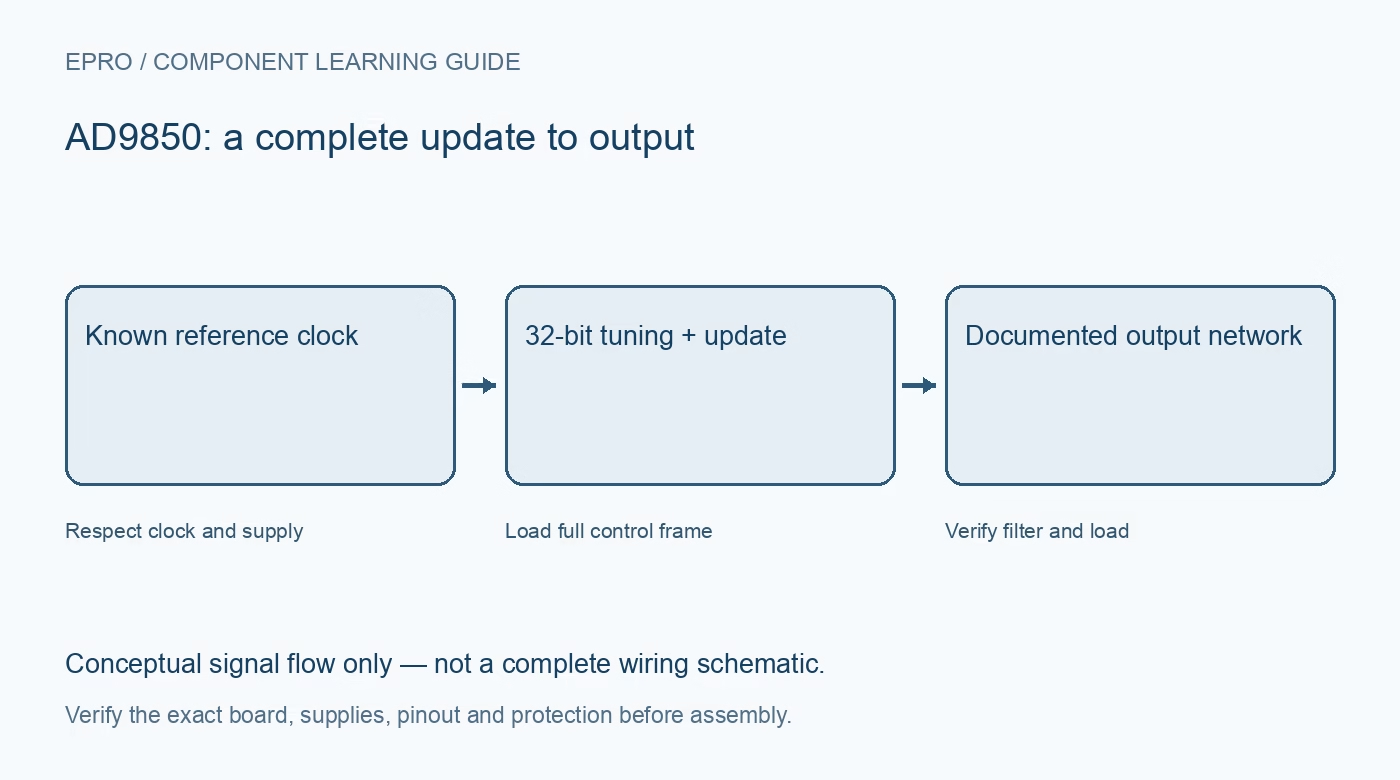
An AD9850 Arduino test should establish the exact board interface before loading a frequency. A completed host routine is not proof that the intended tuning word reached the active registers. Use a documented driver and a modest-frequency wired measurement to separate programming errors from analog output limitations.
Map the board pins and supply domains
Identify power, ground, reset, loading clock, frequency-update control and serial data using the exact module documentation. Check host logic levels and input thresholds separately from the board power connector. Do not infer compatibility merely because the module and Arduino share a nominal supply label.
Confirm documented serial-mode entry
The chip supports parallel and serial programming arrangements, and module straps influence the correct startup sequence. Follow the documented reset and serial-entry procedure for the board and driver. Avoid inventing a universal strap pattern or copying an AD9851 sequence without checking device-specific control behavior.
Use the real oscillator frequency
Calculate the thirty-two-bit tuning word from desired output frequency and the actual reference clock with adequate arithmetic precision. Keep this reference distinct from W_CLK, which loads interface data. A driver using the wrong oscillator constant can appear reliable while generating every frequency at the wrong scale.
Transmit the complete device frame
The programming format includes a thirty-two-bit frequency value plus control information in a forty-bit frame. Use the exact device bit order and timing in a verified driver. Do not truncate the transfer to four bytes or leave phase and power-down control dependent on arbitrary uninitialized memory.
Latch only after the complete update
W_CLK transfers interface information, while the documented FQ_UD update action moves the loaded value into active operation. Preserve their ordering and timing. A partial frame or premature update can produce an unintended retained setting rather than an obvious communication error visible to the host.
Verify the selected physical output
Start with an intended low-frequency analog test and a compatible high-impedance measurement input if supported by the actual board. Distinguish the analog output from comparator-derived terminals. Confirm amplitude and offset before connecting another circuit, and do not impose a fifty-ohm load unless the output network supports it.
Newest in the store


Test repeatable changes and controlled stopping
Program two modest frequencies and confirm measured changes agree with the reference-clock calculation. Then use documented reset or power-down behavior to stop as intended and verify the result. A host crash can leave the previous waveform running, so software completion alone is not a guaranteed safe-output interlock.
Frequently asked questions
Why does changing the transfer clock not set output frequency?
The serial loading clock programs registers; the separate reference clock determines synthesis scaling.
Can an unverified library command prove the generator stopped?
No. Use the device-specific stop behavior and independently check the output in the intended setup.
Availability and illustration note
No matching Epro product was returned by the catalog search on 21 October 2026 UTC. This learning guide does not assert stock, a selling price or compatibility of an unidentified substitute. The illustration is an original conceptual signal-flow diagram, not a product photograph or complete wiring schematic.
Related Epro reading
For a first bench setup, review breadboard connections and continuity checks and I2C voltage-level translation. These guides do not replace the exact module schematic.
Technical references and limitations
Source: Analog Devices AD9850 datasheet. Electrical limits apply to the named part, not automatically to every carrier board. This is a documentation-based learning workflow, not a claim of independent hardware testing, traceable calibration or safety certification.