


DRV2605L Haptic Driver: 7 Checks for Controlled Feedback

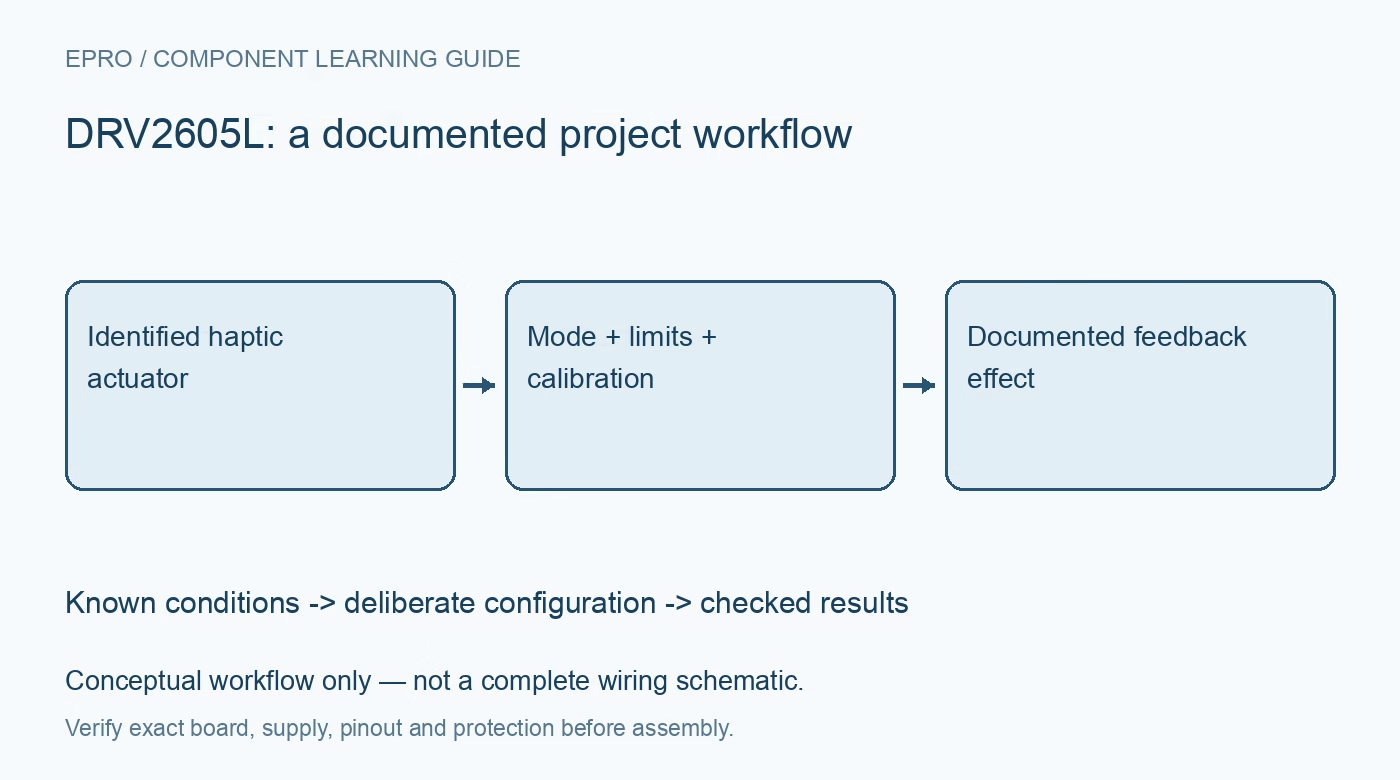
DRV2605L Haptic Driver: 7 Checks for Controlled Feedback
Configure a DRV2605L haptic project around the actual ERM or LRA actuator, rated limits, calibration status, mounting and repeatable effects. This is a documentation-based planning guide, not a report of independent hands-on testing.
1. Identify the DRV2605L actuator before effects
DRV2605L supports haptic operation with eccentric rotating mass motors and linear resonant actuators. Those actuator classes need different configuration and should not inherit the same settings merely because their connectors fit. Obtain the actuator specification and record its type, rated drive conditions and relevant mechanical information. The driver is not a universal substitute for a general DC motor controller. Establishing compatibility is the first step, before selecting an effect from a software demonstration. Manufacturer documentation.
2. Check the carrier power and logic arrangement
Inspect the exact breakout for supply routing, logic compatibility, pull-ups, enable behavior and exposed actuator terminals. Follow the manufacturer requirements for local decoupling and layout rather than relying on an unrelated board photograph. Keep the initial setup within the documented electrical limits and use a suitable bounded source. An I2C acknowledgment only shows that a device answered; it does not demonstrate that the actuator supply, enable state or output configuration is correct. Manufacturer documentation.
3. Configure rated and overdrive limits deliberately
Use the actuator documentation and driver conversion rules when choosing rated voltage and overdrive settings. A value copied from a different motor can command inappropriate drive even if an effect appears to work briefly. Treat the selected operating mode and feedback-control settings as part of the same configuration record. Do not increase drive settings simply to make a weakly mounted actuator feel stronger. First resolve whether the electrical profile actually matches the chosen actuator. Manufacturer documentation.
4. Mount the actuator before judging behavior
Mechanical attachment influences the feedback delivered to an enclosure and the response perceived by a user. Record the mounting arrangement and avoid comparing a loose actuator with one securely installed in a finished assembly. Keep moving parts and leads appropriately restrained during evaluation. Electrical operation alone does not establish repeatable tactile output. A project should distinguish the driver command, the actuator response and the enclosure response rather than treating all three as the same measurement. Manufacturer documentation.
Newest in the store


5. Inspect automatic calibration results
When the selected operating mode requires automatic calibration, follow the documented sequence and inspect completion and diagnostic status. Do not continue as though calibration succeeded merely because the host waited for an arbitrary delay. Retain the relevant resulting configuration with the actuator and assembly revision. Calibration supports the driver’s control process; it does not certify comfort, durability or the safety of an arbitrary mechanical installation. Repeat configuration review when replacing an actuator with another model. Manufacturer documentation.
6. Choose a bounded effect playback sequence
Select the intended effect library and operating mode before loading a waveform sequence. Document how playback starts, how completion is detected and how the application stops or returns to an idle state. Do not equate a library index with a universally identical tactile sensation across actuators. Use deliberate pacing during evaluation and stay within actuator limits. Firmware should handle communication or diagnostic failures without leaving the application assuming that a requested feedback event completed successfully. Manufacturer documentation.
7. Define a repeatable haptic acceptance record
Keep the part revision, actuator model, supply, configuration, calibration status, mounting and commanded sequence together. Any measured electrical or mechanical results should identify the instruments and conditions; this article claims no independent hands-on results. The related motor-driver guide explains a different application class and is not a drop-in wiring reference. A useful DRV2605L acceptance check establishes controlled, repeatable command handling before making claims about human perception, long-term reliability or a finished product’s compliance. Manufacturer documentation.
Related reading: DRV8871 Motor Driver: 7 Checks for Current-Limited DC Control.
Catalog note: The exact-part search did not return a matching Epro listing during preparation. Check the current catalog; this guide makes no price, availability or included-accessory claim.