


PCM5102A Audio DAC: 7 Checks from I2S Frames to Line Output

PCM5102A Audio DAC: 7 Checks from I2S Frames to Line Output
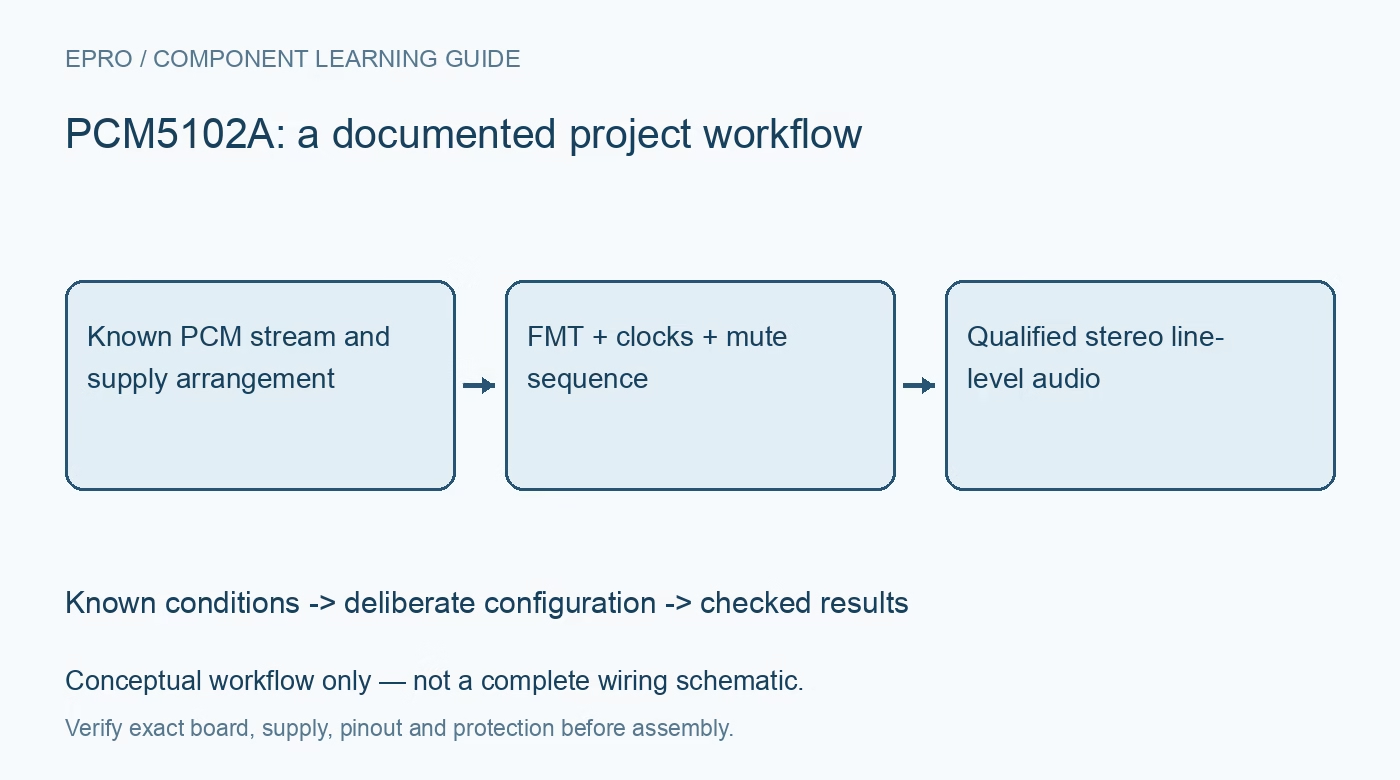
Plan a PCM5102A audio path around hardware format pins, valid clock relationships, mute sequencing and line-level loading before connecting it to an amplifier. This is a documentation-based planning guide, not a report of independent hands-on testing.
1. Identify the complete audio DAC implementation
The PCM5102A belongs to a family of audio DACs with different performance grades. Confirm the fitted part and board schematic before quoting a family headline as a module guarantee. Review the analog, digital and charge-pump supply connections, including the required local capacitors. An ordinary voltage-output DAC tutorial is not an audio-interface driver. This device is configured through hardware control pins, so establish what the breakout board straps actually select before expecting a host register write to change its behavior. Manufacturer documentation.
2. Match the host stream to the FMT selection
The device accepts I2S and left-justified PCM formats selected by FMT. Their bit alignment differs, so the correct sample rate alone does not establish a valid stream. Check the selected word length, channel placement, signed two’s-complement data and most-significant-bit-first ordering against the timing diagram. Send a bounded known digital pattern or low-level test tone during bring-up. A format mismatch can create loud or distorted output, making it unwise to begin with a fully enabled power amplifier. Manufacturer documentation.
3. Use supported clock relationships rather than any BCK
The internal PLL can derive the needed system timing from appropriate audio clocks and permits documented operation without an external system clock. That does not mean every arbitrary BCK-to-LRCK ratio or changing clock source is valid. Review the allowed combinations for the selected sample rate and format. Check the board’s SCK connection and clock routing as well as host peripheral settings. Save the actual clock frequencies and frame configuration with the audio test record. Manufacturer documentation.
4. Define the mute and startup sequence
XSMT controls soft mute and unmute, while the device also has internal behavior associated with clock and power conditions. Use the documented sequence to keep the downstream audio path controlled during startup, missing clocks and shutdown. Do not assume automatic muting prevents every transient produced by a complete amplifier system. Verify the host pin default and the amplifier enable policy. Start at a safe low audio level so an incorrect frame or unexpected unmute does not become an uncontrolled loud signal. Manufacturer documentation.
Newest in the store


5. Respect line-level loading and output headroom
The integrated output stage provides ground-centered line-level audio under specified loading conditions. It is not a substitute for a headphone power amplifier or a speaker driver. Check the receiving amplifier’s input range, impedance, bias arrangement and grounding before connecting it. A full-scale sine wave can exceed the comfortable input range of another stage even when the DAC is operating normally. Keep analog output amplitude, digital sample level and downstream gain as separate parts of the signal budget. Manufacturer documentation.
6. Check filter and de-emphasis hardware choices
FLT and DEMP alter documented processing behavior and must be tied or controlled intentionally. In particular, the de-emphasis option is associated with the specified sampling condition rather than being a general-purpose sound-quality enhancement. Compare the actual board straps with the intended stream. Also separate accepted digital word length from analog resolution and noise performance. Receiving a thirty-two-bit word does not prove thirty-two-bit analog accuracy, and a quiet-looking software waveform does not establish the assembled output noise floor. Manufacturer documentation.
7. Qualify the complete stereo path at safe levels
Confirm channel assignment, low-level tone output, silence behavior, clock interruption and controlled mute recovery before increasing downstream gain. Record supply conditions, clock relationships, hardware straps, digital amplitude and output loading together. Include source and amplifier power sequencing in the evaluation. Compare noise and distortion only with suitable instruments and clearly stated conditions. The handover should establish reliable framed audio and appropriate line-level interfacing, without claiming independent performance verification from a successful listening test or datasheet values alone. Manufacturer documentation.
Related reading: DAC5571 8-Bit DAC: 7 Checks for Correct Codes and Output.
Catalog note: The exact-part search did not return a matching Epro listing during preparation. Check the current catalog; this guide makes no price, availability or included-accessory claim.