


DAC8562 Dual DAC: 7 Checks for Reference, Gain and LDAC

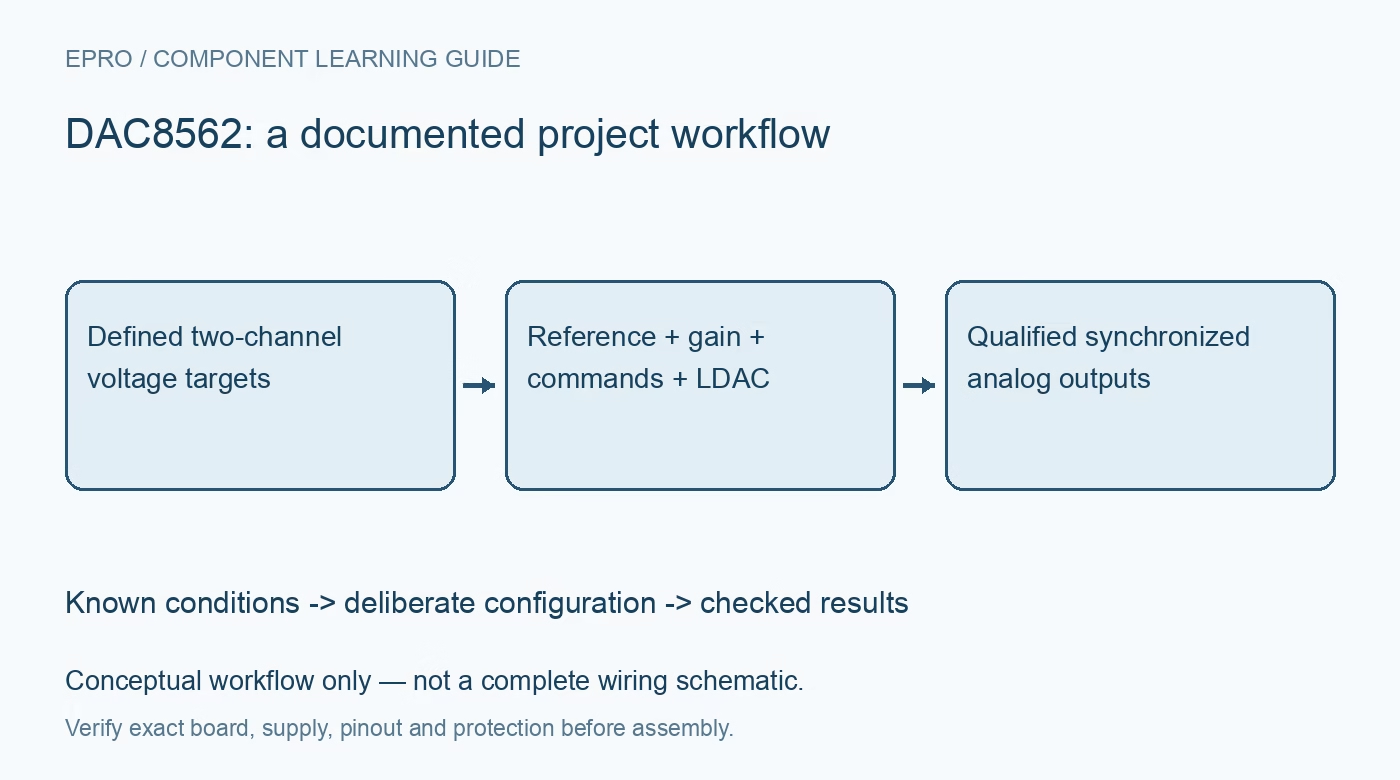
DAC8562 Dual DAC: 7 Checks for Reference, Gain and LDAC
Configure DAC8562 analog outputs with seven checks for reference startup, gain defaults, 24-bit commands, LDAC synchronization, clear state and settling. This is a documentation-based planning guide, not a report of independent hands-on testing.
1. Identify the resolution and power-on member
The family includes twelve-, fourteen- and sixteen-bit parts and both zero-scale and midscale reset behavior. DAC8562 is the sixteen-bit, zero-scale member; DAC8563 resets differently. Confirm the complete code and pin map before reusing a driver. Keep supply and digital-input ratings in the same review. A board with a family-compatible footprint may still need different data alignment or startup handling, so record the actual device rather than assuming a generic dual-DAC configuration. Manufacturer documentation.
2. Explicitly select the reference source
The internal 2.5 V reference is disabled by default. A correct output command does not automatically turn it on. Use the documented reference-control command when internal operation is intended, or supply a suitable external reference while respecting startup rules. Do not drive the bidirectional reference pin from an external source while the internal source is also enabled. Provide the recommended bypassing and allow the selected reference arrangement to settle before accepting either channel’s output as valid. Manufacturer documentation.
3. Track gain changes with reference configuration
The default gain differs with reference operation: gain one is associated with disabled internal reference and external-reference use, while enabling the internal reference selects gain two by default. The gain register can override the choice. Calculate output using the actual reference, gain and code, then check supply headroom. A nominal 5 V range does not mean a lower supply can produce it. Keep gain and reference state in the driver configuration instead of hiding them in an unexplained voltage-to-code constant. Manufacturer documentation.
4. Frame the full twenty-four-bit command
The serial word carries command, address and data fields rather than only the sixteen-bit output code. With SYNC low, input bits are captured on falling SCLK edges, and the device decodes the command after the twenty-fourth falling edge without waiting for a rising SYNC edge. Match the entire frame and timing to the datasheet. Extra clocks do not extend the locked word, and an interrupted frame should not be treated as a valid update. Verify the transmitted command on a logic trace. Manufacturer documentation.
Newest in the store


5. Distinguish buffer writes from synchronized updates
The input registers, output-update commands, LDAC pin and LDAC configuration determine when each channel actually changes. For coordinated outputs, preload the intended values and use the documented update mechanism rather than assuming two consecutive serial writes are simultaneous. Confirm the LDAC settings for both channels and measure the resulting transition. Simultaneous register latching still does not guarantee identical analog settling or zero inter-channel coupling, so define synchronization tolerance at the actual load observation points. Manufacturer documentation.
6. Define clear, reset and power-down behavior
CLR and the software clear-code configuration can alter the output state, while power-down modes change how the output is terminated. Review their exact operation separately from ordinary zero-scale power-on reset. Establish safe external load behavior while rails and reference start or stop. No digital input should be driven contrary to the documented unpowered-pin conditions. A known register default is useful, but it is not proof of an immediately accurate physical voltage before the complete analog channel is ready. Manufacturer documentation.
7. Validate both channels under representative loads
Measure zero, midpoint and near-full-scale codes after checking reference and gain state. Evaluate large steps, small steps and synchronized transitions with the actual load resistance and capacitance. Record settling time, reference voltage, channel identity and any clear or power-down state changes. Output buffering has finite swing and drive limits, so do not connect a power load on the strength of a voltage-output label. Preserve raw commands and test conditions rather than turning sixteen-bit resolution into an unsupported system-accuracy claim. Manufacturer documentation.
Related reading: DAC8560 Voltage DAC: 7 Checks for Internal Reference Commands.
Catalog note: The exact-part search did not return a matching Epro listing during preparation. Check the current catalog; this guide makes no price, availability or included-accessory claim.