


DS1621 Arduino: 7 Start, DONE and Nonvolatile Checks

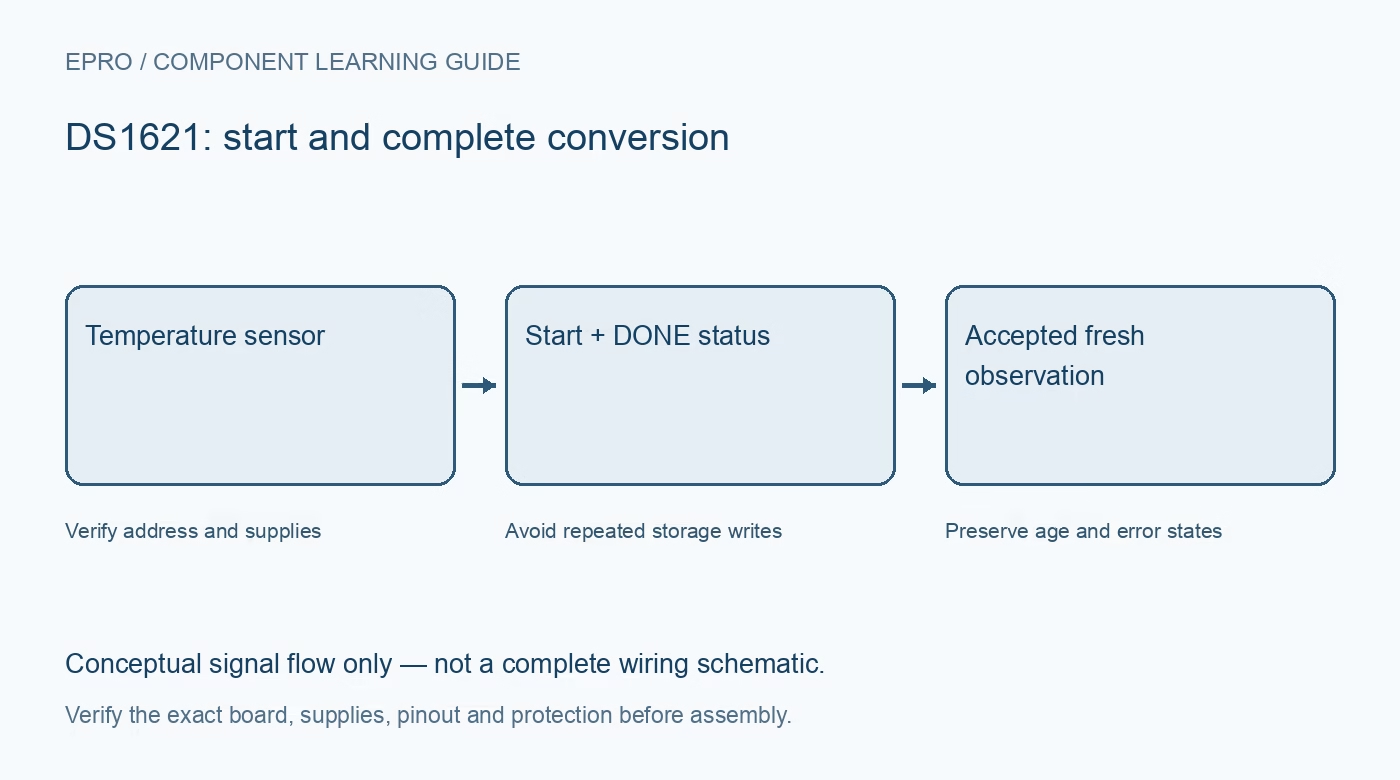
A DS1621 Arduino test should prove that conversions are running before treating a readable register as current temperature. Keep configuration writes separate from acquisition and use the documented completion state instead of an arbitrary fast polling delay.
Check the board and address straps
Identify supply, ground, SDA and SCL from the exact carrier information and verify compatible pull-ups. Confirm the A2, A1 and A0 wiring and check for bus conflicts. Disconnect power before changing straps or moving leads; a successful address scan alone does not prove correct conversion operation.
Read configuration before changing it
Inspect one-shot selection and any retained settings rather than assuming every reset restores factory values. Nonvolatile state can survive a power cycle. If a configuration change is actually needed, perform it deliberately and preserve unrelated bits according to the datasheet or maintained driver API.
Respect nonvolatile busy timing
After a relevant write, check the NVB busy indication and follow the documented completion requirements before another nonvolatile operation. Do not place threshold writes inside the sample loop. Finite endurance and programming-condition limits make repeated unnecessary writes a design error, not a harmless initialization habit.
Issue Start Convert T explicitly
Use the driver’s supported start operation, corresponding to command 0xEE. In continuous mode it begins ongoing acquisition; in one-shot mode each desired observation needs a new trigger. A power-up delay without a conversion command does not establish that the temperature register has been refreshed.
Wait for a completed observation
Use the documented DONE status and an appropriate timeout to distinguish busy from complete. Record successful acquisition time only when a valid result is accepted. If a timeout occurs, show an unavailable or stale state rather than presenting the last retained register value as the latest room temperature.
Decode the signed temperature result
Read temperature using the documented command and full two-byte transfer. The normal result is signed nine-bit data with 0.5 degree Celsius steps, transferred most-significant byte first. Reject short reads, sign-extend correctly and keep a valid zero-degree observation distinct from a communication error.
Newest in the store


Interpret flags and test recovery
High and low temperature flags can preserve historical threshold events, while the thermostat output may retain its last conversion-related state during idle. Do not use either as a new-sample marker. Test an incorrect software address, restore normal communication and confirm fresh completed conversions resume without rewriting configuration repeatedly.
Frequently asked questions
Why does the output remain asserted after stopping conversions?
It can retain the state from the last valid conversion; idle does not create a new threshold evaluation.
Does a historical high flag prove the current temperature is high?
No. Interpret and clear latched flags according to the documented procedure.
Availability and illustration note
No matching Epro product was returned by the catalog search on 21 October 2026 UTC. This learning guide does not assert stock, a selling price or compatibility of an unidentified substitute. The illustration is an original conceptual signal-flow diagram, not a product photograph or complete wiring schematic.
Related Epro reading
For a first bench setup, review breadboard connections and continuity checks and I2C voltage-level translation. These guides do not replace the exact module schematic.
Technical references and limitations
Source: Analog Devices DS1621 datasheet. Electrical limits apply to the named part, not automatically to every carrier board. This is a documentation-based learning workflow, not a claim of independent hardware testing, traceable calibration or safety certification.