


ILI9341 ESP32: Colour Bars, Rotation and Shared-SPI Checks

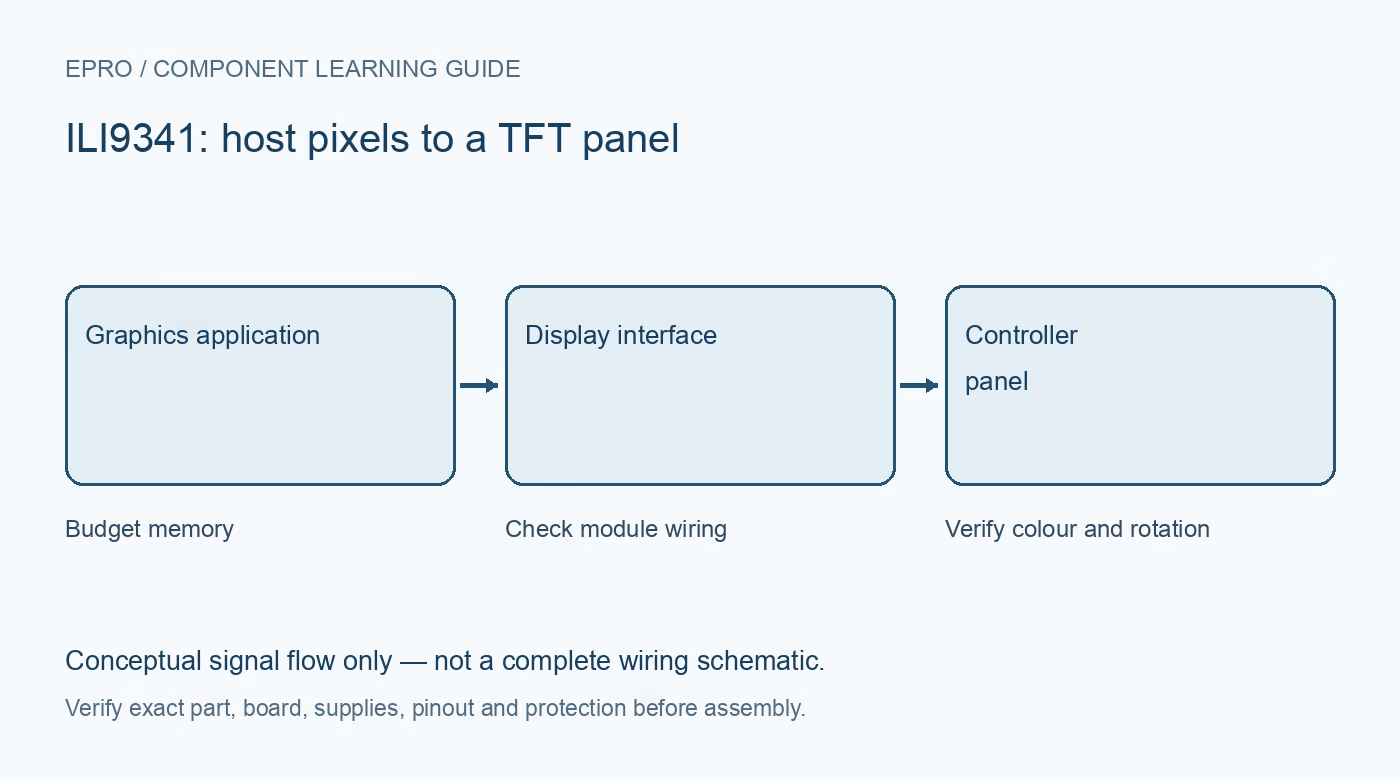
An ILI9341 ESP32 test should begin with simple colour fills and corner markers rather than a large image file or a complex user interface. Confirm the exact display carrier, electrical limits and library configuration first, then add optional touch and storage devices one at a time.
Make a carrier-specific wiring table
Identify the module’s supply requirement, ground, clock, data input, chip select, command/data and reset, plus read-data output if used. Assign compatible ESP32 GPIO with awareness of the exact board’s boot and peripheral restrictions. A 3.3 V MCU simplifies some logic connections but does not determine the carrier’s backlight or power-input requirements.
Use a minimal maintained display example
Choose a driver for ILI9341 and the fitted interface, configure the actual SPI bus and pins, and record the library version. Begin at a conservative supported bus clock with short wiring. Do not treat a sketch compiling as evidence that its default pins, driver model or reset sequence match the hardware.
Test solid colours before images
After the documented reset and initialization, fill the screen with black, white, red, green and blue. Wrong colour channels can indicate RGB/BGR configuration; scrambled pixels can involve pixel format, byte order or transmission problems. A white illuminated panel with no drawing is not enough to diagnose the fault: check reset, selection, command/data and data signals separately.
Verify dimensions and every rotation
A common ILI9341 controller image area is 240 by 320 pixels, but the actual module and library settings must match. Draw labeled markers at all four corners and a border, then test each intended rotation. Confirm width/height changes and coordinate clipping rather than compensating for an incorrect configuration with unexplained offsets in application code.
Budget graphics memory and transfer time
A 240 by 320 RGB565 full frame contains 153,600 bytes before other application data or buffering. Confirm available memory and allocation policy on the exact ESP32 system. The display controller has its own image memory, so the application need not always keep a complete host framebuffer. Update changed regions where appropriate and distinguish drawing time from panel refresh.
Add shared-bus devices after the baseline works
Touch controllers and card sockets need separate selection and suitable bus handling. Keep unselected devices inactive and verify compatible SPI transactions when libraries share the bus. Add one peripheral at a time and repeat the colour/corner test. This avoids confusing a storage, touch or bus-contention problem with an original display-wiring fault.Newest in the store


Availability and illustration note
No matching product was found in the checked Epro catalog for this topic on 19 October 2026. This article therefore does not quote an Epro price or claim stock. The original illustration shows conceptual signal flow only, not a complete circuit or a photograph of a supplied product. Obtain a documented component or carrier with a known pinout and electrical specification.
Frequently asked questions
How much memory is one RGB565 240 by 320 frame?
153,600 bytes, before buffers, metadata or the rest of the application.
Why begin without touch and the card socket?
A display-only baseline isolates wiring and initialization before shared-bus complications are introduced.
Related Epro reading
Review breadboard connections before assembling a prototype. For controller expansion, the Mega 2560 pin guide explains why pin names and electrical limits must be checked together.
Technical references and test limitations
This guide uses the documentation linked below. The procedures are for a controlled, low-voltage learning setup; no independent hands-on test of the particular seller board is claimed. Record the actual part markings, wiring and firmware version before drawing conclusions from a test.