


PCA9536 GPIO Expander: 7 Rules for a Four-Pin Control Panel

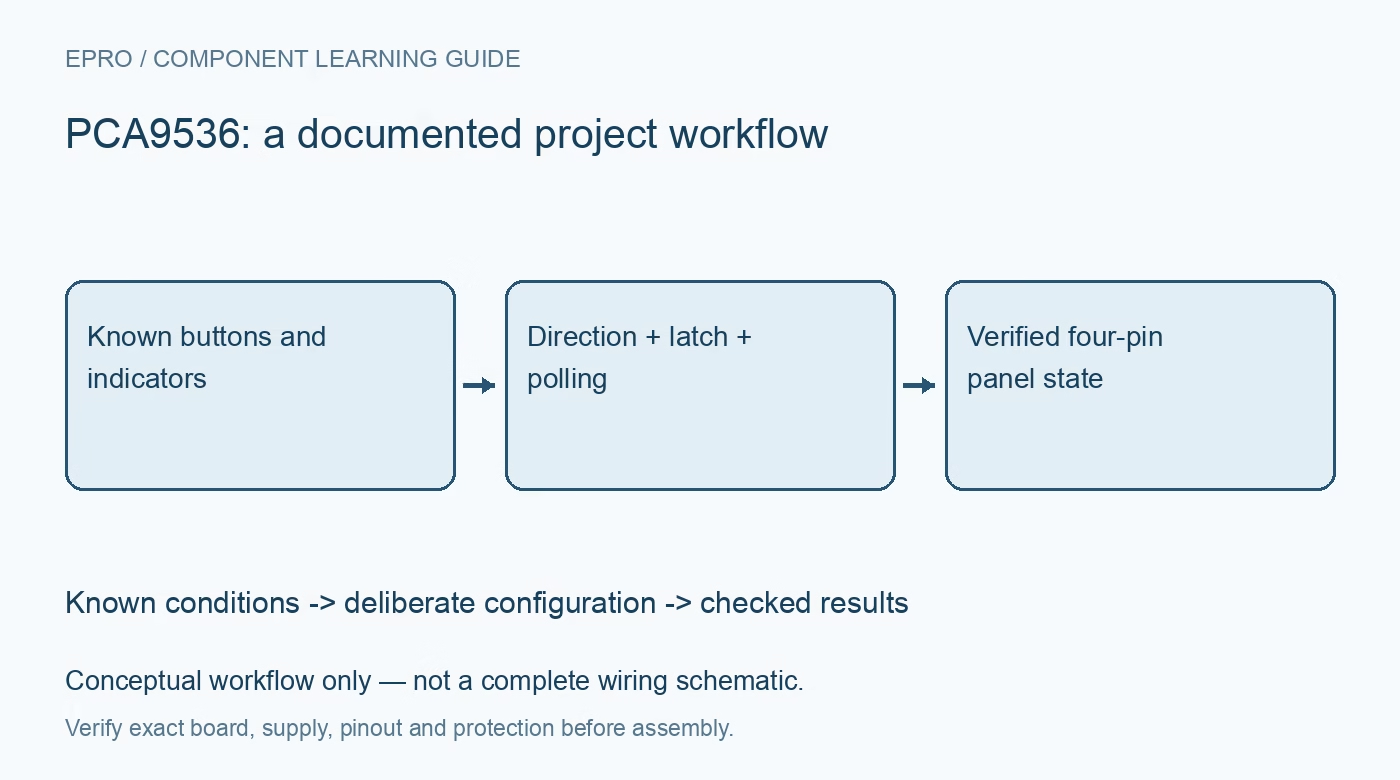
PCA9536 GPIO Expander: 7 Rules for a Four-Pin Control Panel
Use PCA9536 fixed-address GPIO with safe latch initialization, explicit polling and pin read-back for a small low-voltage button-and-indicator panel. This is a documentation-based planning guide, not a report of independent hands-on testing.
1. Match four GPIO pins to a small task
PCA9536 provides four general-purpose I2C and SMBus I/O pins. NXP documents direction, input, output and polarity registers in a small package. A button-and-indicator panel is a useful bounded application because each pin has an explicit purpose and modest timing requirements. It is not an autonomous PWM controller or a motor power stage. Plan external drivers where needed rather than treating a software-controlled logic pin as a general-purpose supply output. Manufacturer documentation.
2. Plan around the fixed bus address
The device has a fixed I2C address, so it does not offer address straps for placing several identical parts on one unsegmented bus. Check the documented seven-bit address and scan for conflicts before integration. Confirm carrier supply and pull-up voltage against the host thresholds. If multiple identical devices are necessary, design an appropriate bus-segmentation arrangement or select a suitable alternative. Do not invent address-pin wiring for a package that has none. Manufacturer documentation.
3. Define safe reset behavior in hardware
The GPIO pins default to inputs with weak pull-ups after power-on reset. This is useful information, but it does not guarantee that every attached driver remains inactive. Define safe external biasing for each load and check the connected circuit during startup. A processor reset and an expander power cycle are different events. Test both, keeping application loads disconnected until the pin conditions and initialization sequence have been verified. Manufacturer documentation.
4. Write output values before directions
Prepare the intended output latch values before configuring selected pins as outputs. Preserve unrelated bits when updating one indicator, and serialize access if multiple tasks share the expander. Read back the output register to confirm stored latch state, then use input-port information or an appropriate measurement to check the physical pin. An output latch containing one does not prove a loaded connector is at the expected high voltage. Manufacturer documentation.
Newest in the store


5. Poll buttons instead of assuming an interrupt
PCA9536 does not provide the interrupt output found on some larger expanders. Choose a polling interval that suits human button operation and implement a deliberate debounce policy. Short pulses can be missed between reads, so do not repurpose this panel polling scheme as a reliable fast event counter. Record input transitions only after the selected stability criterion. A transport timeout should produce an unknown input state rather than an invented button release. Manufacturer documentation.
6. Keep polarity and electrical levels distinct
The polarity-inversion register changes interpretation of input data; it does not reverse the voltage driven by an output latch. Label active-low buttons and indicators clearly in the software mapping. Verify each pin individually with known levels, checking input thresholds and external current limiting. Weak internal pull-ups are not a universal substitute for a robust external interface, particularly with long wiring or electrical noise. Avoid connecting external sources to an actively driven output. Manufacturer documentation.
7. Validate the PCA9536 panel as a system
Store address, direction mask, output shadow, polarity mask, polling period and debounce settings with the firmware version. Exercise simultaneous buttons and indicator updates, then test recovery after a safe communication interruption. The related PCA9555 article explains a larger expander with different capabilities, including interrupt handling; it is not a promise that this four-pin part has the same features. A dependable panel requires safe defaults and a clear distinction between requested outputs and observed inputs. Manufacturer documentation.
Related reading: PCA9555 GPIO Expander: 7 Lessons for Safe Startup and Interrupts.
Catalog note: The exact-part search did not return a matching Epro listing during preparation. Check the current catalog; this guide makes no price, availability or included-accessory claim.