


TLV320AIC3204 Codec: 7 Checks from Control Port to Valid Audio

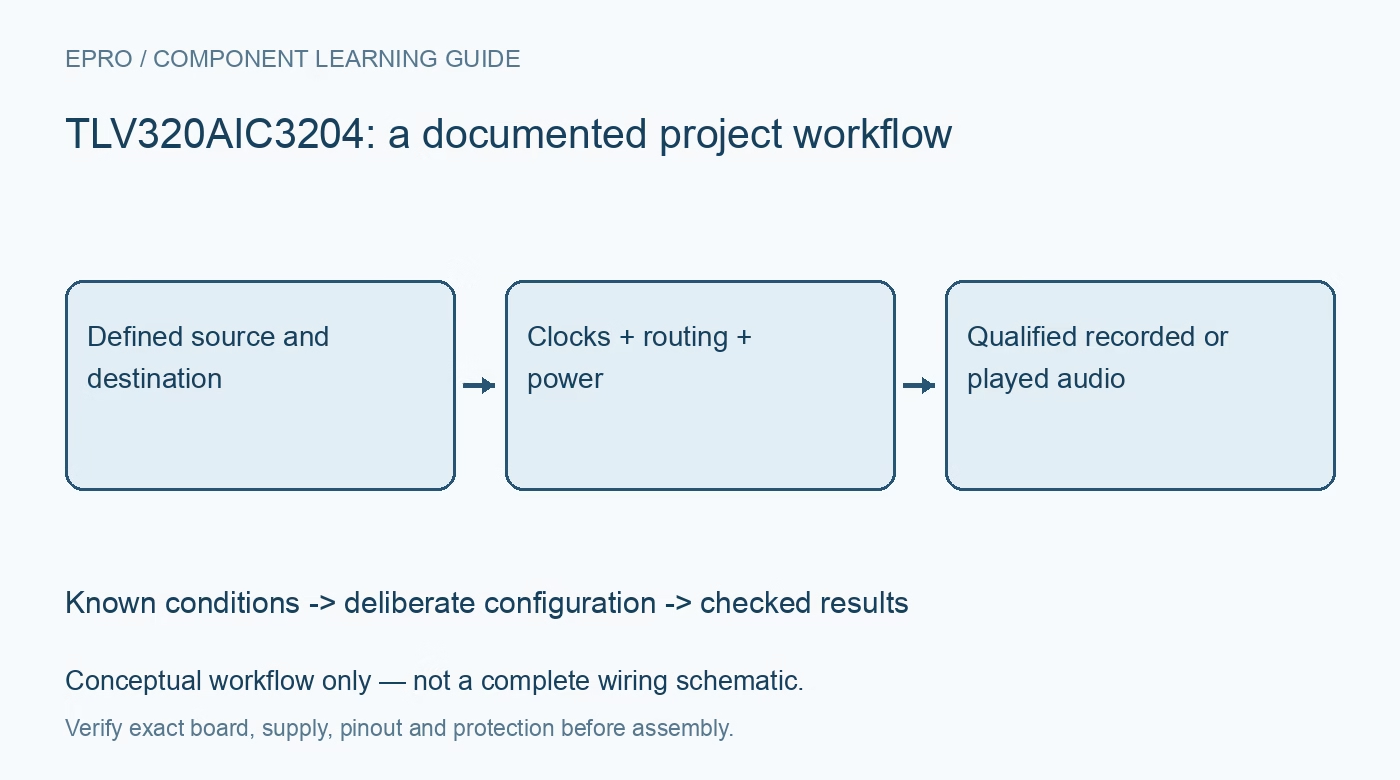
TLV320AIC3204 Codec: 7 Checks from Control Port to Valid Audio
Bring up a TLV320AIC3204 codec with deliberate supply sequencing, paged registers, audio clocks, routing and mute checks before judging recorded sound. This is a documentation-based planning guide, not a report of independent hands-on testing.
1. Draw one complete audio path
Identify the board revision, supplies, analog connectors and digital connections before selecting a software example. TLV320AIC3204 is a stereo codec with both recording and playback paths, not simply a digital-to-analog output device. Choose one initial route, such as a bounded line input through the ADC or a known digital tone through the DAC. Document input type, destination, expected amplitude and grounding so an unrelated mixer path cannot hide an incorrect configuration. Manufacturer documentation.
2. Follow the applicable power sequence
Map the analog, digital and I/O supply arrangements, including whether the internal regulators are used. The datasheet points to dedicated power-sequencing guidance; consult that guidance for the chosen arrangement rather than inventing a universal order. Hold reset and clocks in the specified states while rails settle. Check local decoupling, return paths and actual voltages. Avoid connecting sensitive headphones or external amplifiers until startup transients and the intended output mode have been evaluated safely. Manufacturer documentation.
3. Treat register page selection as state
The register map spans multiple pages, with a page-select register determining the meaning of subsequent register addresses. Record both page and address for every configuration item, and make page selection explicit in the driver. Read back suitable readable settings after initialization. A successful I2C or SPI control transaction establishes communication only; it does not establish that the ADC, DAC, analog routing or clock tree is active. Keep reset defaults distinct from the desired operating settings. Manufacturer documentation.
4. Establish audio clocks independently of control traffic
The digital audio bus supports several formats, including I2S, with programmable word width and flexible clock ownership. Agree on frame format, bit-clock polarity, data offset, word length and master or slave roles at both ends. Derive the intended sampling rate from the configured clock tree rather than from a host buffer label. Check the physical clocks and data alignment. Register access can continue working while the audio interface is silent or framed incorrectly. Manufacturer documentation.
Newest in the store


5. Configure routing, bias and gain deliberately
Recording requires the intended input selection, PGA behavior, ADC route and processing choice; playback similarly needs a DAC route and appropriate output driver. Microphone bias is not interchangeable with a line-input connection. Start with conservative gain and a bounded stimulus, and verify that unused paths are not being mixed into the result. Document differential versus single-ended wiring and output loading. Do not assume a headphone setting is appropriate for every line-output or amplifier connection. Manufacturer documentation.
6. Separate mute, power and settling decisions
A powered converter is not necessarily unmuted, and an unmuted digital path does not prove the analog driver is ready. Use the documented sequencing and status behavior for the selected route, including relevant reference and processing settling. Release mute deliberately after the configuration is coherent. Begin listening tests at a safe level only after electrical checks. Do not infer the meaning of a silent output from volume controls alone; inspect the complete path state first. Manufacturer documentation.
7. Validate with a known stimulus and saved configuration
For playback, use a known bounded test signal and observe the intended output under a suitable load. For recording, compare captured samples against a controlled input while checking clipping, channel assignment and sample rate. Save the complete paged configuration, clock calculations, routing diagram and measurement conditions. Headline SNR figures are specified under particular conditions, not a guarantee for an arbitrary breakout board. Treat this guide as a planning checklist rather than a replacement for the application reference material. Manufacturer documentation.
Related reading: PCM5102A Audio DAC: 7 Checks from I2S Frames to Line Output.
Catalog note: The exact-part search did not return a matching Epro listing during preparation. Check the current catalog; this guide makes no price, availability or included-accessory claim.