


TMP144 Temperature Sensor: 7 Checks for UART Chain Identity

TMP144 Temperature Sensor: 7 Checks for UART Chain Identity
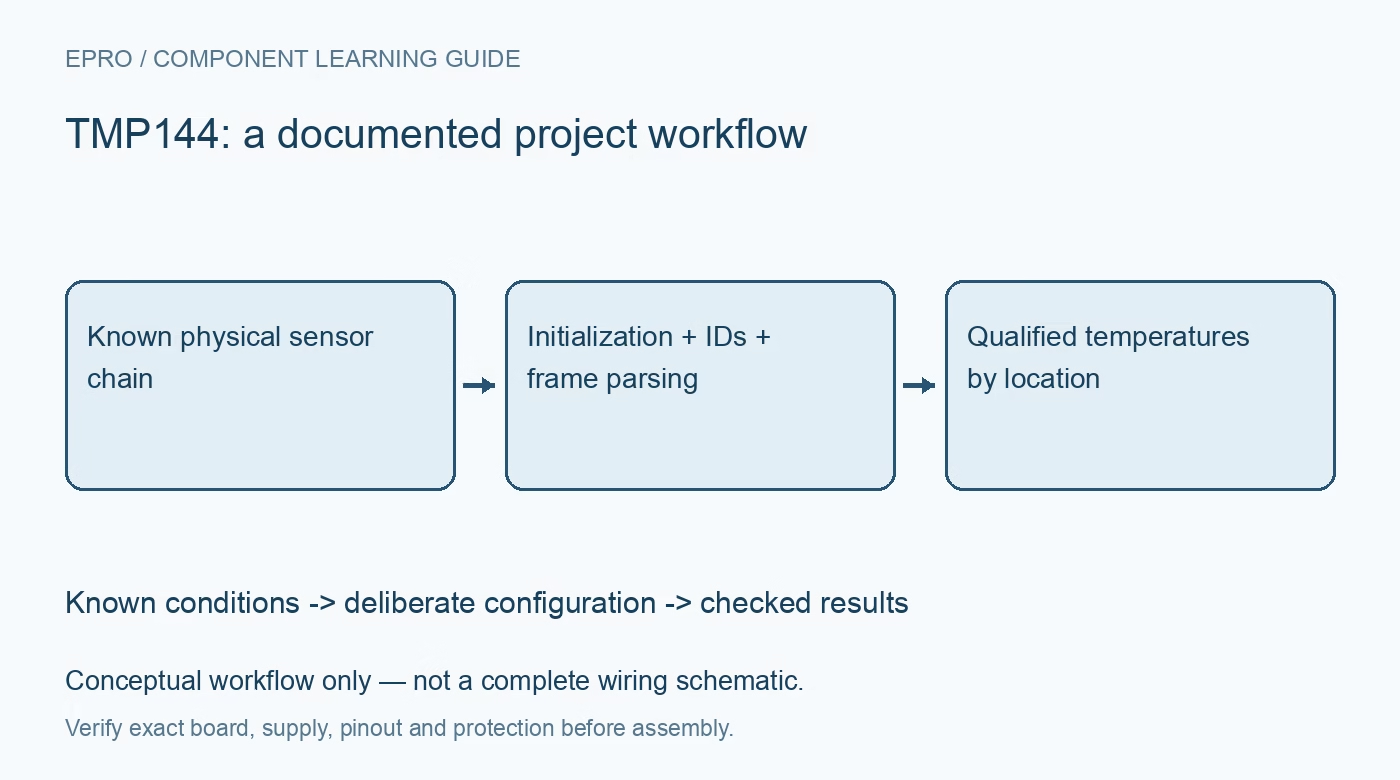
Bring up a TMP144 sensor chain with explicit SMAART Wire initialization, assigned device IDs, signed temperature decoding and complete response checks. This is a documentation-based planning guide, not a report of independent hands-on testing.
1. Treat the interface as a defined daisy-chain protocol
TMP144 uses the manufacturer’s SMAART Wire UART-compatible protocol, not a drop-in I2C bus or a generic one-wire thermometer command set. Each device has RX and TX connections that participate in the chain. Verify the exact package, supply, logic levels and board routing before sending commands. Draw the physical chain and label each temperature location. A UART peripheral is useful transport hardware, but it does not by itself implement initialization, command framing or sensor identity correctly. Manufacturer documentation.
2. Establish baud calibration and transaction timing
The protocol uses a calibration byte of hexadecimal 55 to synchronize communication with the host, followed by the documented command and data sequence. Observe start and stop bits, least-significant-bit-first transfer and the applicable timing and timeout requirements. Baud calibration concerns interface synchronization; it is not temperature calibration. Do not send arbitrary terminal text and assume readable echoes establish a valid measurement. Confirm the host receive path and complete transaction timing before attaching multiple sensors or enabling asynchronous alerts. Manufacturer documentation.
3. Initialize the chain and assign identities deliberately
At power-up the sensors are in a transparent chain state. Follow the documented global initialization and address-assignment sequence, then establish how many devices are present and which ID corresponds to each physical location. The interface supports up to sixteen devices under the specified arrangement, not an unlimited multidrop network. Keep the mapping in the acquisition record. After a wiring change or replacement, repeat identity qualification instead of retaining a stale assumption that the same ID still measures the same location. Manufacturer documentation.
4. Parse complete responses rather than isolated bytes
Individual and multiple-device operations have defined command and response structures. Separate expected echoed traffic from returned register data and verify response length and device ordering using the selected operation’s format. A plausible pair of bytes is not sufficient evidence that every sensor responded. Handle timeout or incomplete-chain conditions explicitly and mark affected readings invalid. Preserve raw transactions during bring-up so a missing device, byte-alignment problem or command mismatch does not become an apparently reasonable temperature at the wrong location. Manufacturer documentation.
Newest in the store


5. Decode temperature using the configured resolution and format
The default temperature format provides twelve-bit resolution with a nominal increment of 0.0625 degrees Celsius, while extended operation changes the relevant register interpretation. Use the datasheet bit layout and signed representation for the active configuration. Test negative, zero and positive synthetic values in the decoder before using live data. Resolution is not accuracy: the specified temperature error depends on the operating range and conditions. Keep raw register values, configuration and scaling with the converted result rather than storing only a rounded display number. Manufacturer documentation.
6. Plan alerts and reset recovery as protocol events
The sensor can participate in alert behavior that interacts with normal host communication. Follow the manufacturer procedure for checking the receive state and clearing an interrupt where required, and explicitly re-enable future interrupts according to the register rules. A global software reset has documented identity and chain-propagation behavior; do not assume it is identical to removing power from every device. Recover from interrupted communication with a deliberate sequence and confirm chain integrity before accepting another set of location-tagged measurements. Manufacturer documentation.
7. Validate identity, freshness and thermal placement together
Use controlled safe temperature changes at one location at a time to confirm that the intended sensor ID responds. Check conversion timing and freshness so repeated old data is not presented as a new sample. Record supply, chain topology, device IDs, configuration and physical mounting. Package temperature can differ from nearby air or a remote hot component. This guide provides a manufacturer-based acquisition plan, not independent calibration results; recheck both protocol identity and thermal behavior whenever the chain or mounting arrangement changes. Manufacturer documentation.
Related reading: TMP112 Temperature Sensor: 7 Checks for the Right Data Format.
Catalog note: The exact-part search did not return a matching Epro listing during preparation. Check the current catalog; this guide makes no price, availability or included-accessory claim.