


VL53L4CD Distance Sensor: 7 Steps to Valid Short-Range Results

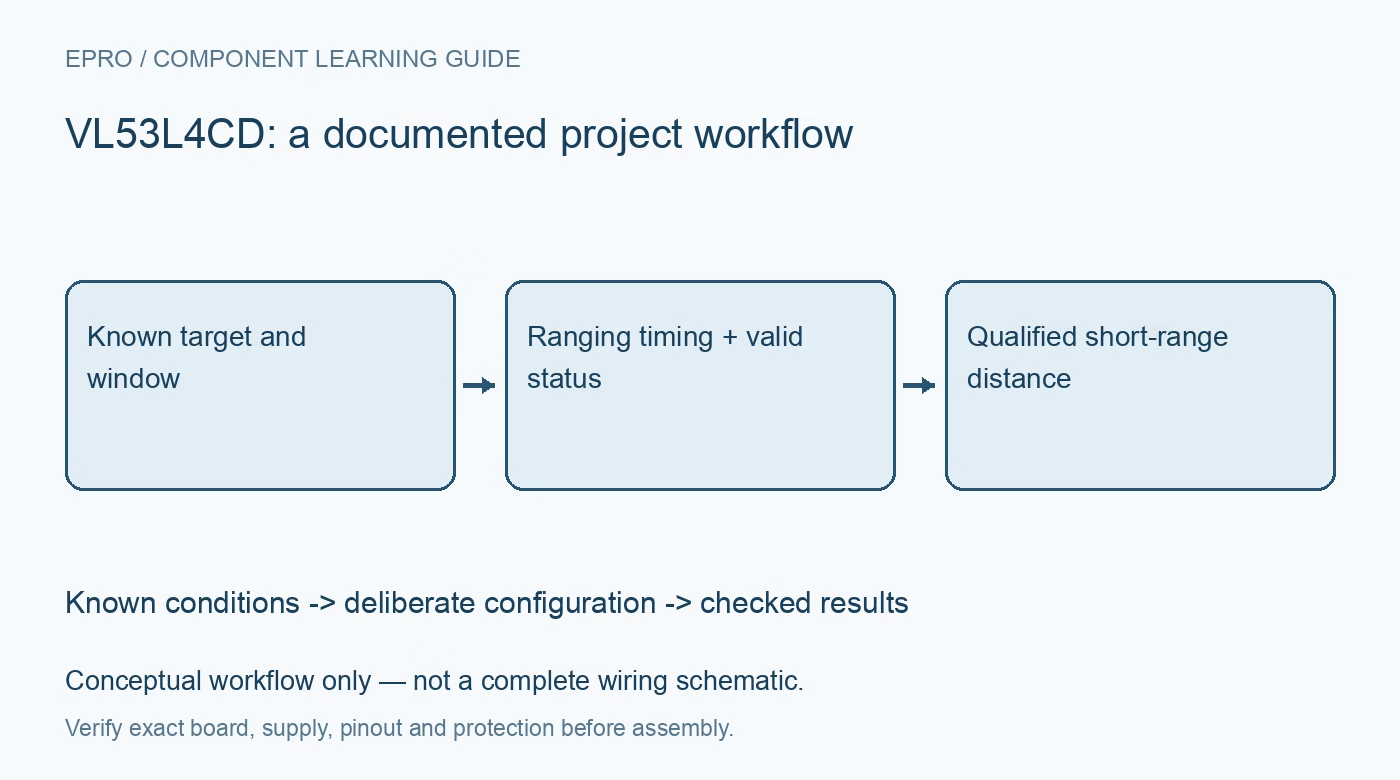
VL53L4CD Distance Sensor: 7 Steps to Valid Short-Range Results
Use VL53L4CD ranging with status-aware reads, realistic target conditions and cover-window calibration instead of trusting every distance number. This is a documentation-based planning guide, not a report of independent hands-on testing.
1. Define the short-range target
VL53L4CD is a time-of-flight proximity and short-range ranging sensor. ST documents an integrated optical module and a software driver for controlling measurements and reading results. Define the target size, material, expected distance and lighting before selecting the acquisition profile. The headline maximum range is conditional, not a promise for every small dark object or bright outdoor scene. A useful requirement describes the target and environment as well as a distance interval. Manufacturer documentation.
2. Inspect the module and interface
Verify the exact carrier schematic, power input, I2C voltage and shutdown or interrupt connections. The bare optical module and a regulated breakout need not have the same allowable external supply. Use the correct ST driver and confirm initialization success rather than assuming commands for another VL53 family device are interchangeable. Keep the optical surface clean and follow handling guidance. Do not alter the emitter, bypass its operating controls or assume a modified optical assembly retains the original safety classification. Manufacturer documentation.
3. Choose timing with the application
Set timing budget and intermeasurement behavior through the documented driver functions and supported combinations. A shorter requested cycle cannot guarantee the same signal quality under every condition. Keep the host read schedule separate from the actual acquisition interval, and use data-ready behavior with a timeout. If the application pauses, mark the resulting gap. Reading the previous distance again is not proof that a stationary target was measured a second time. Manufacturer documentation.
4. Accept status, not just distance
Read the measurement status and associated signal information with each distance result. ST documents status errors for conditions where a valid range cannot be established. Reject or flag these outcomes instead of clipping them into a normal displayed distance. Test a missing target and an obstructed aperture under safe ordinary conditions. A control rule should distinguish unknown distance from a genuinely close object rather than mapping both into the same arbitrary number. Manufacturer documentation.
Newest in the store


5. Calibrate the final optical assembly
Follow the documented offset calibration procedure. If using cover glass, follow the required crosstalk calibration process for the final window arrangement. Record the calibration conditions and preserve the parameters with the hardware revision. Window material, spacing and openings can affect results; a loose transparent sheet is not automatically equivalent to the intended enclosure. Repeat verification after mechanical changes or contamination rather than assuming one stored calibration remains universally valid. Manufacturer documentation.
6. Test target and lighting variation
Compare several representative target positions, sizes and reflectances with a suitable physical reference. Check whether the target fills enough of the relevant field of view and whether background objects contribute. Repeat under representative ambient light without exceeding the specified conditions. Do not infer submillimeter accuracy from a finely resolved output field. Keep outliers and invalid statuses visible while evaluating performance instead of removing every inconvenient point before calculating an error statistic. Manufacturer documentation.
7. Export a qualified VL53L4CD result
Store timestamp, distance, measurement status, signal context, timing settings and calibration identity. Verify recovery after a safe software restart and an ordinary loss-of-target condition. Use an independent safeguard where a missed object could cause injury or damage. The related VL53L0X guide provides family background but not compatible configuration or calibration instructions. Trustworthy short-range data come from known optics, representative targets and an explicit policy for measurements the sensor cannot validate. Manufacturer documentation.
Related reading: VL53L0X Distance Sensor: 7 Checks Before Buying.
Catalog note: The exact-part search did not return a matching Epro listing during preparation. Check the current catalog; this guide makes no price, availability or included-accessory claim.