


DFPlayer Mini Arduino Example: A Controlled First Playback Workflow

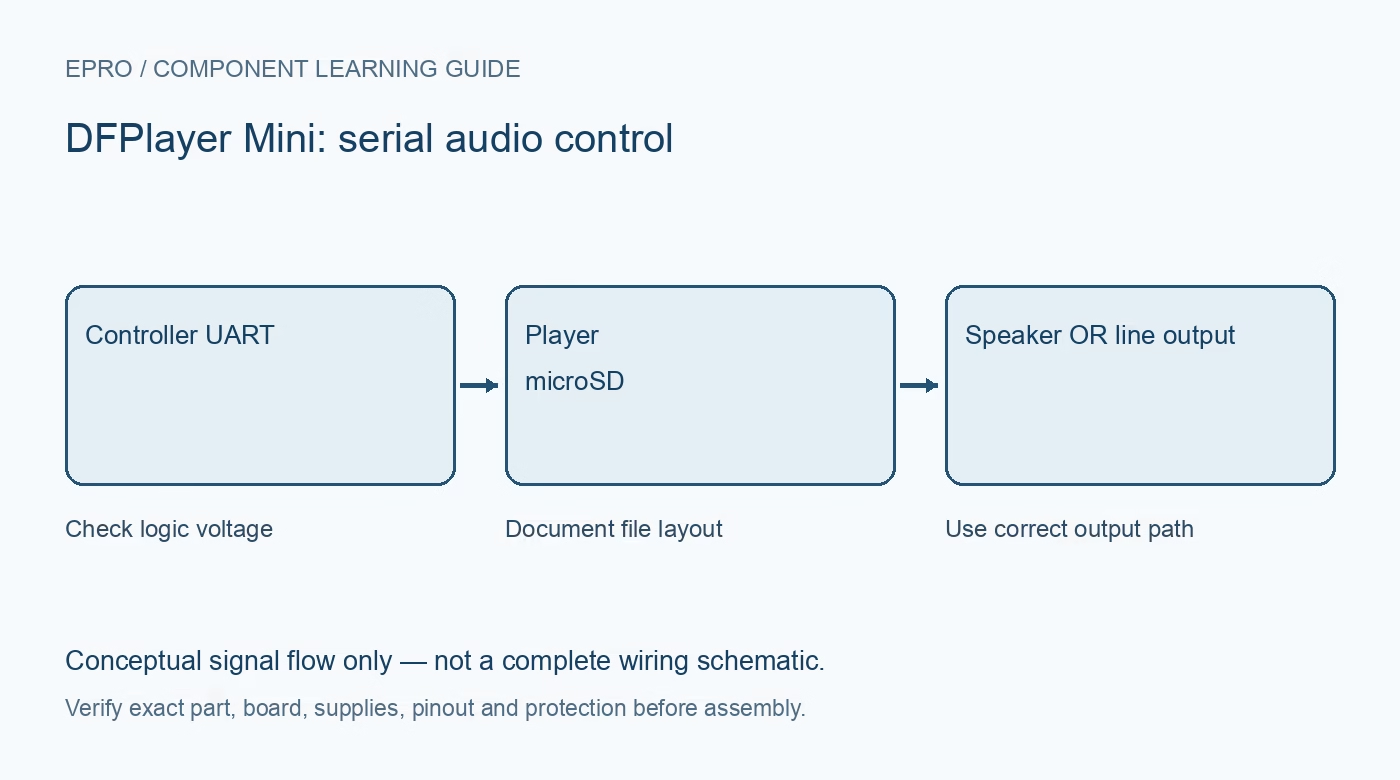
A DFPlayer Mini Arduino example works best when the card, serial path and audio output are checked separately. Use the maintained library’s initialization example as the software starting point, then adapt it to the documented board and file layout rather than repeatedly changing track numbers until something plays.
Build a minimal known card
Back up the card, use a supported filesystem and prepare a small set of clearly distinguishable audio files according to the exact command’s documented naming rules. Avoid assuming a generic track index always equals the number displayed in a filename. Document the folder and naming scheme so another person can reproduce the test.
Wire the UART at compatible levels
Choose an available controller UART or a suitable supported software serial connection. Cross controller TX to player RX and player TX to controller RX, with the required signal conditioning and common reference. Follow the exact module guidance for logic levels; supply-voltage compatibility does not establish RX tolerance. Keep upload and debugging serial connections from conflicting.
Use one appropriate audio output
For a direct speaker test, use the documented speaker connection between SPK1 and SPK2 and a suitable load. Neither speaker terminal is an arbitrary ground point for an oscilloscope clip or another amplifier. If using an external amplifier instead, follow the documented DAC/line-output interface, coupling and grounding rather than feeding it from a speaker output.
Initialize once and handle a failure
Use the maintained DFRobot library’s documented start example for the correct controller and record its version. Allow the initialization time required by the module and library. Check the returned initialization status and reported errors before requesting playback. Do not repeatedly issue resets in the main loop or ignore a missing-card error because the power LED is lit.
Set a conservative volume and request a known file
Begin at a low level, then issue one deliberate playback request using the matching file-addressing command. Observe acknowledgments or status only as documented for the actual firmware. A command being transmitted is not proof that audio reached the speaker. Compare the requested file with the audible content and record the command used.
Diagnose silence and noise independently
For silence, inspect card support, naming, command choice, serial communication and output wiring. For resets or noise during loud passages, inspect supply dips and return paths before raising voltage or changing software. Keep the speaker away from ears during testing. Confirm predictable restart and missing-media behavior before using the system for any important prompt.Newest in the store


Availability and illustration note
No matching product was found in the checked Epro catalog for this topic on 19 October 2026. This article therefore does not quote an Epro price or claim stock. The original illustration shows conceptual signal flow only, not a complete circuit or a photograph of a supplied product. Obtain a documented component or carrier with a known pinout and electrical specification.
Frequently asked questions
Why can the wrong file play even when the command works?
The command may use a track index or file organization different from the assumed filename numbering. Follow the exact command’s documented layout.
Why does playback reset at higher volume?
Investigate supply stability, wiring and speaker loading rather than exceeding the module supply rating.
Related Epro reading
Review breadboard connections before assembling a prototype. For controller expansion, the Mega 2560 pin guide explains why pin names and electrical limits must be checked together.
Technical references and test limitations
This guide uses the documentation linked below. The procedures are for a controlled, low-voltage learning setup; no independent hands-on test of the particular seller board is claimed. Record the actual part markings, wiring and firmware version before drawing conclusions from a test.
- DFPlayer Mini module wiring and serial/file conventions
- DFRobot maintained full-function library example and initialization handling