


ST7735 Arduino: Fixing Offsets, Colours and Cropped Borders

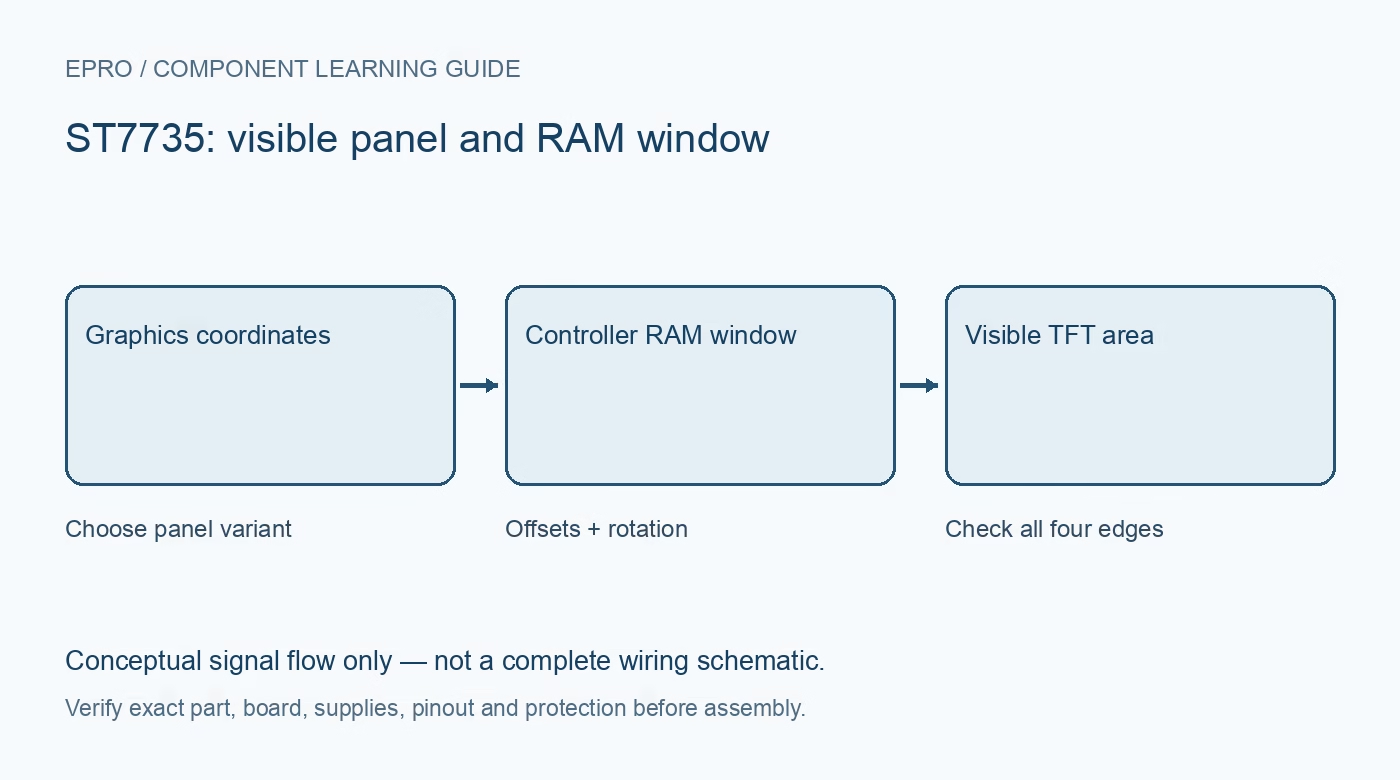
An ST7735 Arduino display can initialize and still show a shifted image, swapped colours or a cropped edge. Diagnose those symptoms with deliberate patterns and the correct panel profile before editing every drawing coordinate or assuming the display is damaged.
Confirm the electrical baseline first
Use the actual carrier’s pinout and a supply/logic arrangement compatible with the selected Arduino. Check clock, data, selection, command/data, reset and the backlight circuit. Keep the first wiring short and avoid other SPI peripherals. A compiler success or lit backlight does not establish valid controller communication.
Select the correct controller and visible dimensions
Use a maintained library supporting the actual ST7735 variant and panel. Record its version and initialization option. The controller’s RAM window and the visible glass area can differ, which is why a correct driver may need documented row and column offsets. Do not choose a configuration solely because another module has the same diagonal measurement.
Draw a one-pixel border and corner labels
Clear the display, outline the entire reported width and height, and label the four corners with small distinct markers. Missing opposite edges, a shifted origin or unexpected wrapping provides more useful evidence than a complex image. Log requested coordinates and the library’s current dimensions so the fault can be reproduced.
Check rotation and addressing together
Repeat the border test in every rotation the application will use. Rotation changes memory-access direction and often swaps logical width and height. A panel-specific offset may need to be handled by the driver in each orientation. Do not hide an incorrect profile under a collection of magic coordinate adjustments in individual drawing calls.
Separate channel order from pixel corruption
Fill with red, green, blue, white and black. Cleanly swapped red and blue can point to colour-order configuration; irregular corruption may involve pixel format, byte order, SPI timing or wiring. Reduce the clock to a conservative documented value during diagnosis. Avoid changing colour order, offset and clock simultaneously because the result becomes difficult to interpret.
Add application graphics after a stable pattern
Once borders, rotation and colours are correct, add text, icons and dynamic updates. Budget host memory for the chosen drawing approach and avoid unnecessary full-screen redraws when a small region changes. Repeat the baseline after adding a card socket or another shared peripheral. Preserve the working configuration before experimenting with faster transfer rates.Newest in the store


Availability and illustration note
No matching product was found in the checked Epro catalog for this topic on 19 October 2026. This article therefore does not quote an Epro price or claim stock. The original illustration shows conceptual signal flow only, not a complete circuit or a photograph of a supplied product. Obtain a documented component or carrier with a known pinout and electrical specification.
Frequently asked questions
Should every drawing call be shifted to fix a cropped edge?
First verify the panel profile and driver offsets. Per-call patches can hide an incorrect initialization.
What does a clean red/blue swap suggest?
Check RGB/BGR colour-order configuration before assuming the panel or data cable is defective.
Related Epro reading
Review breadboard connections before assembling a prototype. For controller expansion, the Mega 2560 pin guide explains why pin names and electrical limits must be checked together.
Technical references and test limitations
This guide uses the documentation linked below. The procedures are for a controlled, low-voltage learning setup; no independent hands-on test of the particular seller board is claimed. Record the actual part markings, wiring and firmware version before drawing conclusions from a test.