


AHT20 Temperature and Humidity Sensor: I2C Module Selection

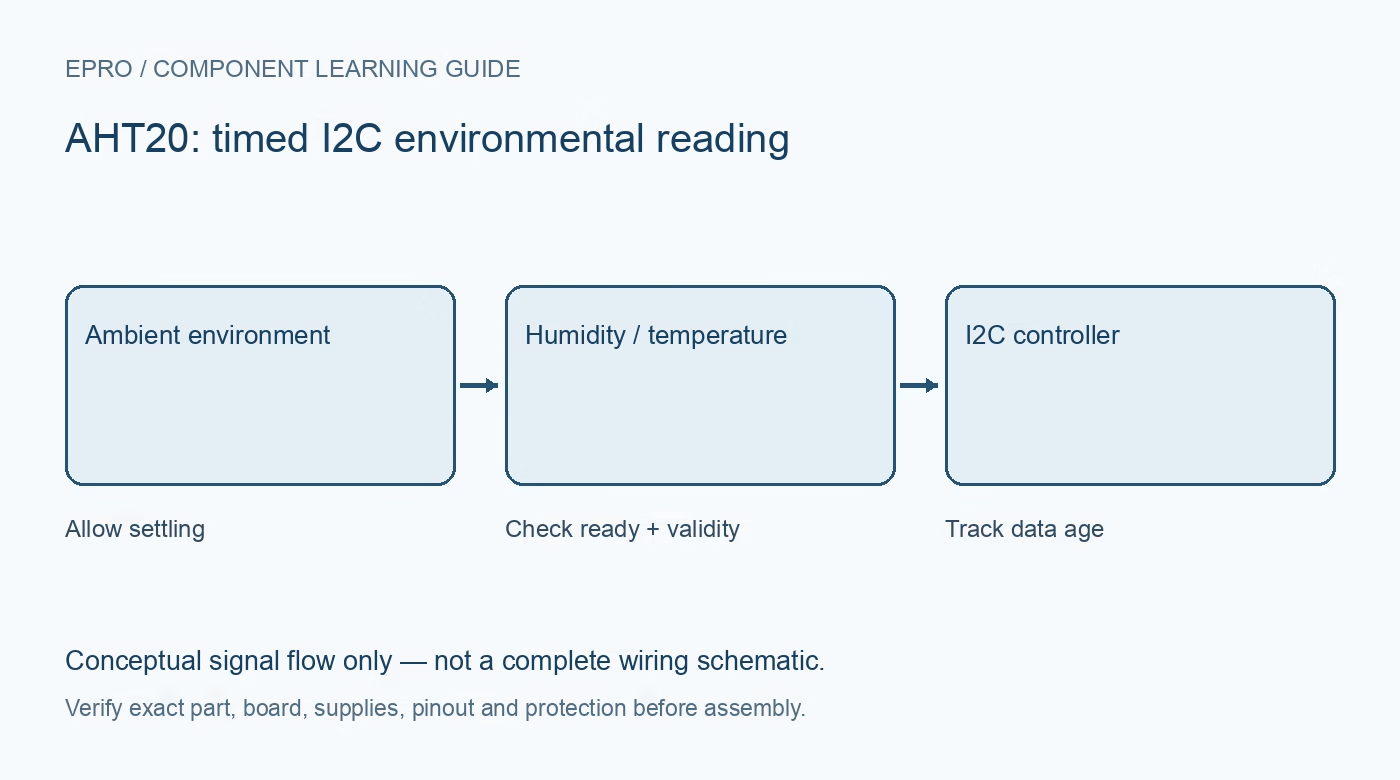
The AHT20 is a digital temperature and relative-humidity sensor with an I2C interface. Select the actual breakout by its supply arrangement, pull-up voltage, mounting and documentation rather than assuming every board exposing four pins is electrically identical.
Distinguish the sensor IC from the carrier
Aosong documents a small surface-mount sensor. A convenient carrier may add decoupling, pull-ups, regulation or connectors, but those additions are board-specific. Obtain the actual module schematic and verify header order. A pin labelled VIN does not establish the voltage allowed at SDA or SCL.
Plan the I2C voltage domain
The referenced sensor manual gives a 2.2–5.5 V selected supply range, but the complete circuit must also meet host input and output requirements. Inspect the bus pull-ups and any level adaptation. A 5 V-powered carrier can expose a 3.3 V host to excessive bus voltage if the pull-ups are not handled correctly.
Allow startup and conversion time
The manufacturer describes at least 100 ms startup stabilization and a timed measurement transaction. After triggering, the host must allow conversion and check the busy status rather than reading immediately. A faster polling loop does not create completed independent measurements. Record the exact sensor and driver revision because related AHT devices can use different procedures.
Choose placement before comparing numbers
Keep the sensor away from regulator heat, direct sunlight, condensation and contaminants. Airflow, enclosure ventilation and nearby materials affect the environment actually being sampled. A breakout close to a warm controller may report the local enclosure conditions rather than the desired room conditions. Allow settling after assembly and handling.
Keep resolution separate from accuracy
The digital format contains fine-grained output fields, but more printed decimal places do not certify that accuracy. Use the manufacturer specification under its stated conditions and compare against an appropriate reference in a stable environment. Avoid treating a single comparison beside another uncalibrated hobby sensor as a calibration.
Verify data handling and availability expectations
A suitable driver should check initialization status, transaction success, completion and the supported data-integrity method. The fixed documented device address also matters when planning several sensors on one bus. This is an informational selection guide, not a claim that Epro currently stocks a matching carrier or that a particular seller’s sensor was independently tested.Newest in the store


Availability and illustration note
No matching product was found in the checked Epro catalog for this topic on 19 October 2026. This article therefore does not quote an Epro price or claim stock. The original illustration shows conceptual signal flow only, not a complete circuit or a photograph of a supplied product. Obtain a documented component or carrier with a known pinout and electrical specification.
Frequently asked questions
Does accepting 5 V power prove 3.3 V GPIO compatibility?
No. Check the bus pull-up voltage and actual carrier interface.
Do extra displayed decimal places establish greater accuracy?
No. Digital resolution and formatting are not the same as validated measurement accuracy.
Related Epro reading
Review breadboard connections before assembling a prototype. For controller expansion, the Mega 2560 pin guide explains why pin names and electrical limits must be checked together.
Technical references and test limitations
This guide uses the documentation linked below. The procedures are for a controlled, low-voltage learning setup; no independent hands-on test of the particular seller board is claimed. Record the actual part markings, wiring and firmware version before drawing conclusions from a test.