


ADS1015 Arduino: 7 Signed-Format and Ready Checks

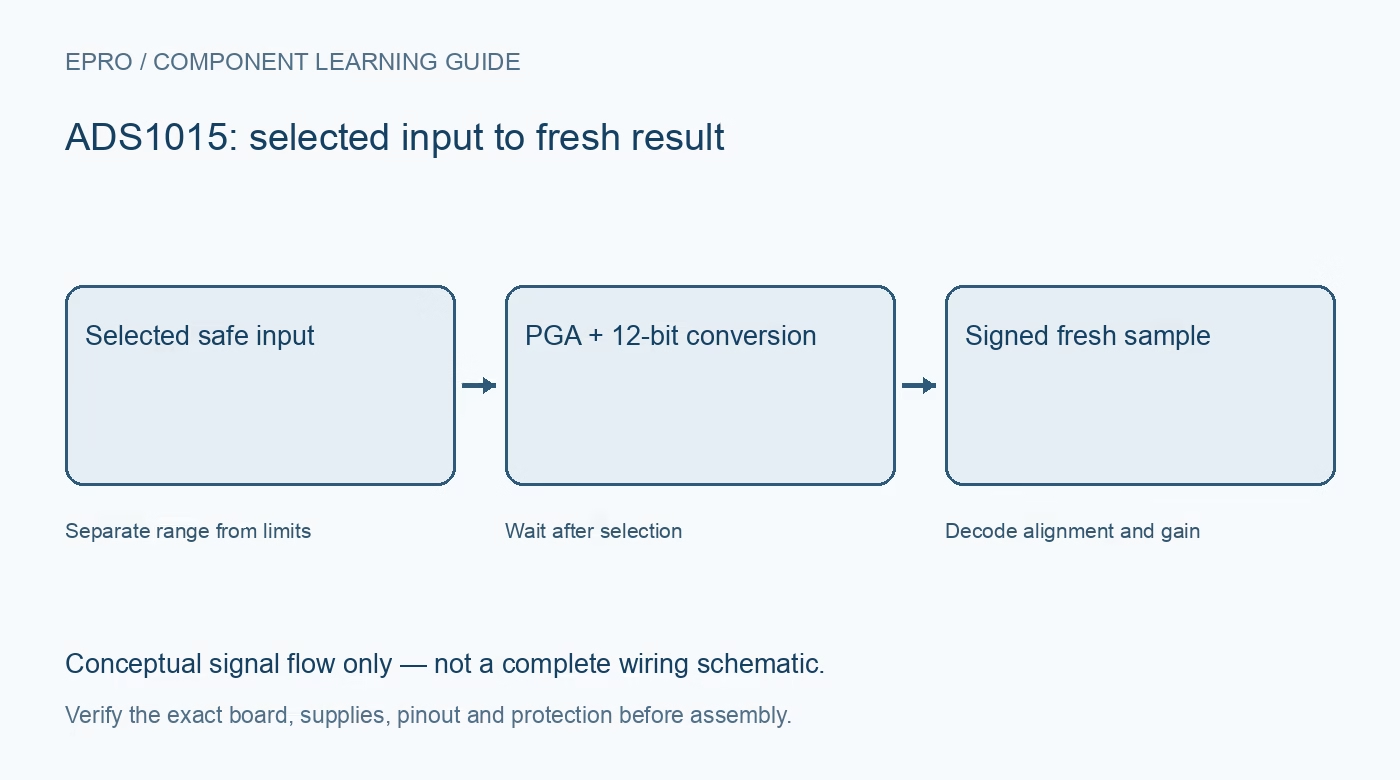
A reliable ADS1015 Arduino test records raw codes and configuration before presenting a voltage. Start with one known safe input, then add channel scanning only after result alignment, range selection and conversion freshness have been verified.
Verify board rails and host compatibility
Check device supply, ground, SDA, SCL and the address connection against the carrier schematic. Inspect pull-up voltage independently from the host supply. Keep every analog pin within both the documented ADC limits and the intended safe signal range before applying power.
Select the ADS1015 driver model
Initialize the exact twelve-bit device at its physically selected address and require a successful transaction. A library can share code with ADS1115 while using different resolution handling. Confirm whether its raw-read API returns the aligned register word or an already shifted twelve-bit value.
Configure channel, range and mode explicitly
For the first test, choose one documented single-ended input and a range that covers the source without clipping. Record conversion rate and single-shot or continuous mode. Do not infer active settings from the library name or assume a previous sketch left the device in a useful state.
Decode the left-justified signed result
The twelve-bit two’s-complement result occupies the upper bits of a sixteen-bit conversion register. Direct-register code must extract and sign-extend it correctly, ignoring the lower unused bits. Do not apply that shift a second time if the maintained driver already returns a signed twelve-bit code.
Use the selected range for scaling
For example, the plus-or-minus 2.048 V range corresponds to 1 mV per accepted twelve-bit count. Other ranges use different steps. Preserve the distinction between differential signed results and single-ended nonnegative measurements instead of forcing every negative code into a large unsigned voltage.
Wait for a conversion from the new selection
After selecting an input in single-shot mode, trigger and wait using the documented ready status or driver completion mechanism. A quick register read can return an older observation. In continuous mode, follow the documented configuration-change timing rather than labeling the next host print as a fresh sample automatically.
Newest in the store


Keep failures and clipping visible
Reject incomplete transfers, record sample age and identify saturated codes before filtering. Test an incorrect software address, restore it and confirm accepted conversions resume. These checks establish functional integration, not independent calibration or a safety-rated response to an out-of-range source.
Frequently asked questions
Why is my voltage off by a large factor?
Check ADS1015 versus ADS1115 selection, raw-result alignment and gain-dependent scaling before applying an offset.
Can a failed read be displayed as zero volts?
No. A valid zero and an unavailable observation must remain separate states.
Availability and illustration note
No matching Epro product was returned by the catalog search on 21 October 2026 UTC. This learning guide does not assert stock, a selling price or compatibility of an unidentified substitute. The illustration is an original conceptual signal-flow diagram, not a product photograph or complete wiring schematic.
Related Epro reading
For a first bench setup, review breadboard connections and continuity checks and I2C voltage-level translation. These guides do not replace the exact module schematic.
Technical references and limitations
Source: Texas Instruments ADS101x ADC datasheet. Electrical limits apply to the named part, not automatically to every carrier board. This is a documentation-based learning workflow, not a claim of independent hardware testing, traceable calibration or safety certification.