


How to Upload Code to Arduino Nano: 7 Clear Checks

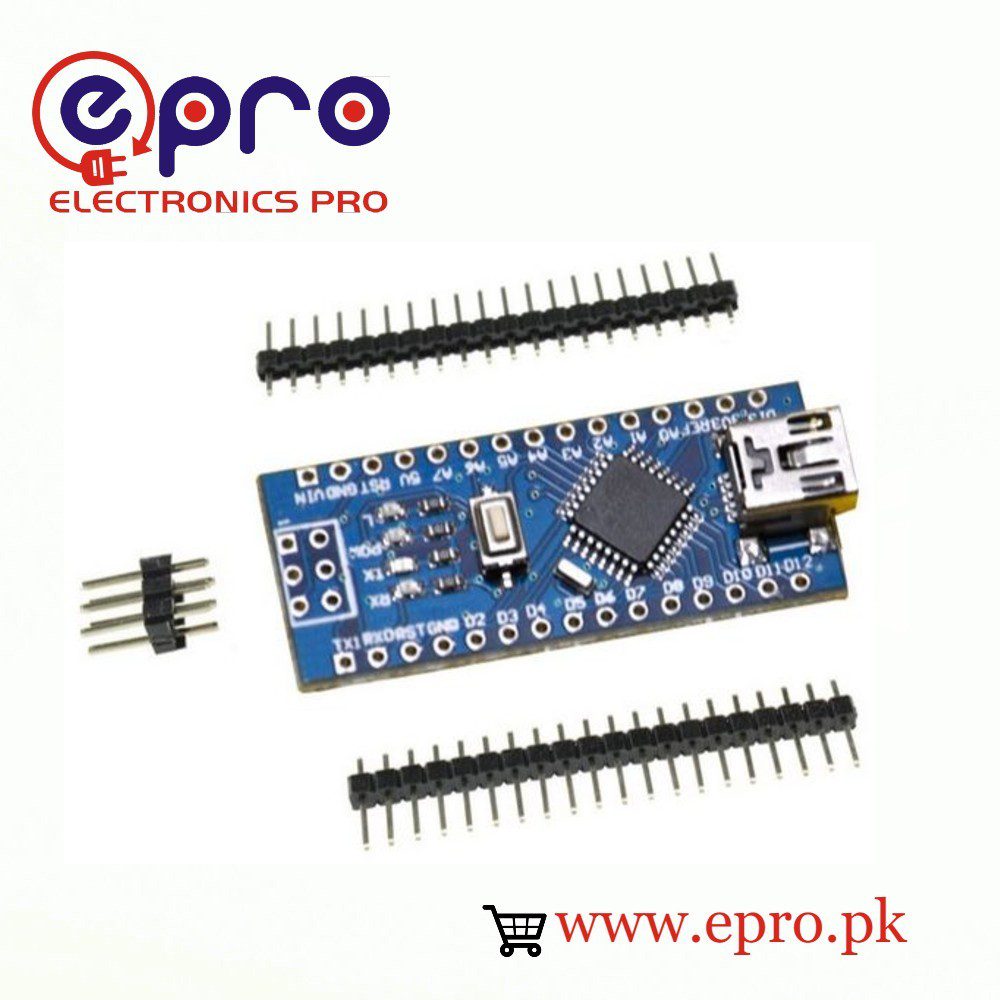
Learning how to upload code to Arduino Nano is easier when you separate the cable, serial driver, board definition and bootloader settings. This walkthrough applies to classic ATmega328P Nano boards. It does not apply unchanged to Nano ESP32, Nano Every or other newer Nano-family designs.
1. Test a bare board and a data cable

Disconnect shields, sensors and external power. Connect the Nano directly to the computer with a known data-capable cable. A lit power LED only proves that power reaches the board; a charge-only cable may never create a serial port. Try another USB port or verified data cable before changing software. Note whether the operating system detects a device when the Nano is connected.
2. Install the board package, not a random driver bundle
Use the official Arduino IDE and install the Arduino AVR Boards package through Boards Manager if it is missing. A board package supplies compilation and upload tools. The USB bridge driver supplies the computer’s serial connection; these are different layers. Identify whether the board uses a CH340-family bridge or another chip before installing an additional driver from its manufacturer.
3. Choose Arduino Nano and the correct port
Select the classic Arduino Nano board definition, then choose the port that appears when this particular board is connected. Disconnecting and reconnecting the board is a useful way to distinguish it from other serial devices. Close other programs that may hold that port open. Choosing an Uno because both boards use an ATmega328P does not replace the correct Nano configuration.
4. Match the processor and bootloader option
Begin with ATmega328P for the classic board. If the device enumerates but the bootloader does not respond, a Nano supplied with an older bootloader may need ATmega328P (Old Bootloader) in Tools → Processor. Change one option at a time and keep the full error output. A CH340 bridge does not automatically imply an old bootloader; the USB chip and application bootloader are separate components.
5. Upload a minimal Blink sketch
This uses LED_BUILTIN so the board definition supplies the LED pin. It requires no external wiring. Verify compilation first, then upload and watch for the built-in LED to change state at approximately half-second intervals.
void setup() {
  pinMode(LED_BUILTIN, OUTPUT);
}
void loop() {
  digitalWrite(LED_BUILTIN, HIGH);
  delay(500);
  digitalWrite(LED_BUILTIN, LOW);
  delay(500);
}
Some third-party boards have a different LED arrangement or a damaged LED. A successful upload message is separate evidence from the visible LED behavior. If needed, add a simple Serial.println message at a known baud rate to confirm that your application is running.
Newest in the store


6. Read the error at the correct layer
| Symptom | First check | Avoid assuming |
|---|---|---|
| No new USB device | Cable, port and board power | That the bootloader setting can fix USB detection |
| USB device but no serial port | Correct bridge driver and OS permissions | That every Nano needs the same driver |
| Port busy or access denied | Other terminals, permission and selected port | That the processor is damaged |
| Programmer not responding | Nano processor option and bare-board wiring | That reinstalling all software is necessary |
| Compilation fails | Sketch syntax, libraries and selected board | That the USB cable is the cause |
Arduino documents several avrdude errors separately. Copy the complete message rather than treating every upload error as a bootloader failure. Remove connections from D0/RX, D1/TX and RESET before diagnosing the bare board.
7. Restore the project gradually
Once Blink uploads reliably, save the board, processor and port settings in your project notes. Reconnect one peripheral with power removed, then retest. If bootloader recovery is ultimately necessary, follow Arduino’s documented procedure and understand that it writes firmware to the target; do not start by changing fuses or flashing an unrelated image.
Epro parts and availability
These are relevant Epro listings, not independent authenticity or performance certifications. Prices below were checked on 19 October 2026; they are a dated snapshot rather than a historical price implied by this article’s publication date. Confirm the exact variant, included accessories, stock and current checkout price before ordering.
| Listing | Checked price | Stock at check |
|---|---|---|
| Arduino Nano Micro-controller V3.0 in Pakistan | PKR 650 | In stock |
Frequently asked questions
Does CH340 mean Old Bootloader?
No. CH340 identifies the USB bridge, not which bootloader was programmed into the ATmega328P.
Should I press reset for every upload?
Normal auto-reset should handle a correctly working classic Nano. Repeated manual resets are not a substitute for identifying a wrong board option, cable or occupied serial port.
Related Epro guides
Technical references and verification
The guidance above is based on the manufacturer documentation linked here and the listed product information. Example procedures and sketches are provided for a controlled low-voltage bench setup; no independent hands-on test of your particular board or adapter is claimed. Check the markings and documentation for your actual revision.