


BME280 Arduino: 7 Identity, Address and Reading Checks

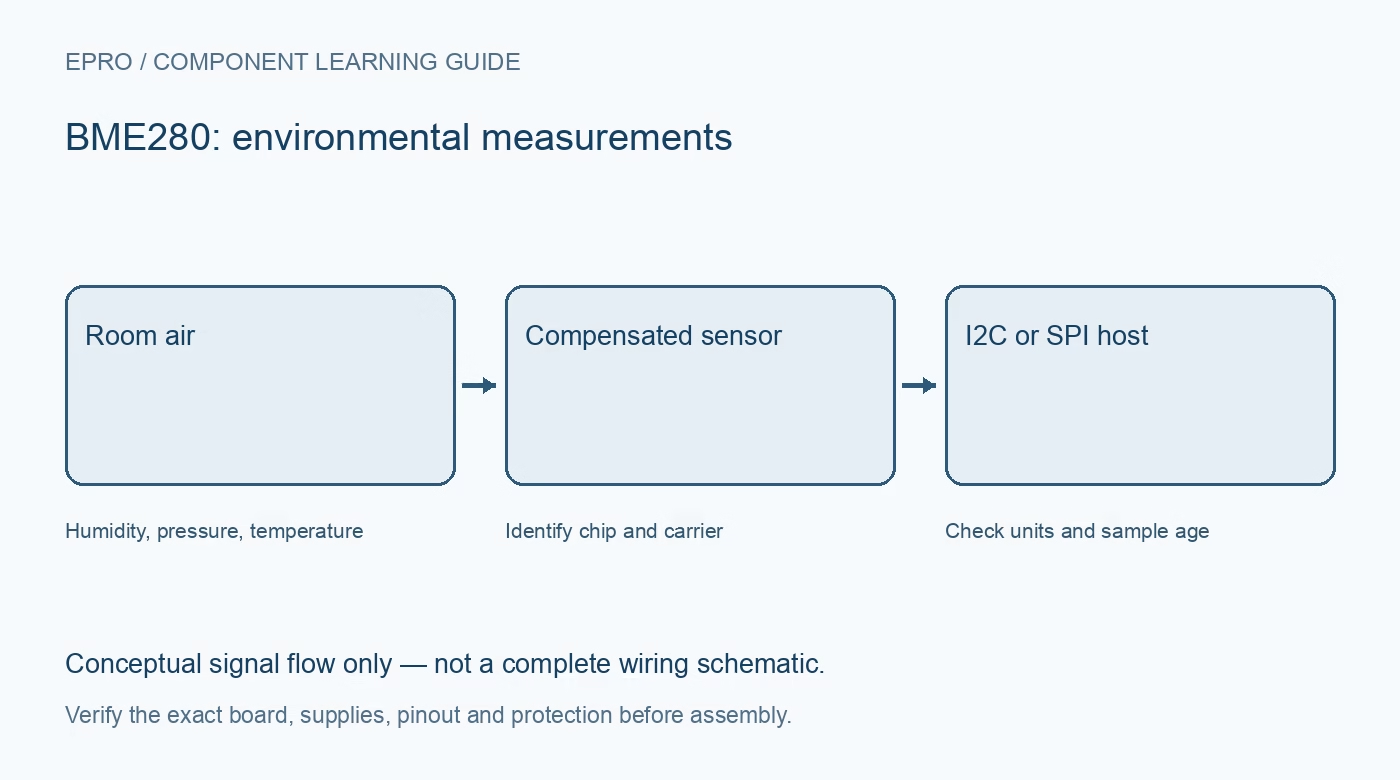
A reliable BME280 Arduino test proves communication and measurement separately. Begin with one sensor on a short, compatible I2C bus, then log enough context to distinguish a fresh environmental sample from an old value left on the screen.
Inspect the carrier before attaching wires
Disconnect power and identify the header from the board documentation. For a compatible 3.3 V carrier, connect its supply, ground and bus signals to the selected host. Arduino boards do not all use the same I2C pins or logic voltage. Do not feed a bare BME280 with 5 V because an example uses an Uno.
Find the address without guessing identity
In I2C mode the BME280 normally uses 0x76 or 0x77 according to SDO selection. An address scanner only proves that something acknowledged. Read chip ID 0xD0 and expect 0x60 for BME280. A BMP280 at the same address requires a different interpretation and supplies no humidity measurement.
Use a driver that loads compensation data
Factory trimming values are stored inside the chip and differ between devices. Bosch recommends its API for readout and compensation. A maintained Arduino wrapper can be suitable, but verify the library name, supported chip and initialization result. Copying an uncorrected pressure register into a floating-point variable is not a compensated pressure reading.
Configure humidity and measurement mode in the right order
For direct register work, the humidity oversampling setting is applied when the measurement-control register is subsequently written. Prefer the documented driver sequence unless you are intentionally studying register operation. Record oversampling, filter and mode settings so later changes remain explainable.
Wait for a complete sample
Forced mode must be triggered again for each new conversion sequence. Respect the configured conversion duration and measuring status rather than repeatedly printing the last register contents. If your library hides this timing, read its implementation before choosing an update rate that is faster than the underlying conversion.
Print explicit units and data age
Label temperature in degrees Celsius, humidity in percent RH and pressure in Pa or hPa. Include a sample timestamp and an error count. If initialization or a later read fails, mark the sample unavailable; retain the previous value only with a visible age indicator, not as apparently fresh data.
Newest in the store


Test failures without stressing the sensor
Power down before changing wiring. Test a deliberately wrong address in software and confirm that the application reports initialization failure. Restore the known-good configuration and repeat a room-temperature run. Keep liquids, heat guns and compressed air away from the vent; they are not necessary for a useful first acceptance test.
Frequently asked questions
Why is pressure roughly 100 times a weather-report number?
Check whether one source is in Pa and the other in hPa. Also distinguish local pressure from sea-level-corrected pressure.
Can I keep using the previous sample after an error?
Only if its age and invalid-current-read status remain explicit. Otherwise a disconnected sensor can look healthy indefinitely.
Availability and illustration note
No matching Epro product was returned by the catalog search on 19 October 2026. This learning guide does not assert stock, a selling price or compatibility of an unidentified substitute. The illustration is an original conceptual signal-flow diagram, not a product photograph or complete wiring schematic.
Related Epro reading
For a first bench setup, review breadboard connections and continuity checks and I2C voltage-level translation. These guides do not replace the exact module schematic.
Technical references and limitations
Source: Bosch BME280 datasheet. Electrical limits apply to the named part, not automatically to every carrier board. This is a documentation-based learning workflow, not a claim of independent hardware testing, traceable calibration or safety certification.